
SAP PP Change Planned Independent Requirement (PIR)
Changing a PIR means updating the forecasted demand — maybe increase or decrease quantities, adjust forecast periods, or delete old forecasts. It is needed when forecast updates, avoid over-stock or stockouts, plan for new or changed requirements and align demand-driven planning.
Prerequisites -
- The material exists with relevant master data (plant, MRP settings, etc.).
- You should know the plant and MRP area for which the PIR applies.
Here’s a step-by-step to Change Planned Independent Requirement (PIR) –
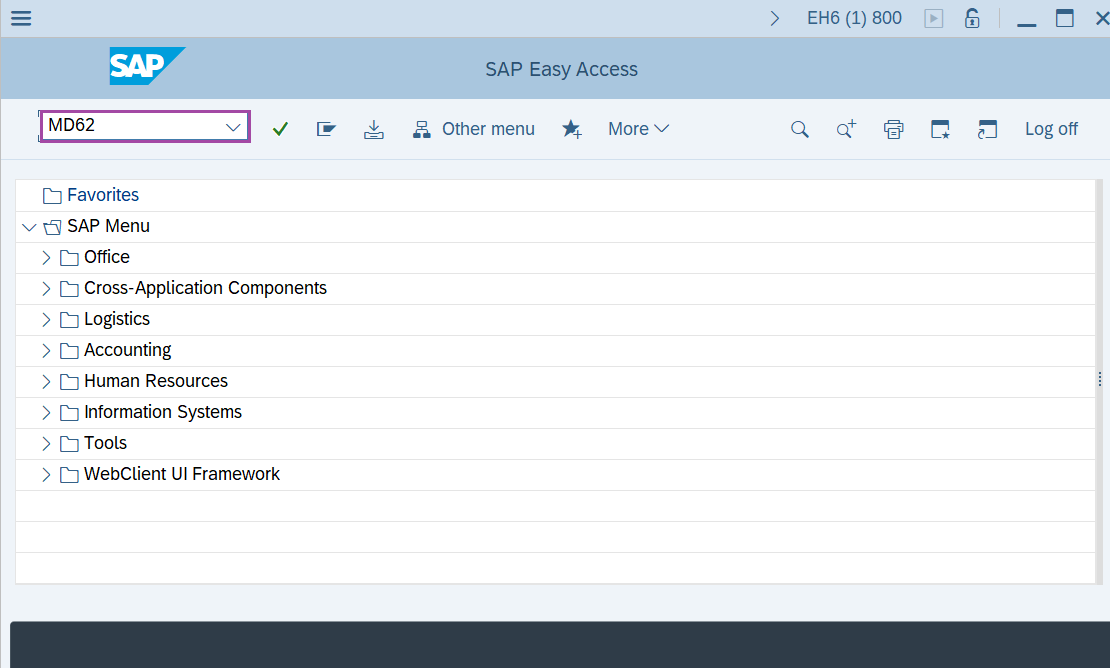
Step-1: - Enter the transaction code MD62 in SAP command field and press Enter to continue.
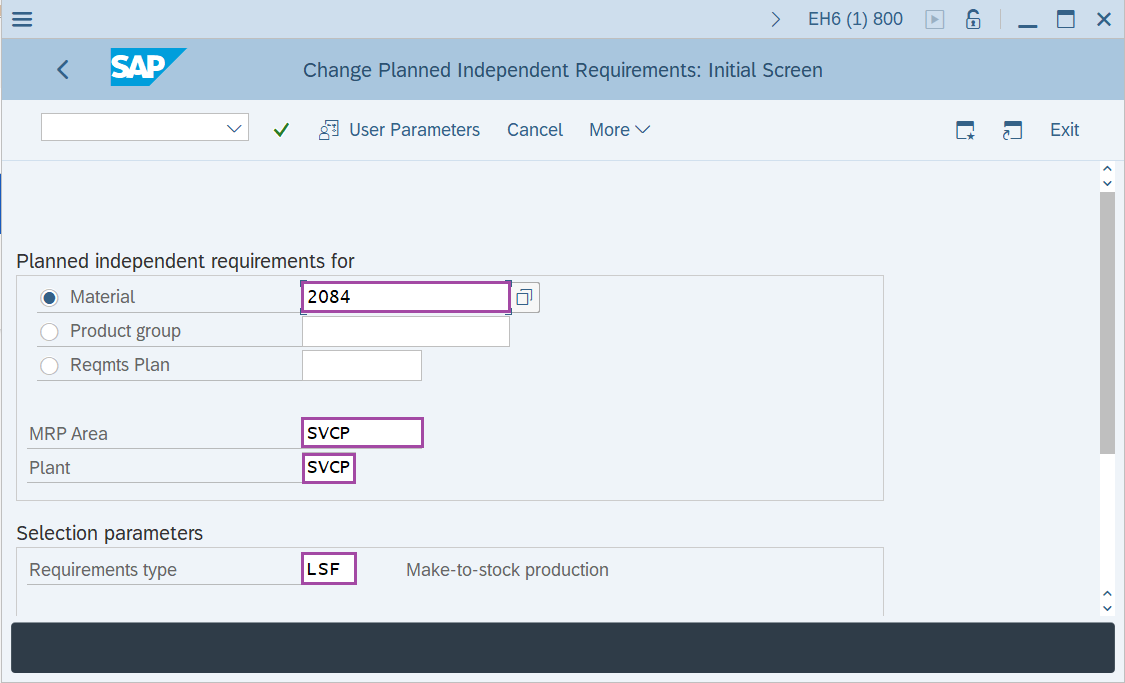
Step-2: - Change Planned Independent Requirements: Initial Screen window appears, enter the details in the fields Material, Plant, MRP Area, version and Planning horizon.
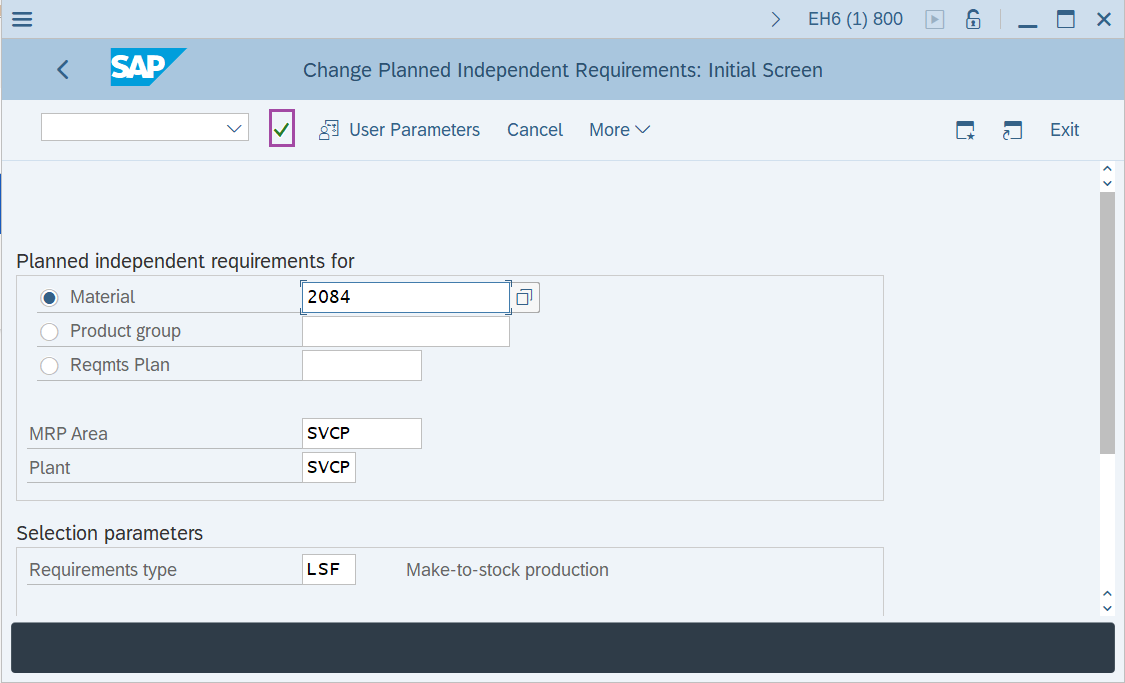
Step-3: - After entering the details, click on Enter button to continue.
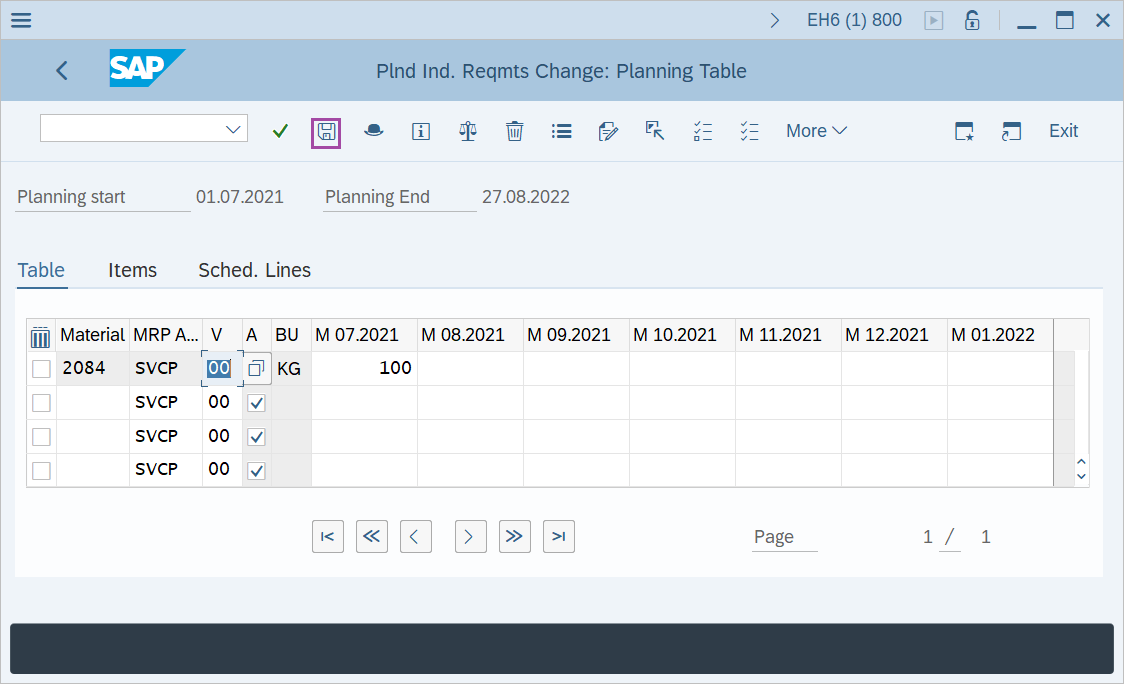
Step-4: - Planned Ind. Reqmts Change: Planning Table window appears.
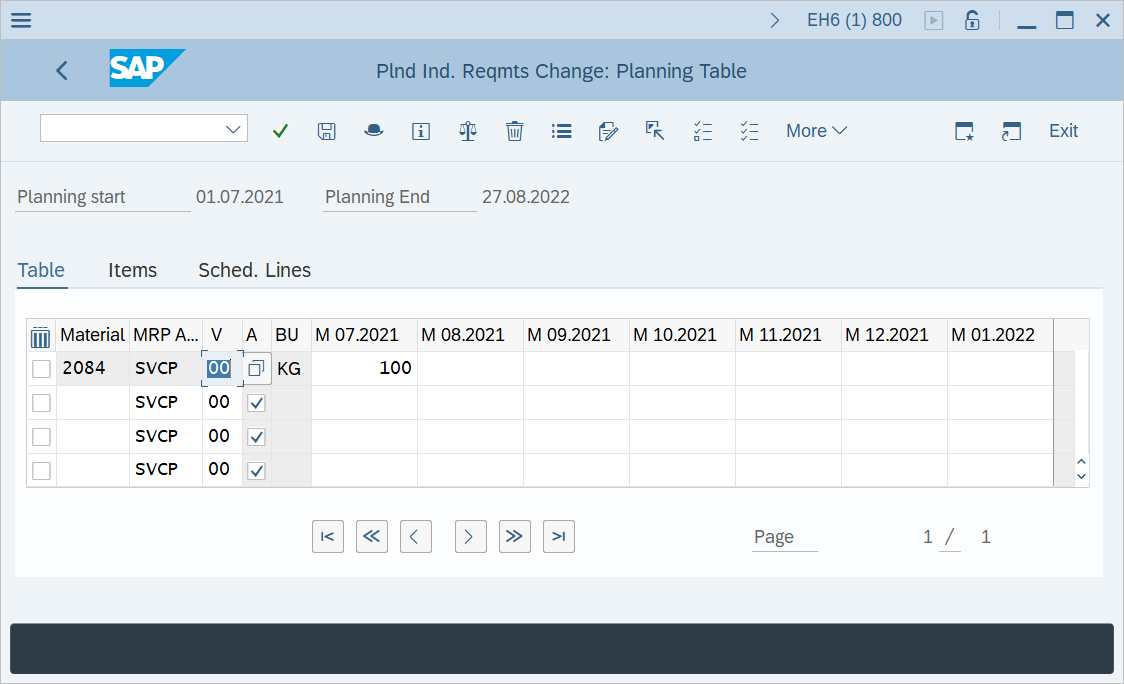
Step-5: - Once all the desired changes are made, click on Save button to save the details.
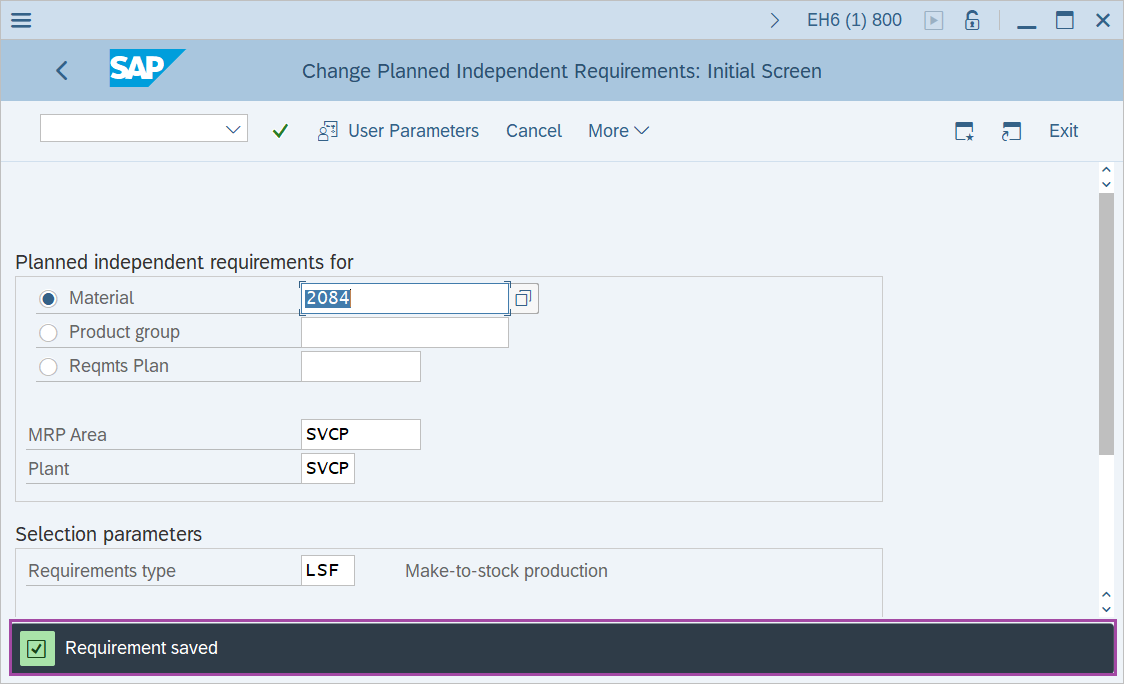
Step-6: - Status bar displays the below message once the changed values saved successfully.
Technical details –
- Transaction code: MD62
- Menu path: SAP menu → Logistics → Production → Production planning → Demand Management → planned Independent Requirements → Change