
SAP PP How to Check Stock/Requirement list
The Stock/Requirement List is one of the most important tools in SAP PP and MRP. It is displayed using transaction MD04. This screen shows the complete planning picture of a material — including its current stock, incoming supply, and outgoing demand — all in one place.
Prerequisites -
- You must have a valid material number created through MM01 or maintained already.
- Should know correct plant information.
- Demand and supply elements should exist.
- MRP views must be maintained.
Here’s a step-by-step to Check Stock/Requirement list –
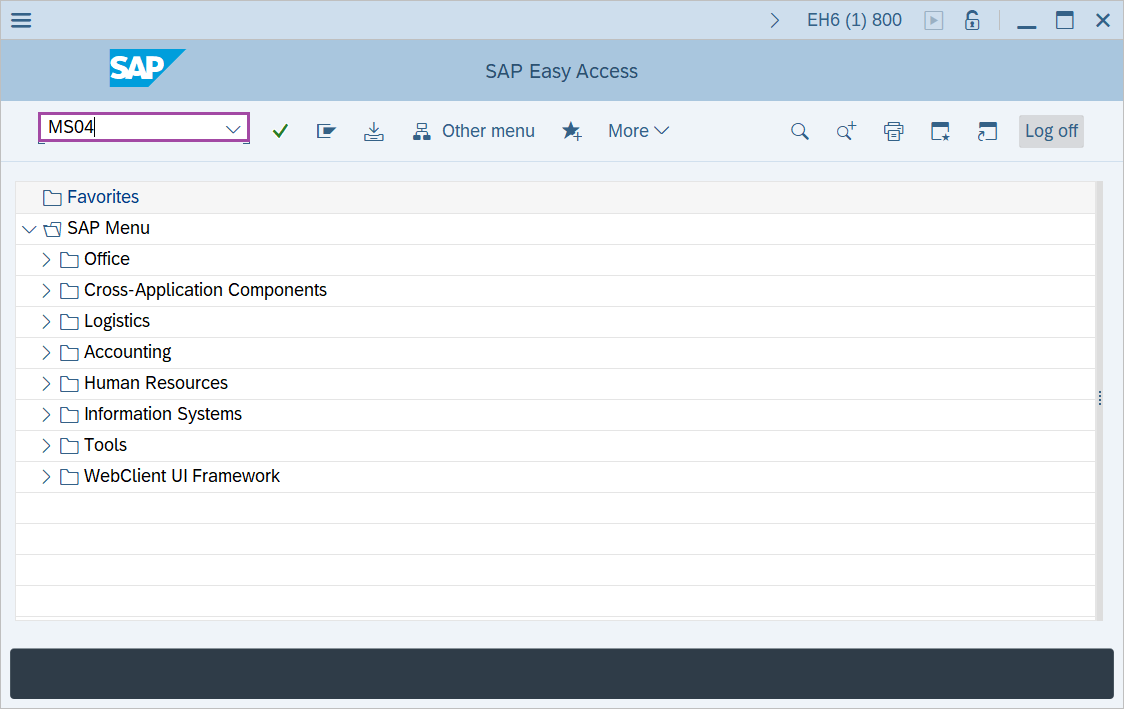
Step-1: - Enter the transaction code MS04 in SAP command field and press Enter to continue.
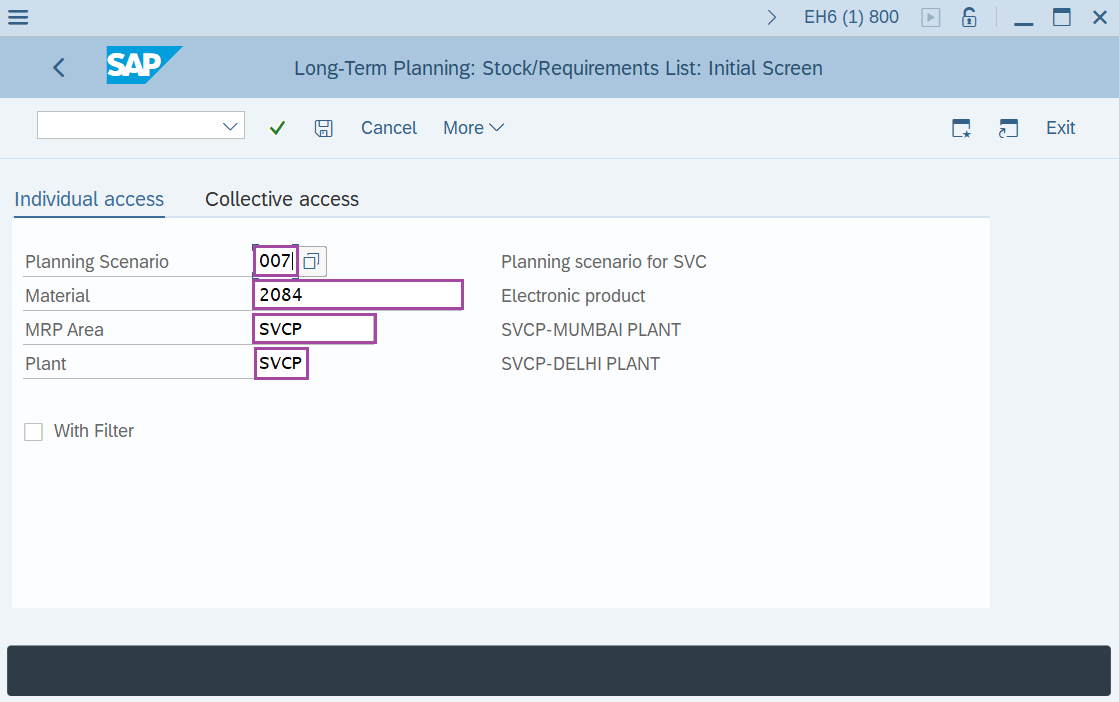
Step-2: - Long-Term Planning: Stock/Requirements list: Initial Screen window appears. Enter the details in the fields Planning Scenario, Material, Plant and MRP Area.
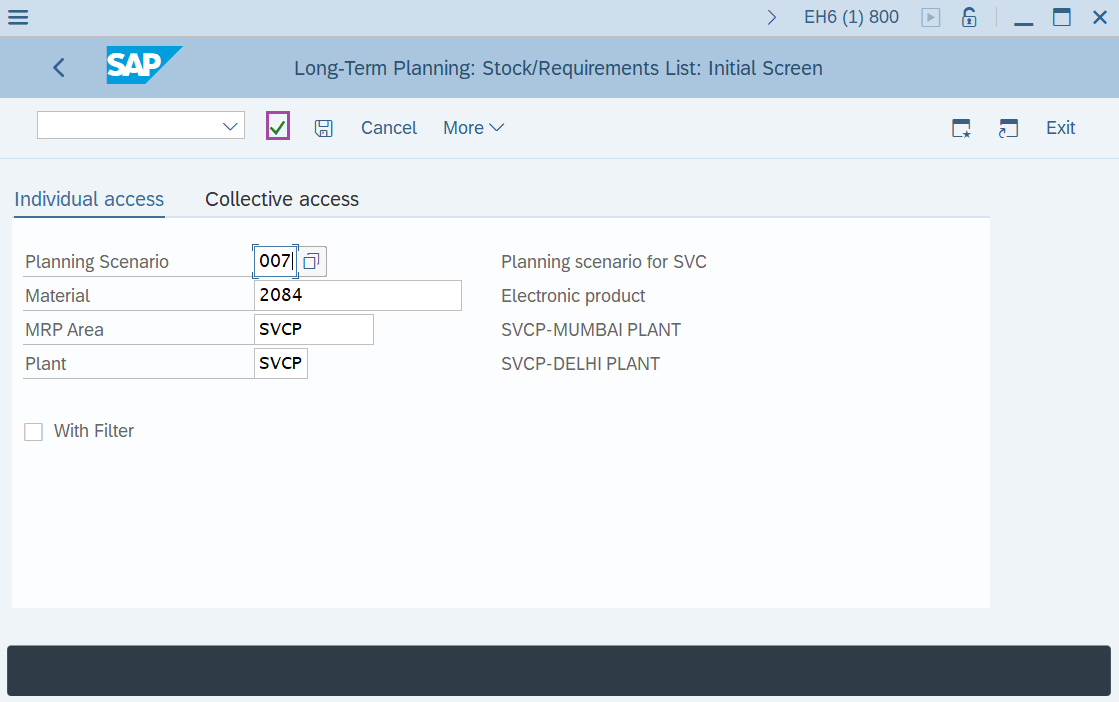
Step-3: - After entering the details, click Enter to continue.
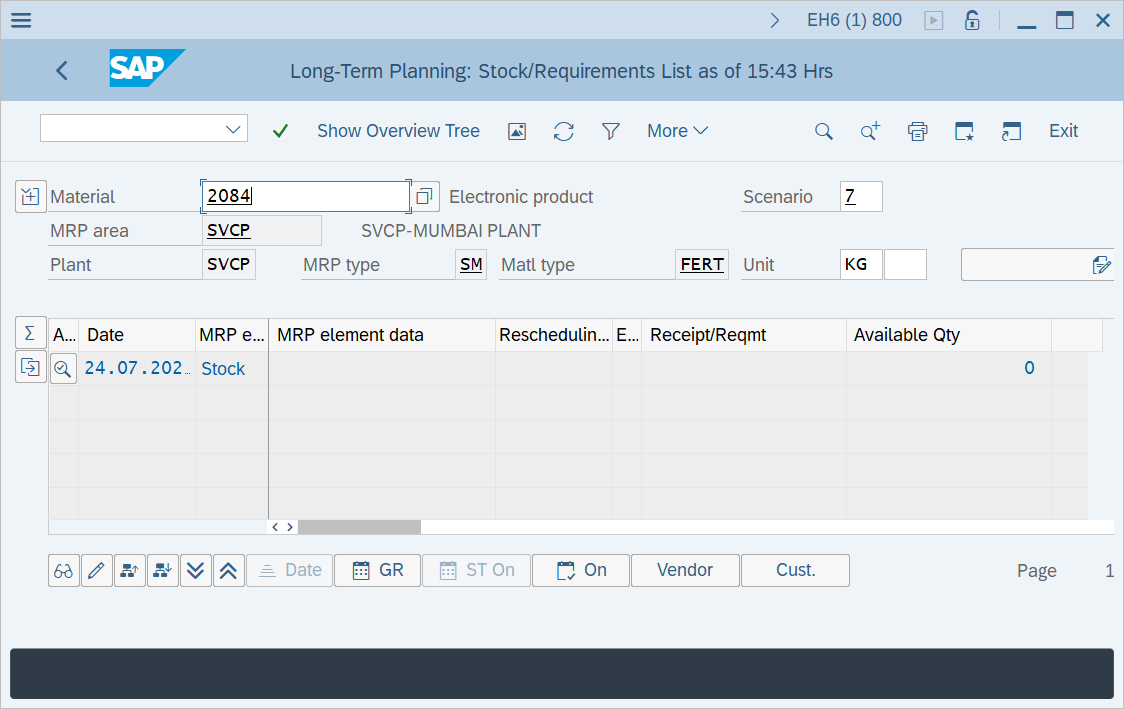
Step-4: - Long-Term Planning: Stock/Requirements List window will be displayed with stock/requirements list. Check if the planned orders generated against the PIR and rescheduling dates in the planned orders.
Technical details –
- Transaction code: MS04
- Menu path: SAP menu → Logistics → Production → Production planning → Long-term planning → Evaluations → Stock/Reqmts List.