
SAP PP Display Bill of Material (BOM)
“Display Bill of Material (BOM)” means viewing the complete structure of a product and all the components that go into manufacturing it. It allows you to see the list of raw materials, semi-finished parts, quantities, units, and validity dates that belong to a finished or semi-finished product.
This is a read-only transaction, which means you cannot make changes here — you can only view.
Prerequisites -
- Before you can display a BOM, it must exist in SAP.
- The header material (finished or semi-finished) must already exist in SAP.
- Should aware of correct plant and BOM Usage.
Here’s a step-by-step to Display Bill of Material (BOM) –
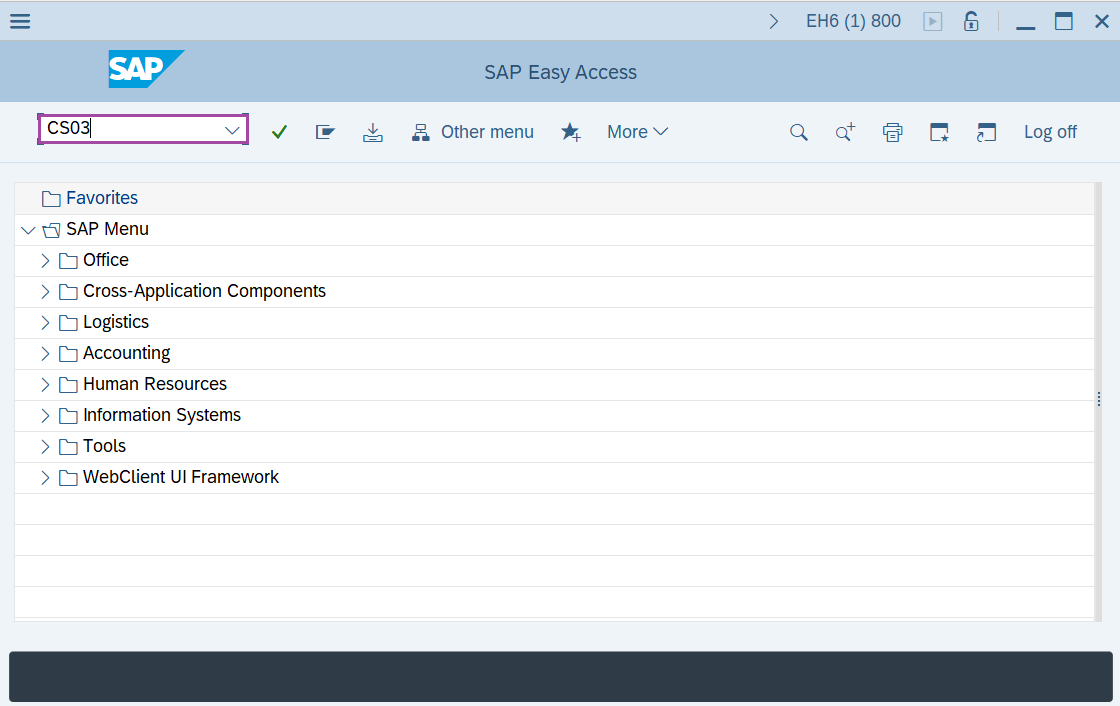
Step-1: - Enter the transaction code CS03 in SAP command field and press Enter to continue.
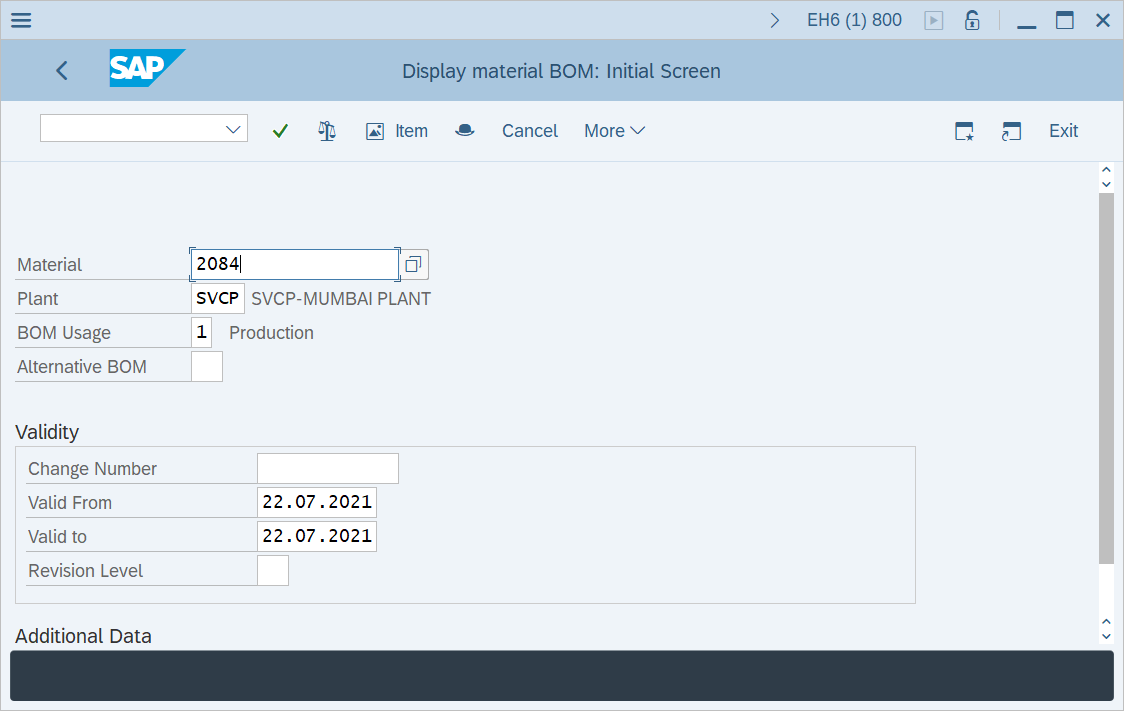
Step-2: - Display material BOM: Initial Screen window appears. Enter the data for Material number, plant code and BOM usage.
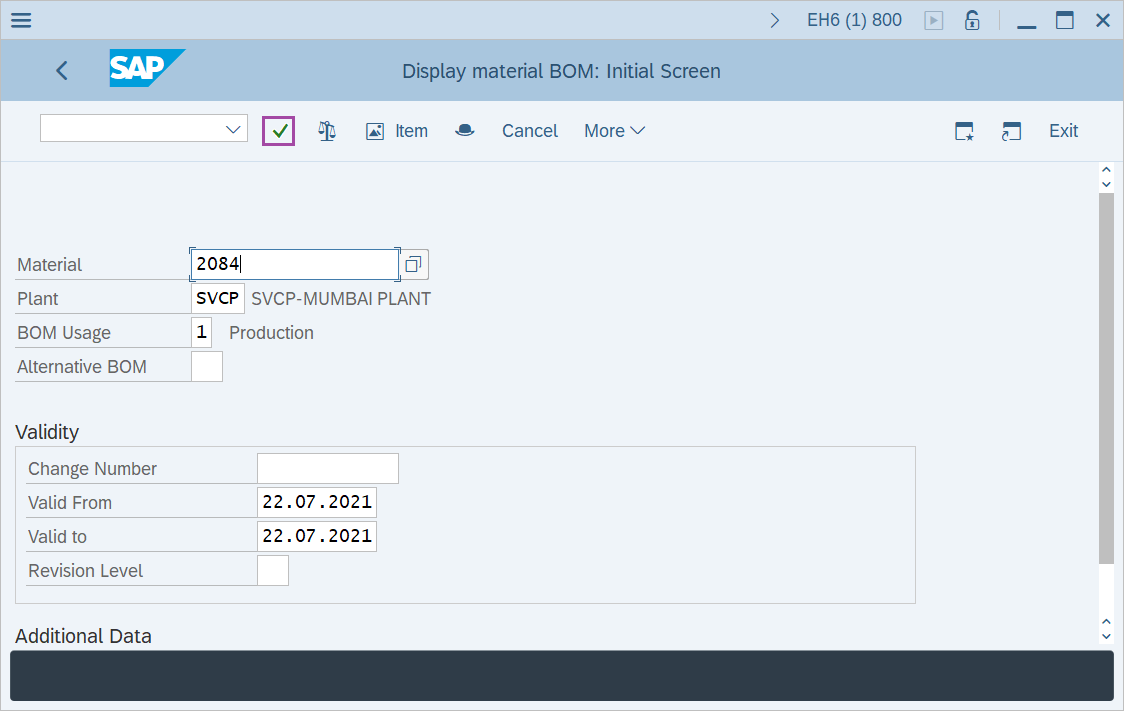
Step-3: - After entering the details, click on Enter to continue.
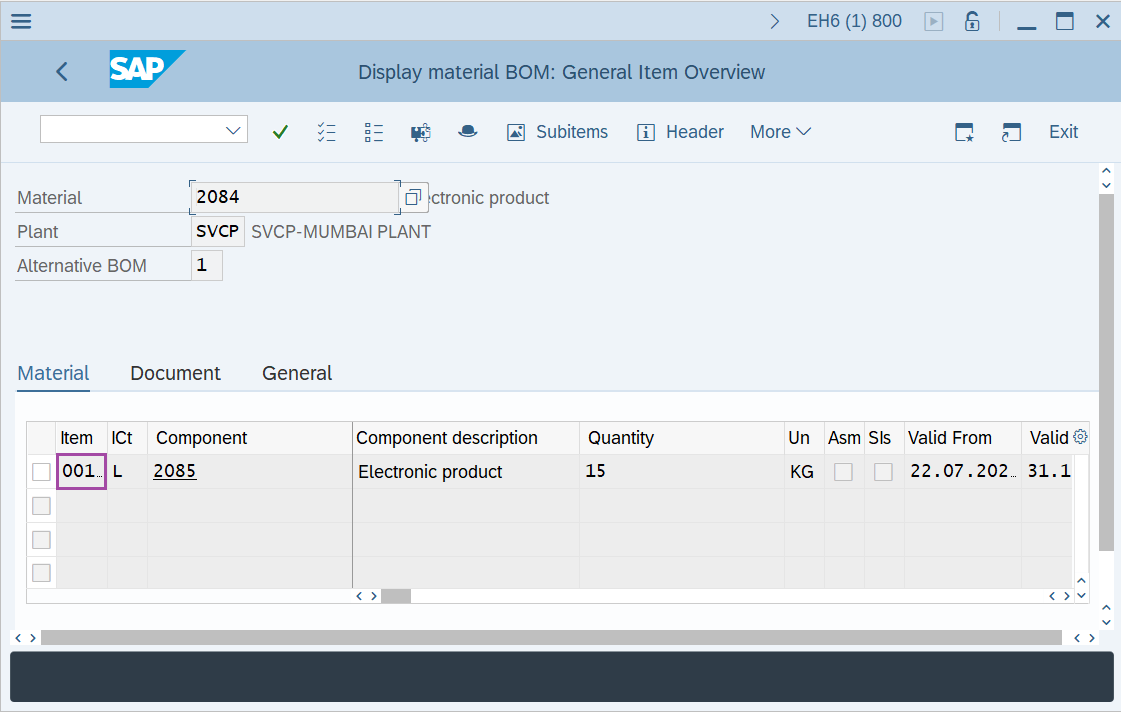
Step-4: - A window appears as Display Material BOM: General Item Overview, resulting the existing BOMs.
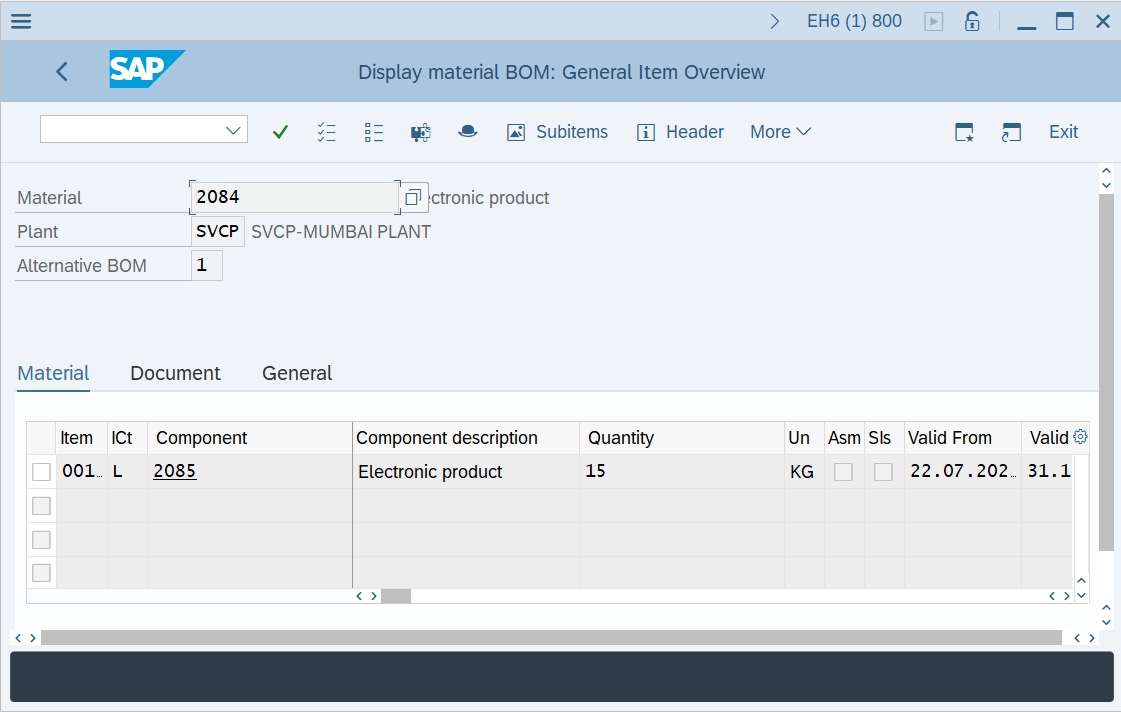
Step-5: - Double click on item number to display the BOM details.
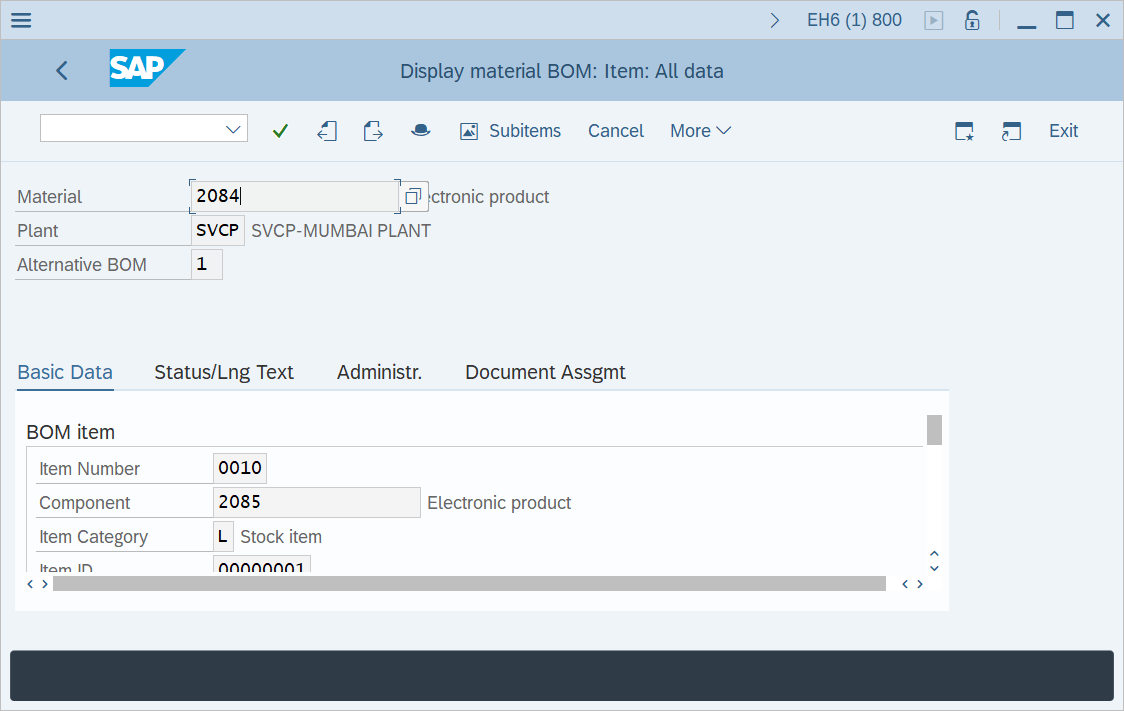
Step-6: - Display material BOM: Item: All data screen appears with BOM details.
Technical details –
- Transaction code: CS03
- Menu path: SAP Menu → Logistics → Production → Master Data → Bills of Material → Bill of Material → Material BOM → display.