
SAP PP Create Production Version
The Production Version acts as the “instruction card” that tells SAP which combination is valid for planning (MRP) and for creating production/process orders.
Whenever SAP creates a planned order or production order, it looks at the Production Version to decide exactly how the material should be made. This ensures consistency and accuracy in planning and production execution.
Prerequisites -
- Material Master must be created and extended to the plant.
- The BOM for the material must already be created using CS01.
- You must already have created a routing using CA01.
Here’s a step-by-step to Create Production Version –
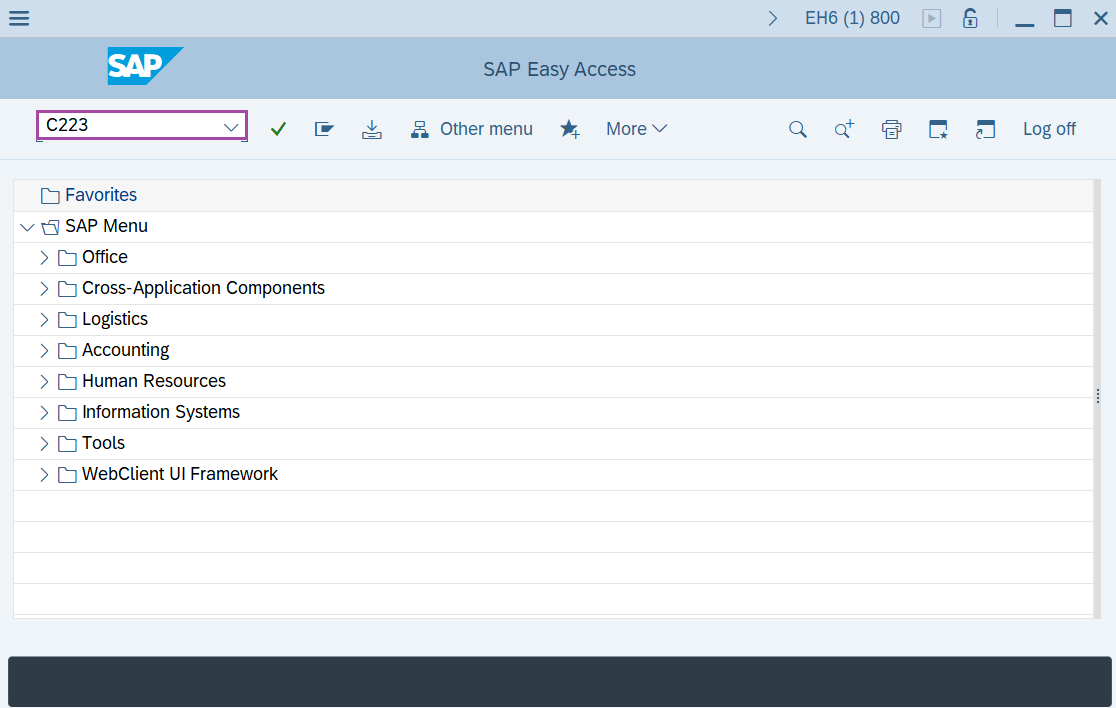
Step-1: - Enter the transaction code C223 in SAP command field and press Enter to continue.
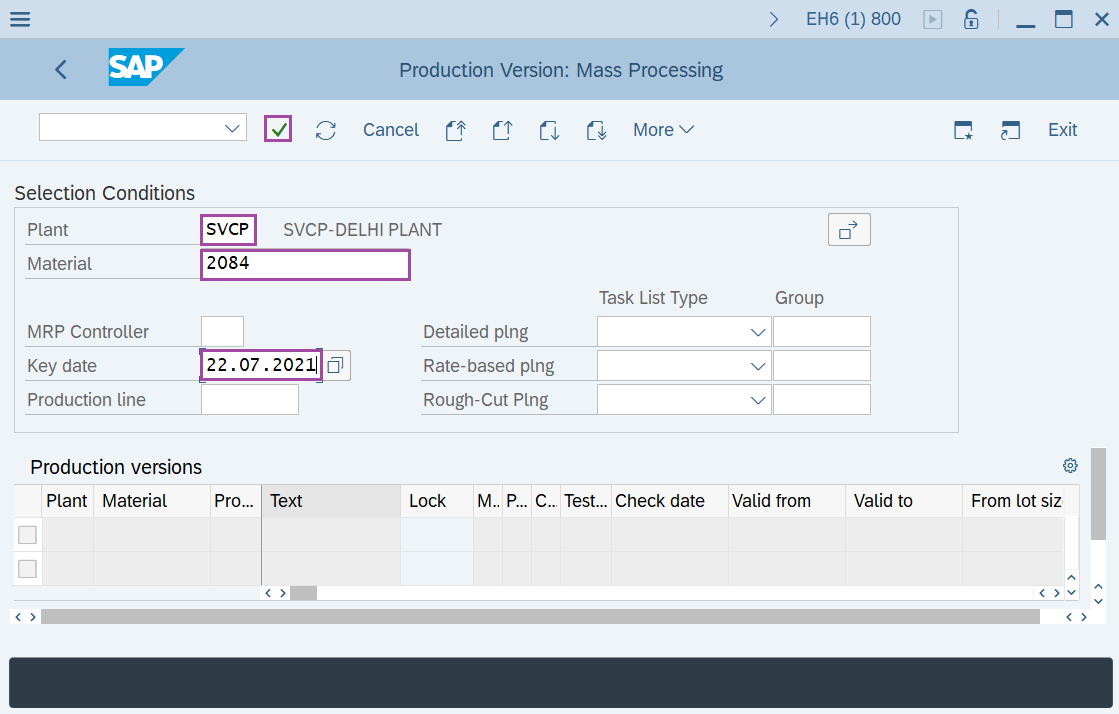
Step-2: - Production Version: Mass Processing window appears, enter the details in the fields Material, Plant, Key date and Production line then press Enter.
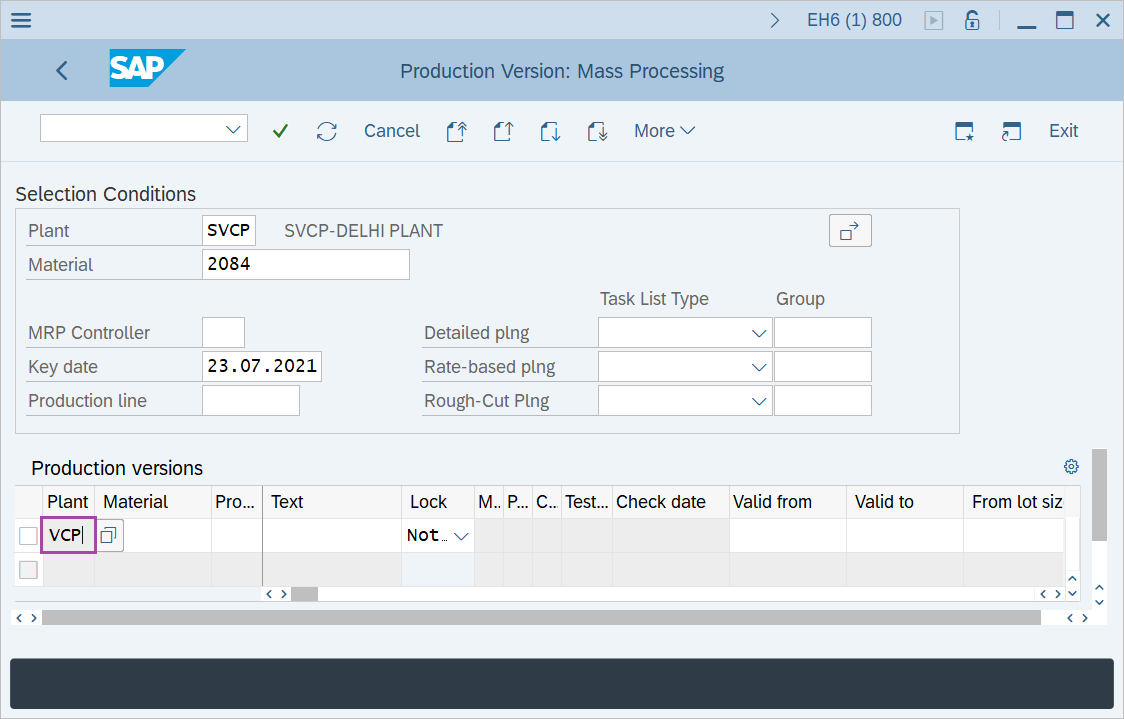
Step-3: - Double click on the Plant name in the production Versions.
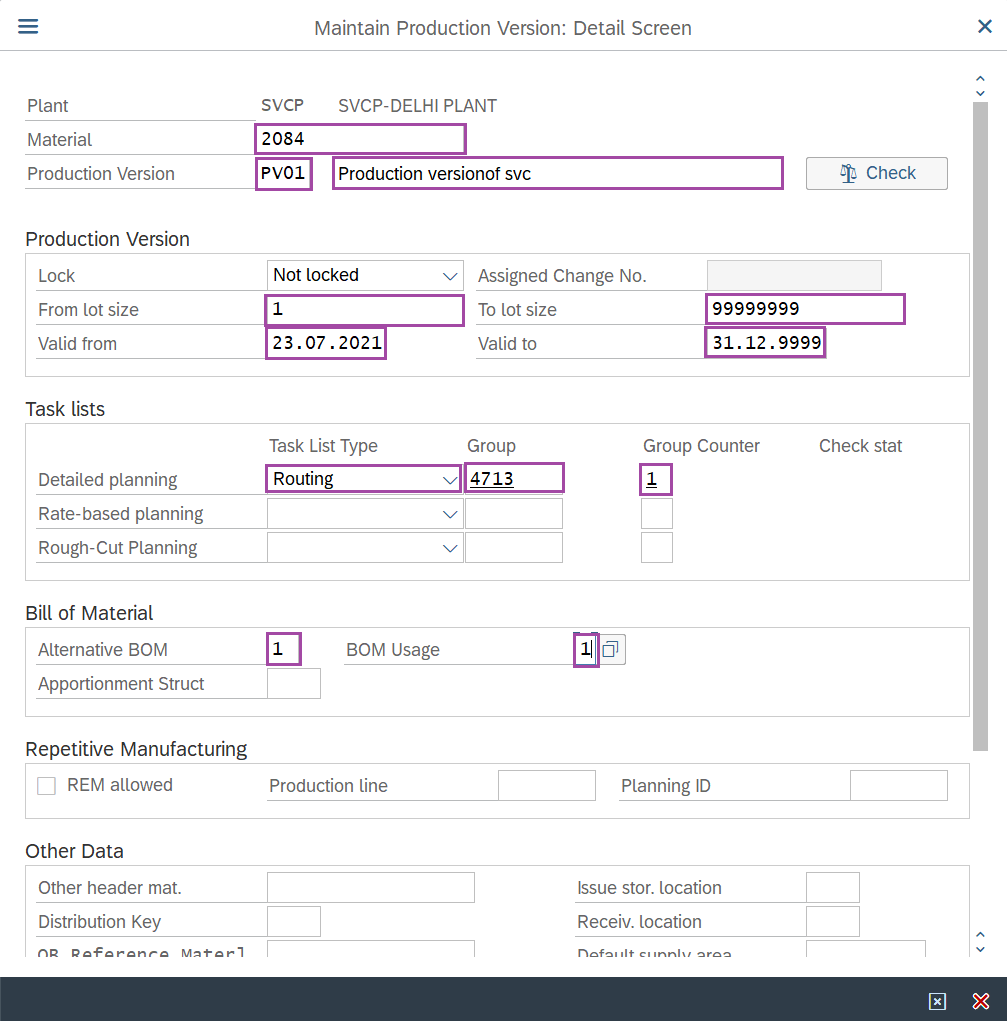
Step-4: - A pop-up window will open as Maintain Production Version: Detail Screen. Enter the details in the fields required.
Step-5: - After entering the details, click on Check.
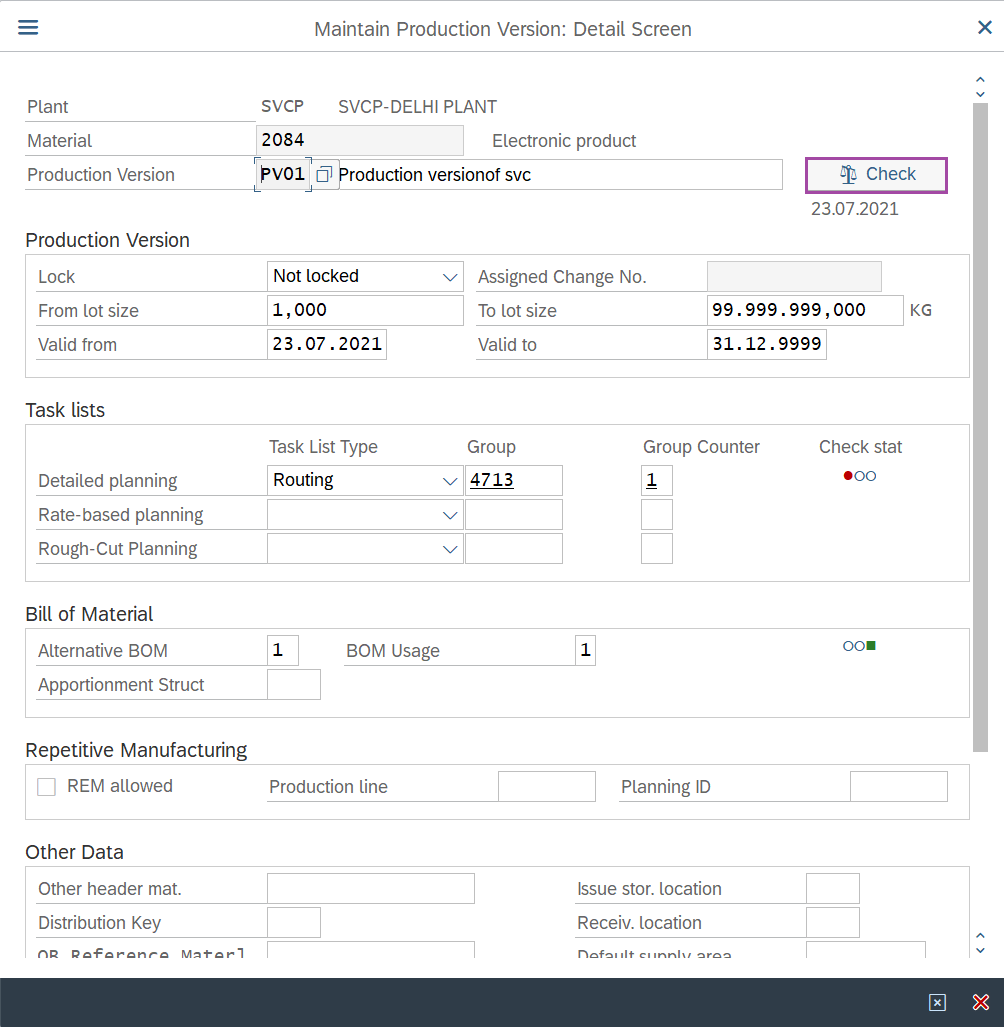
Step-6: - A window will display as Maintain Production Version: Detail Screen with details about the validity of BOM and routing for the material.
- Check if task list routing exists in the validity period and lot sizes of the production version.
- Check if BOM exists in the validity period and lot sizes of the production version.
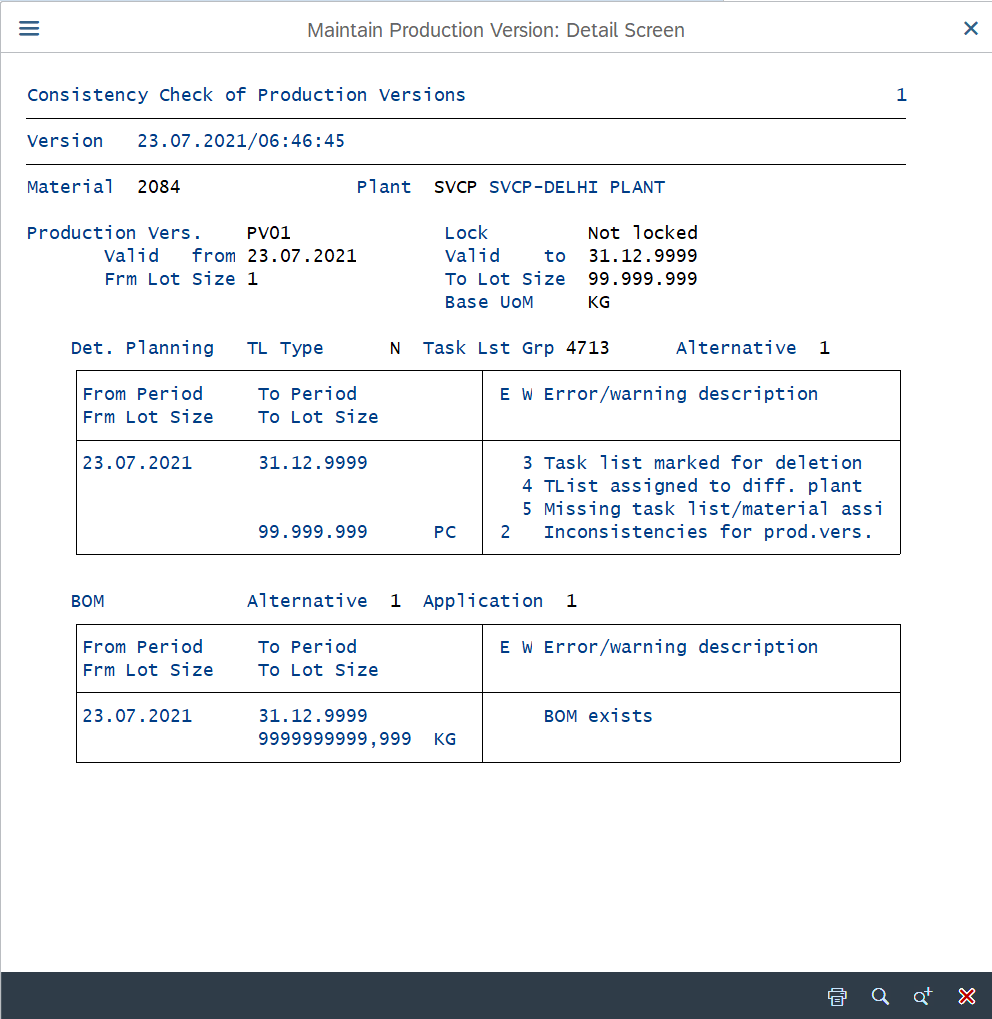
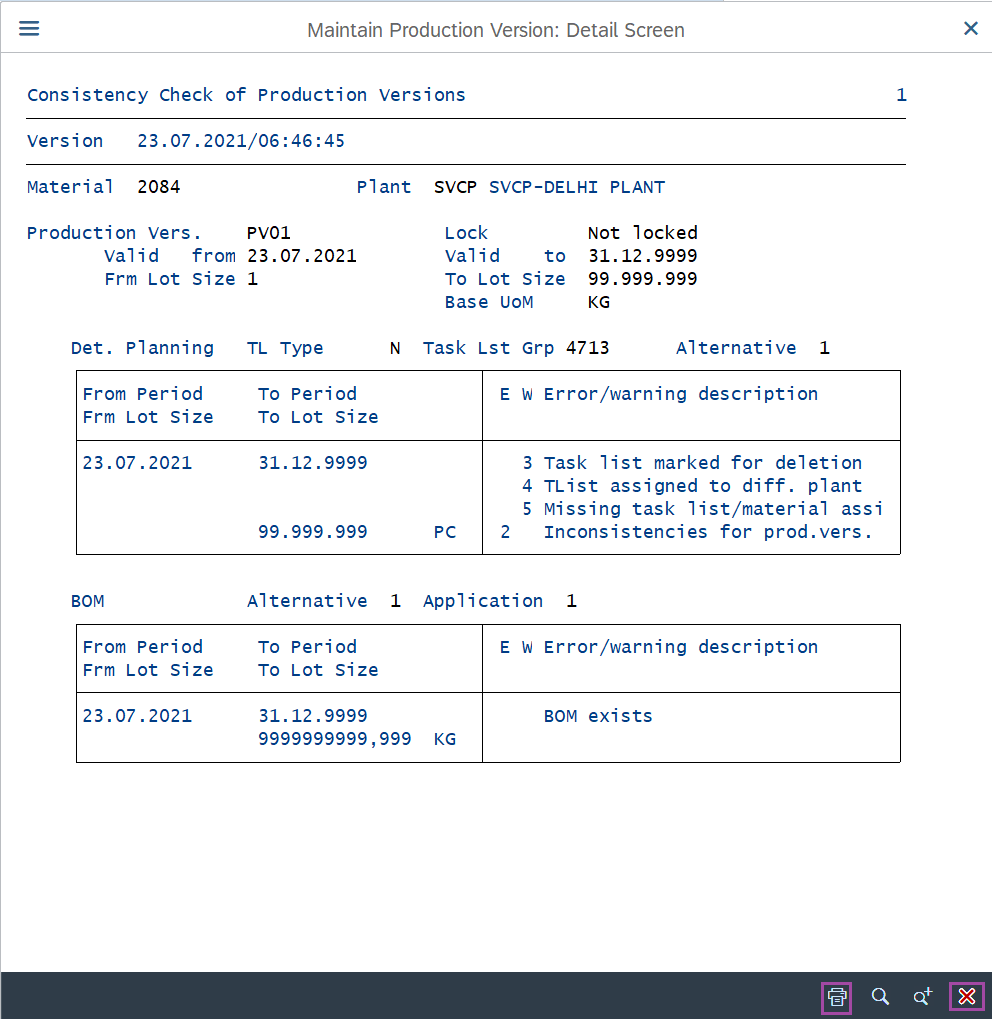
Step-7: To print the details, click on the Print icon in below at right corner of the window. To exit press on red cross mark.
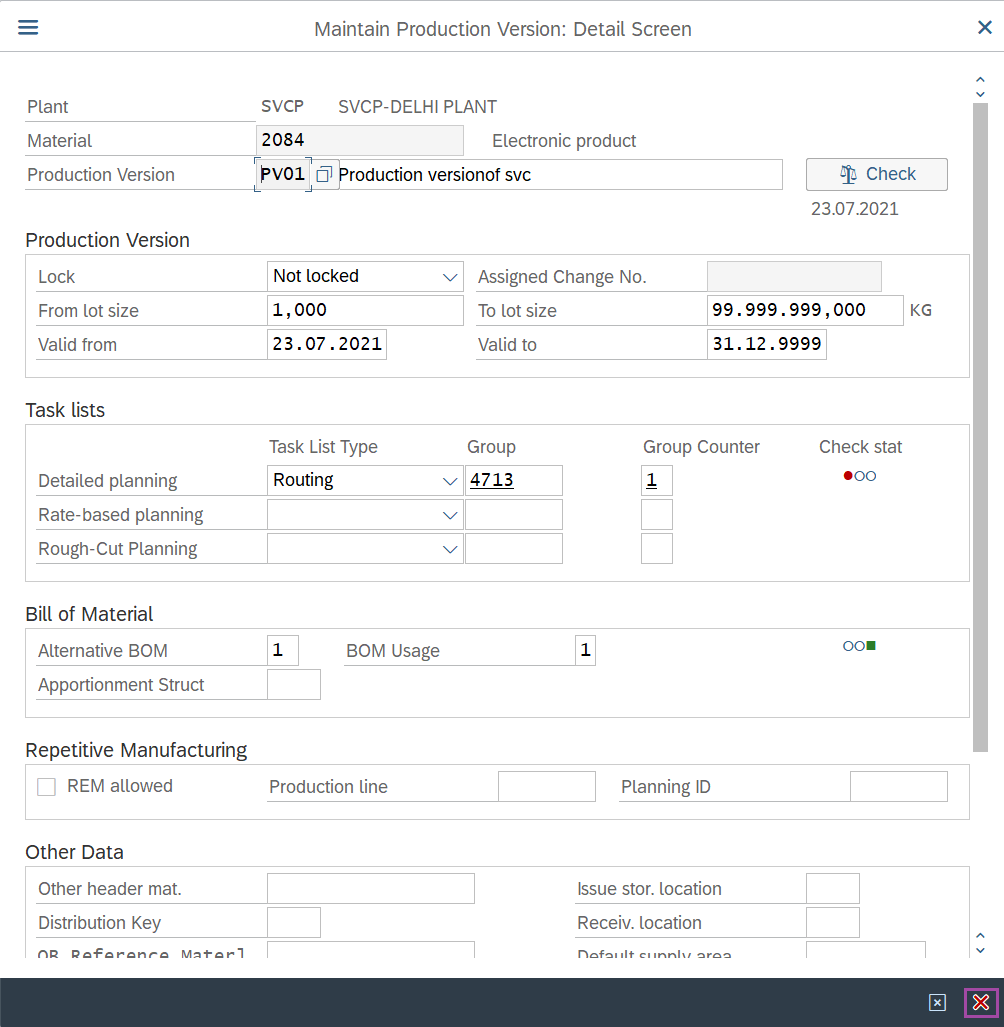
Step-8: - The control will be returned to Maintain Production Version: Detail Screen window. Click on the Box with cross mark to close the detail screen and adopt changes.
Step-9: - Production Version: Mass Processing window appears with details of the production versions indicating the test status of Production version. Here the Consistency Check status is shown in green color.
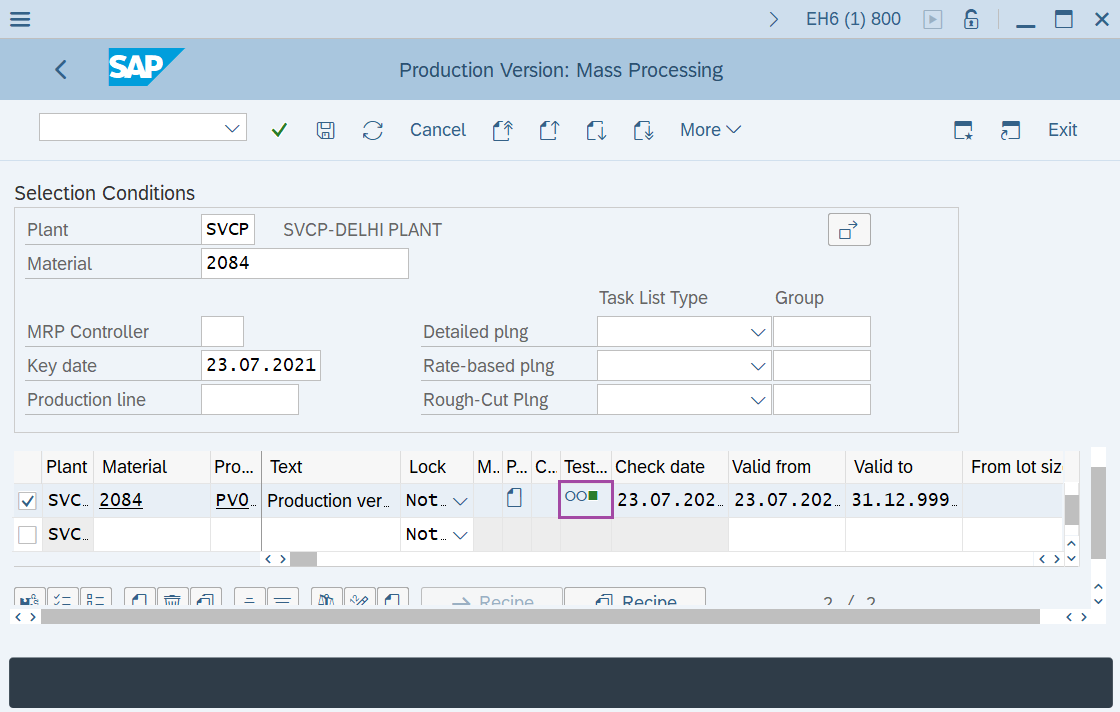
Step-10: - Click on the Save icon to save the Production Version.
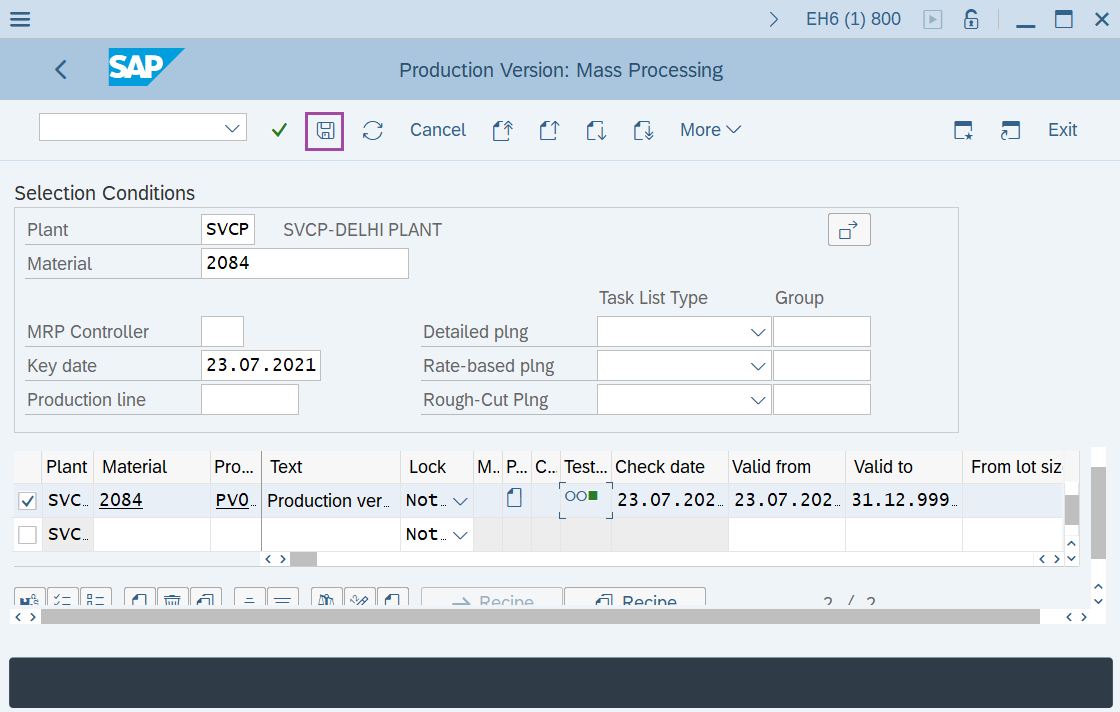
Status bar displays the below message once the default values saved successfully.
Technical details –
- Transaction code: C223
- Menu path: SAP menu → Logistics → Production → Master Data → Production Versions.