
SAP PP Display Production Version
“Display Production Version” means viewing the production version settings of a material without making any changes. Displaying the production version lets you see which BOM and routing SAP will use when creating planned orders or production orders.
Prerequisites -
- The material must already have a Production Version
- You must know the Material Number and Plant.
- Every production version links to a BOM and a Routing.
Here’s a step-by-step to Display Production Version –
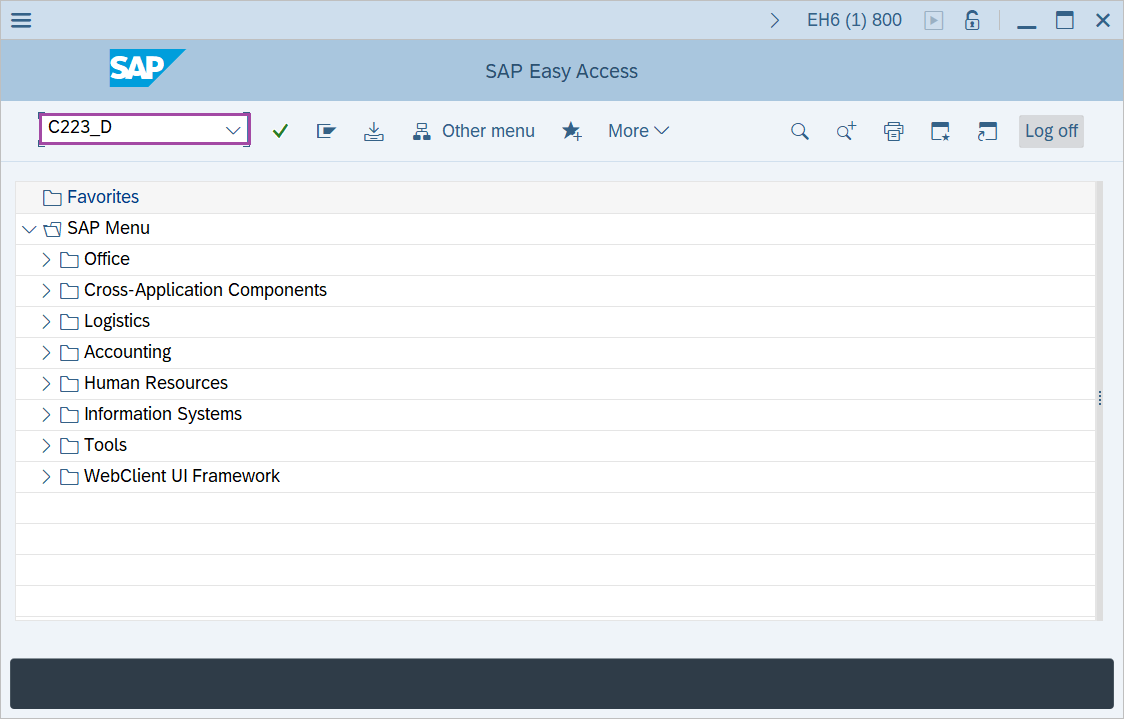
Step-1: - Enter the transaction code C223_D in SAP command field and press Enter to continue.
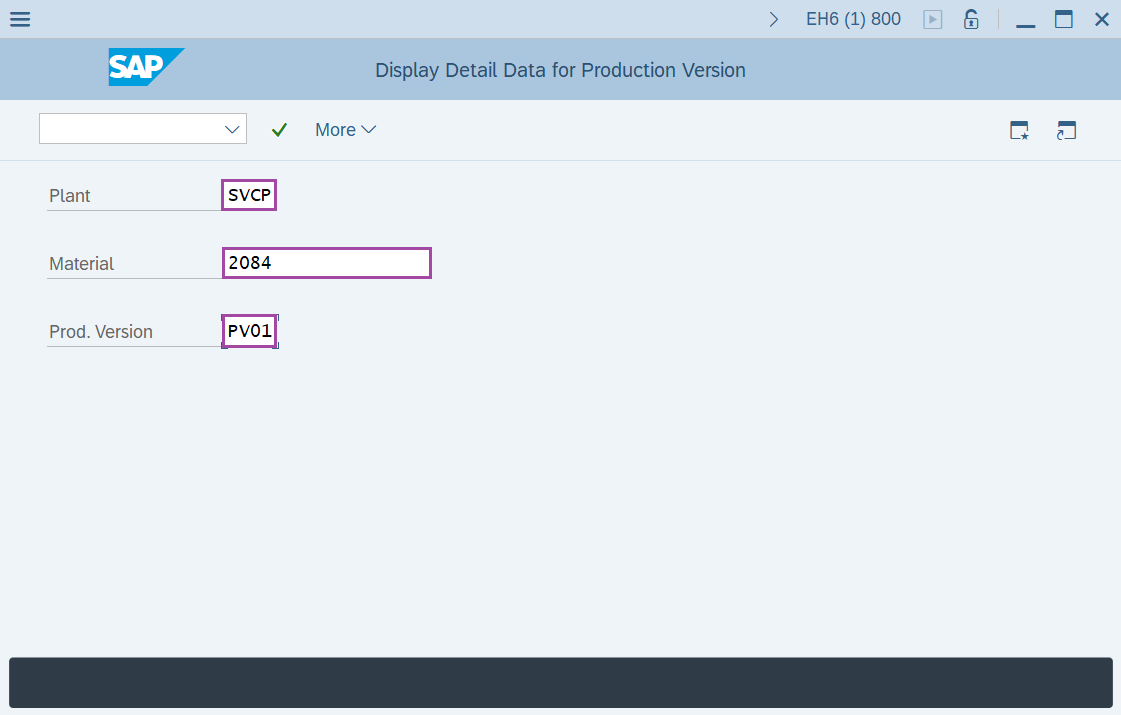
Step-2: - Display Detail Data for Production Version window appears. Enter the data in the fields Plant, Material and Production line.
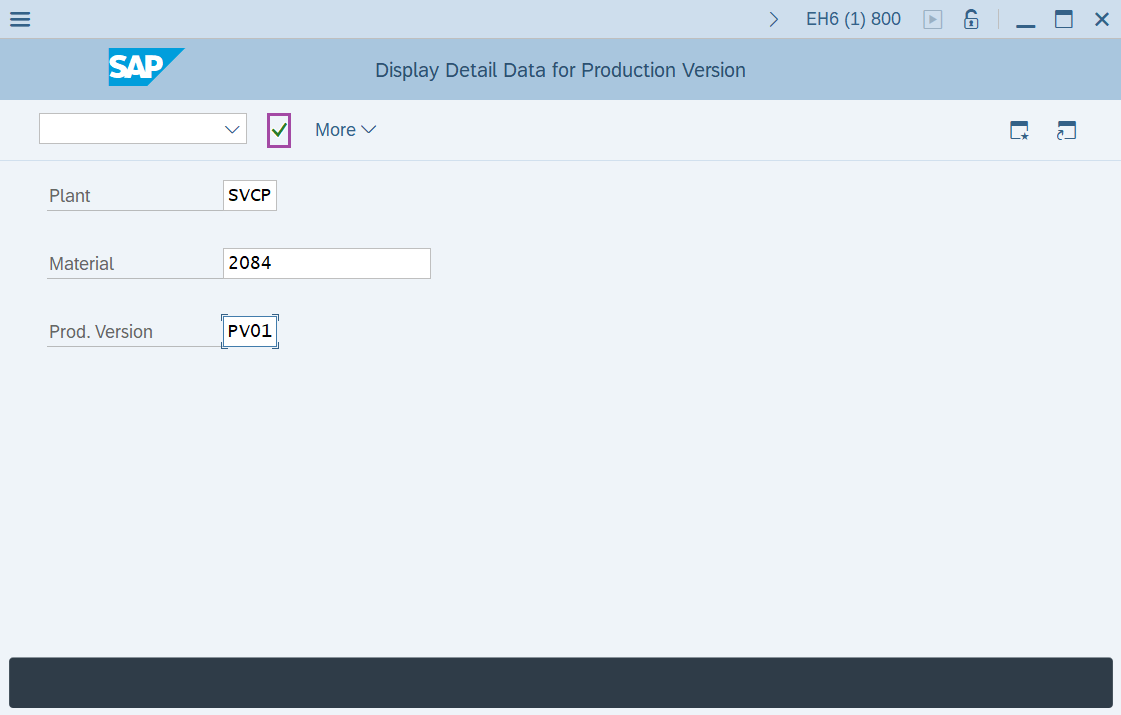
Step-3: - After entering the details click on Enter to continue.
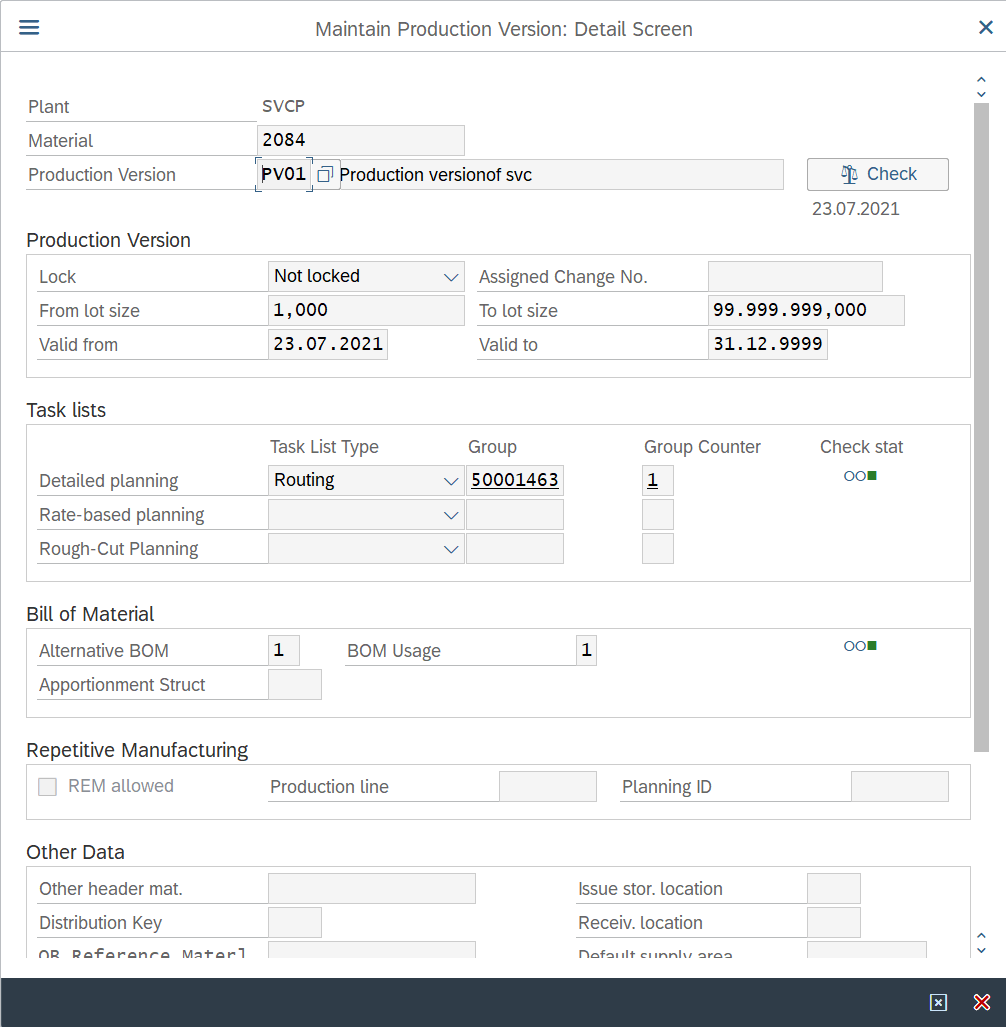
Step-4: - A pop-up window will open as Maintain Production Version: Detail Screen with details of a Production version.
Technical details –
- Transaction code: C223_D
- Menu path: N/A