
SAP PP How to Analyse Simulative Purchase info system
“Simulative Purchase Info System” effectively means a hypothetical or forecasted set of procurement requirements (based on simulated demand) combined with vendor/material info to help planners and procurement teams estimate what purchases might be needed, when, and from where — without committing real purchase orders yet.
It helps procurement, supply chain and production teams to plan ahead, negotiate with vendors, forecast procurement load and capacity, and be prepared for future demand — rather than reacting last minute.
Prerequisites -
- Material master, BOMs, routings (if production), existing purchase-info records (vendor + material + conditions), vendor master, etc is correct.
Here’s a step-by-step to Analyse Simulative Purchase info system –
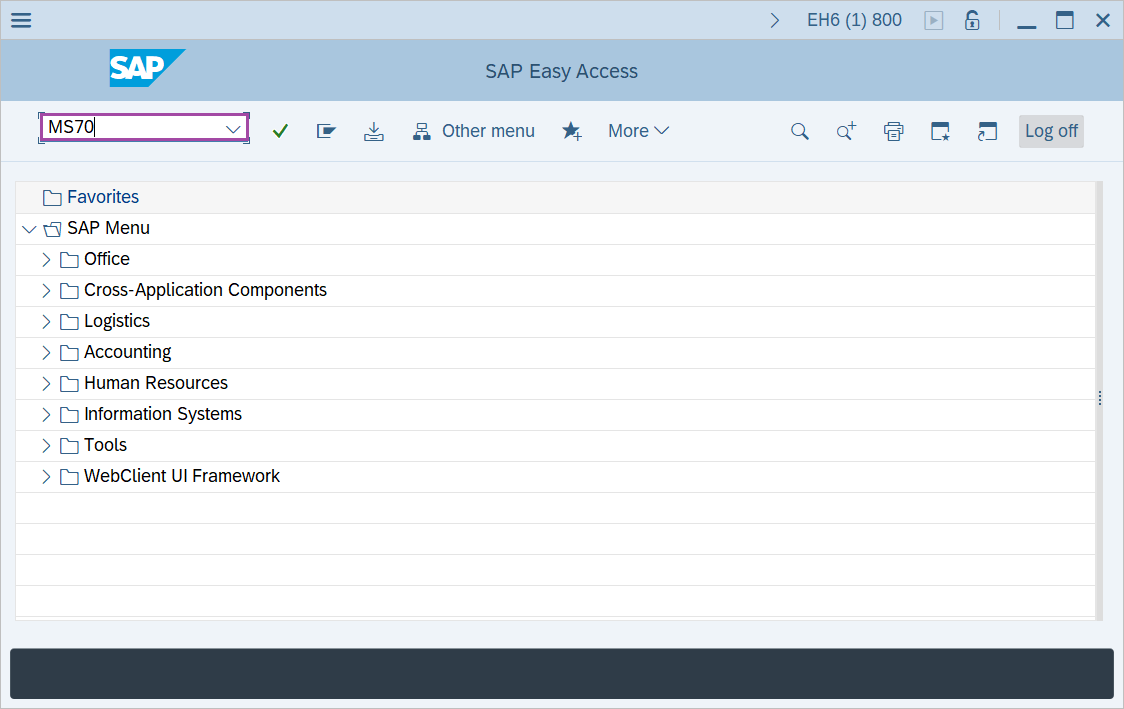
Step-1: - Enter the transaction code MS70 in SAP command field and press Enter to continue.
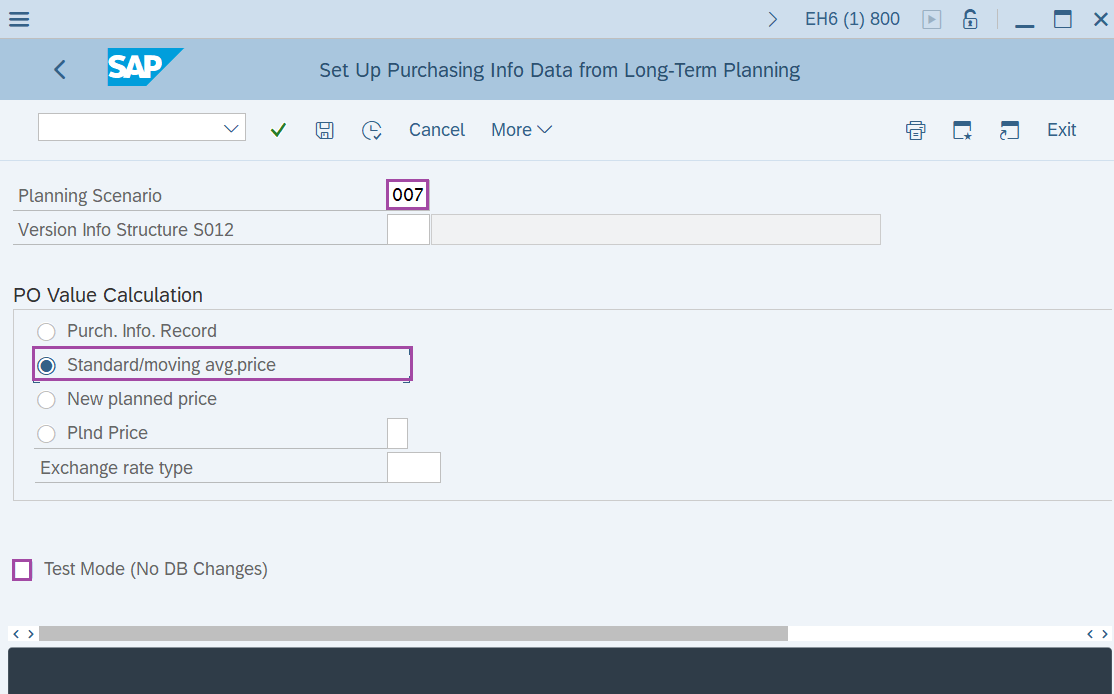
Step-2: - Set Up Purchasing Info Data from Long-Term Planning window appears. Enter the details in the fields Planning Scenario, Select the option Standard/moving avg.price and unmark the Test mode option.
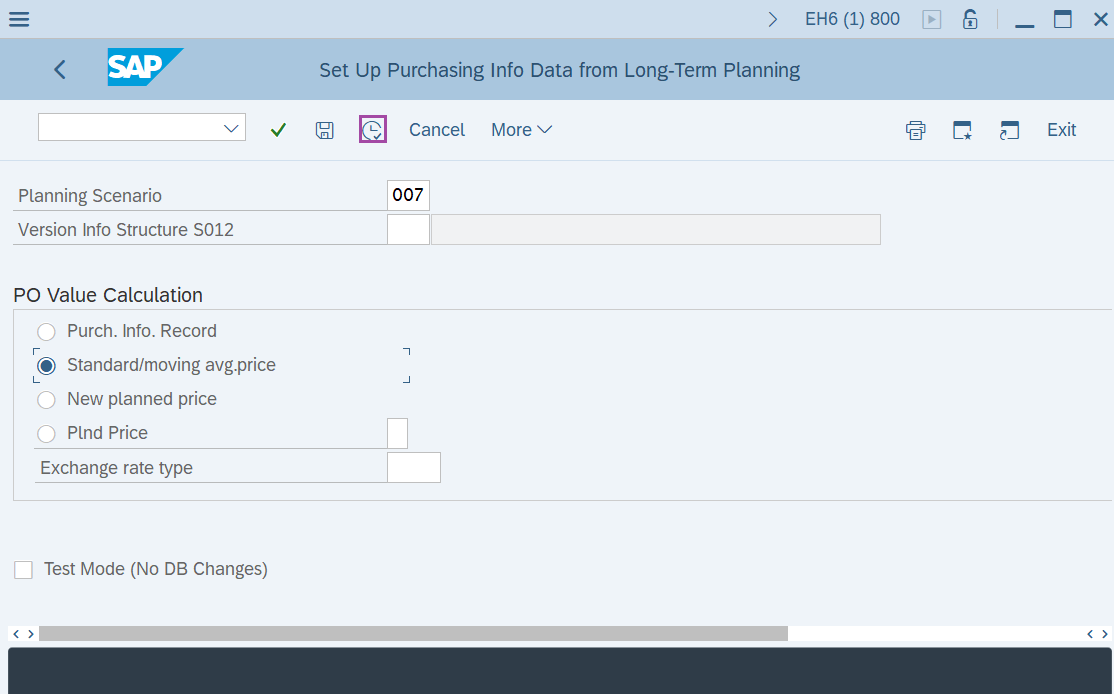
Step-3: - After entering the details, click on Execute button.
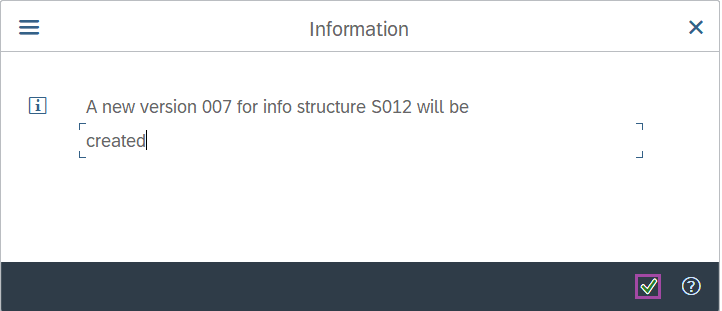
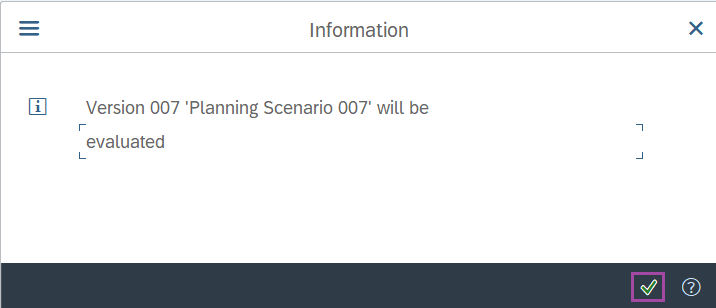
Step-4: - An information pop-up window will be appeared. Click on Enter to continue.
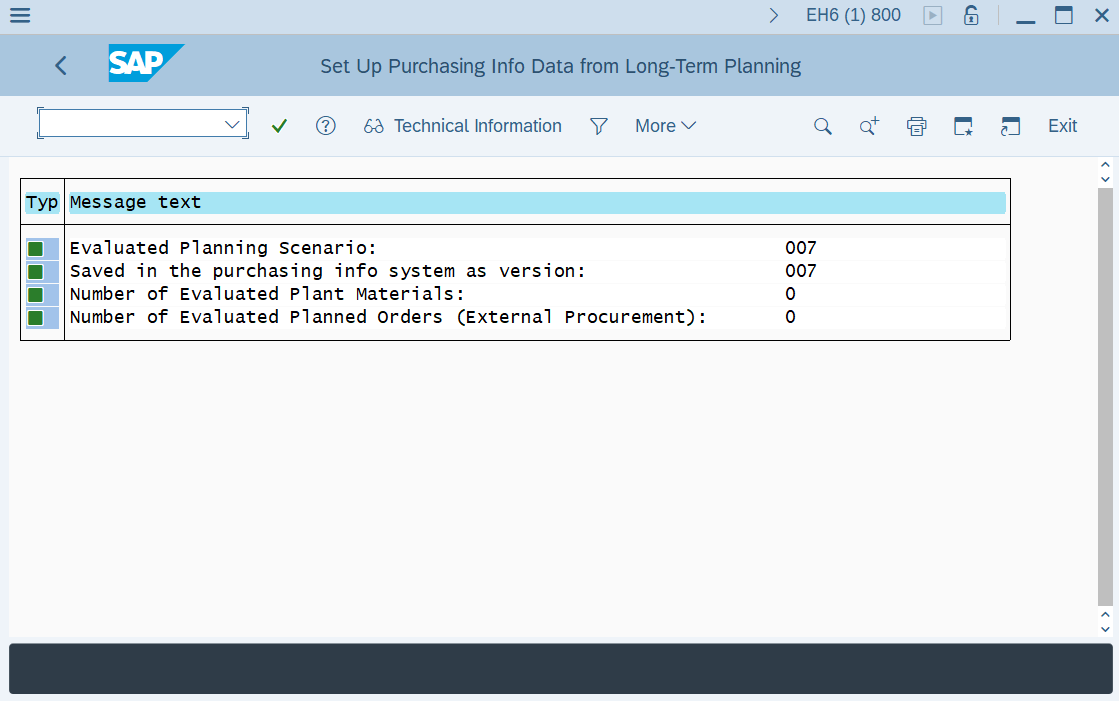
Step-5: - Set Up Purchasing Info Data from Long-Term Planning window appears with details.
Click on exit to move back to SAP Easy Access screen.
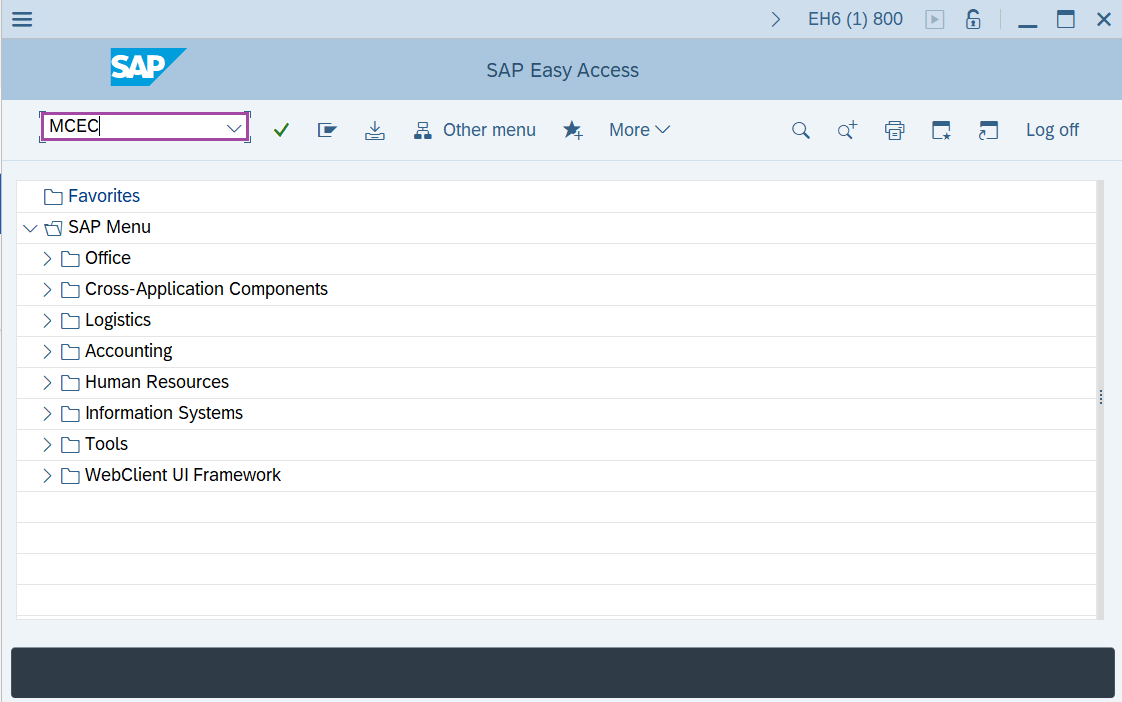
Step-6: - Enter the transaction code MCEC in SAP command field and press Enter to continue.
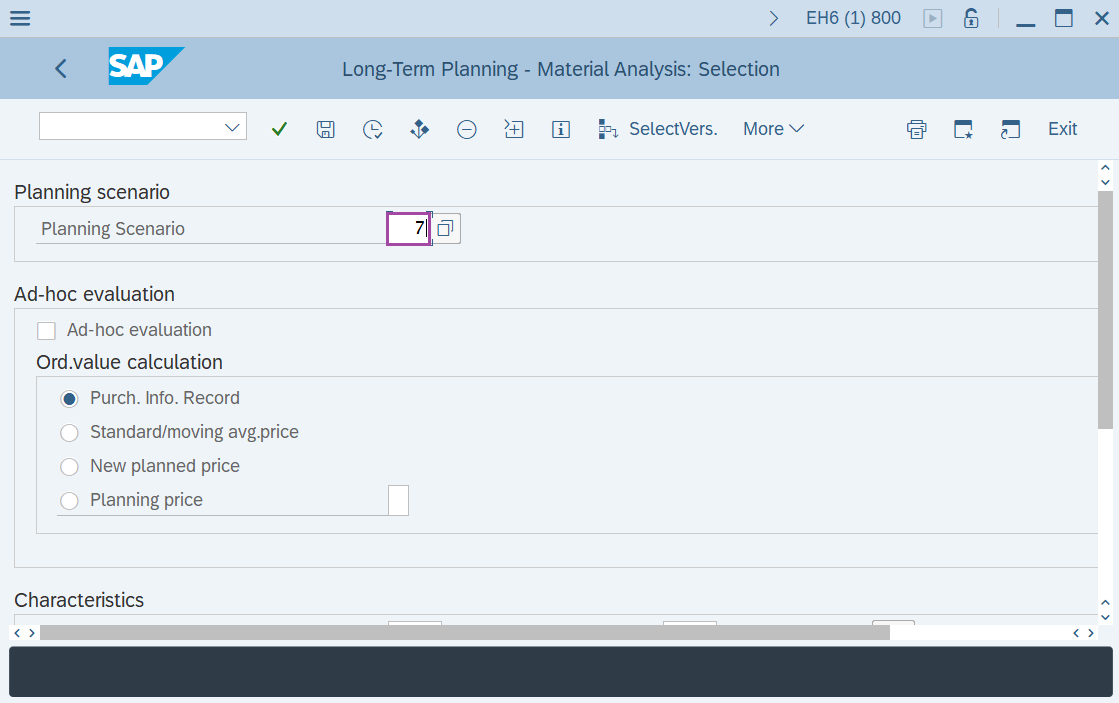
Step-7: - Long-Term Planning – Material Analysis: Selection window appears. Enter the details in the fields planning scenario, plant and period to analyze(month) .
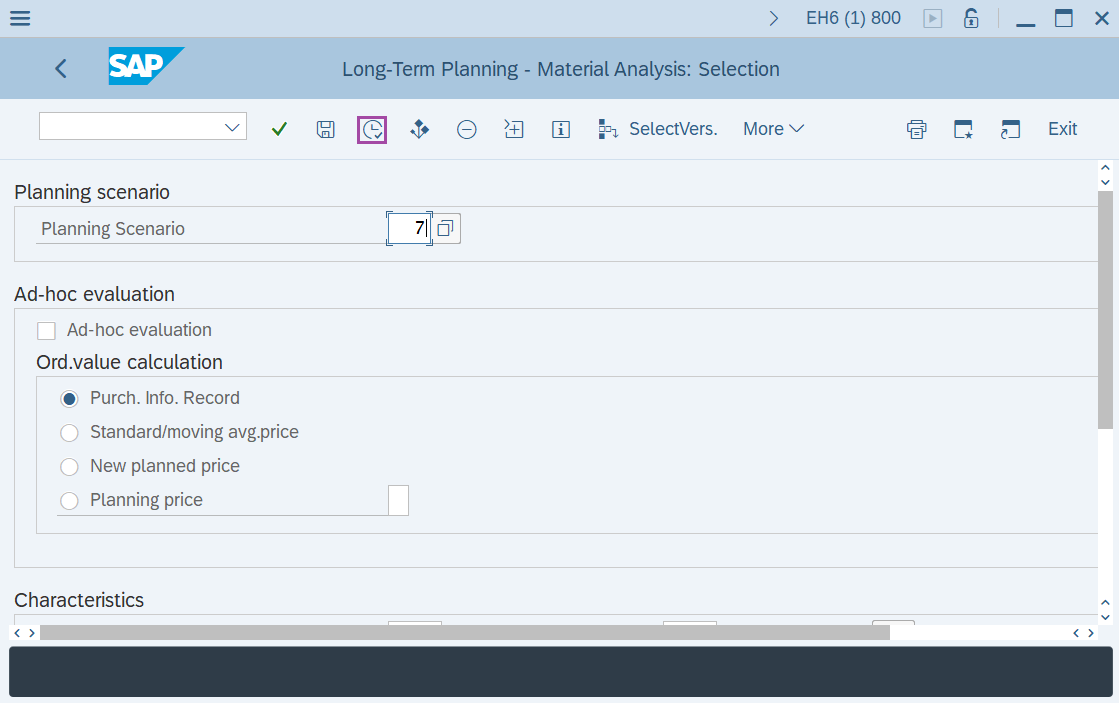
Step-8: - After entering the details, click on Execute button.
Step-9: - An information pop-up window will be appeared. Click on Enter to continue.
Technical details –
- Transaction code: MS70 and MCEC
- Menu path: SAP menu → Logistics → Production → Production Planning → Long-Term Planning → Evaluations → Purchasing Information System → Set Up Data.