
SAP PP How to Display Material Document List
A Material Document List is a list of all material movements posted in SAP, such as:
- Goods Issue (GI) to production
- Goods Receipt (GR) from production
- Stock transfers
- Adjustments
- Returns
- Scrap postings
Displaying the material document list helps you quickly find and review any movement that has happened to materials. It is commonly used by PP, MM, and warehouse teams to track production-related movements.
Prerequisites -
- Material master must be created.
- Material movements must exist.
- You must know at least one of the following for selection: Material number, Plant, Movement type, Posting date, Production order number, and Document number.
Here’s a step-by-step to Display Material Document List –
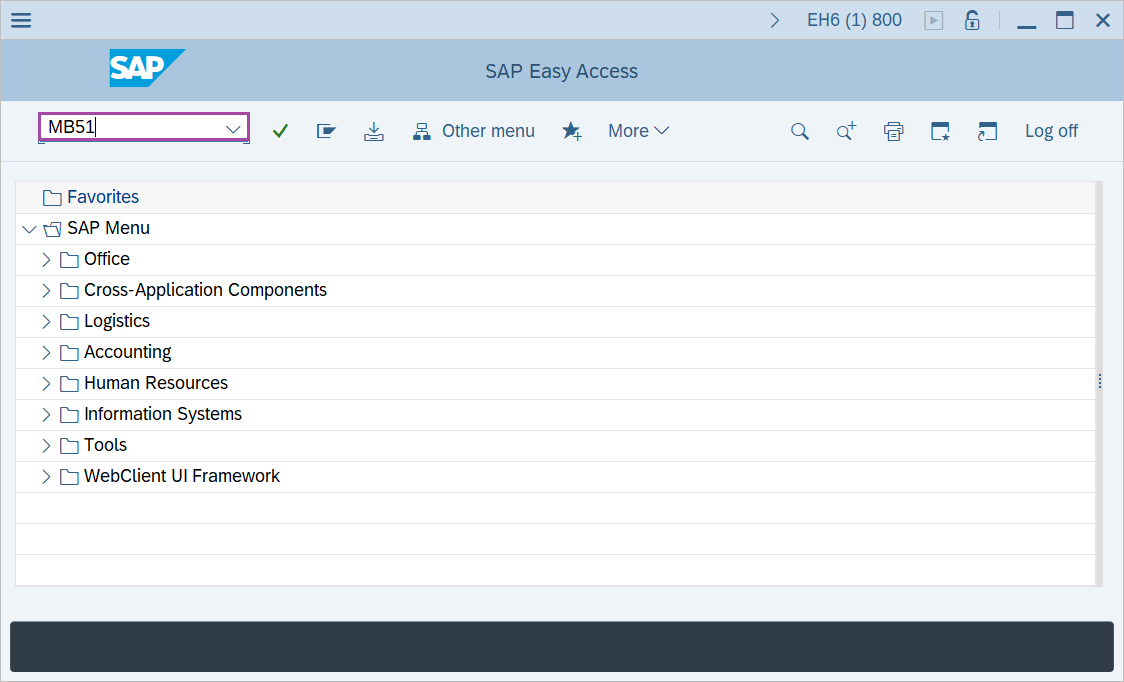
Step-1: - Enter the transaction code MB51 in SAP command field and press Enter to continue.
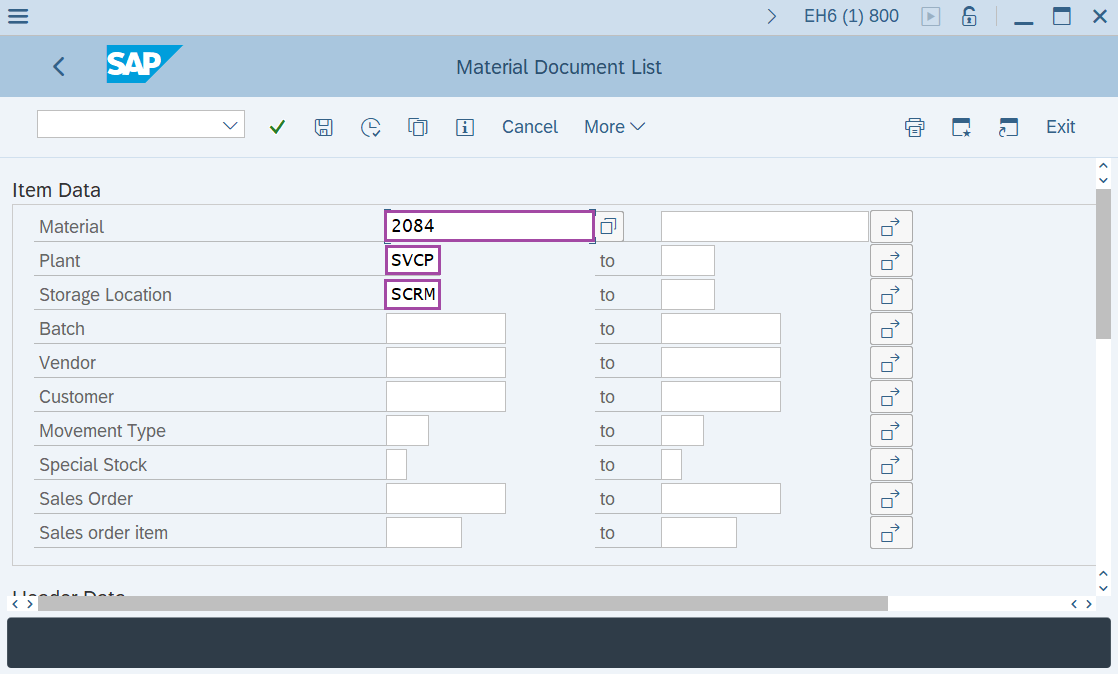
Step-2: - Material Document List window appears. Enter the details in the fields Material, Plant, Storage Location, Movement type "101" to see Production data (Goods Receipt) for all materials.
Enter the posting periods to display the consumption between that period.
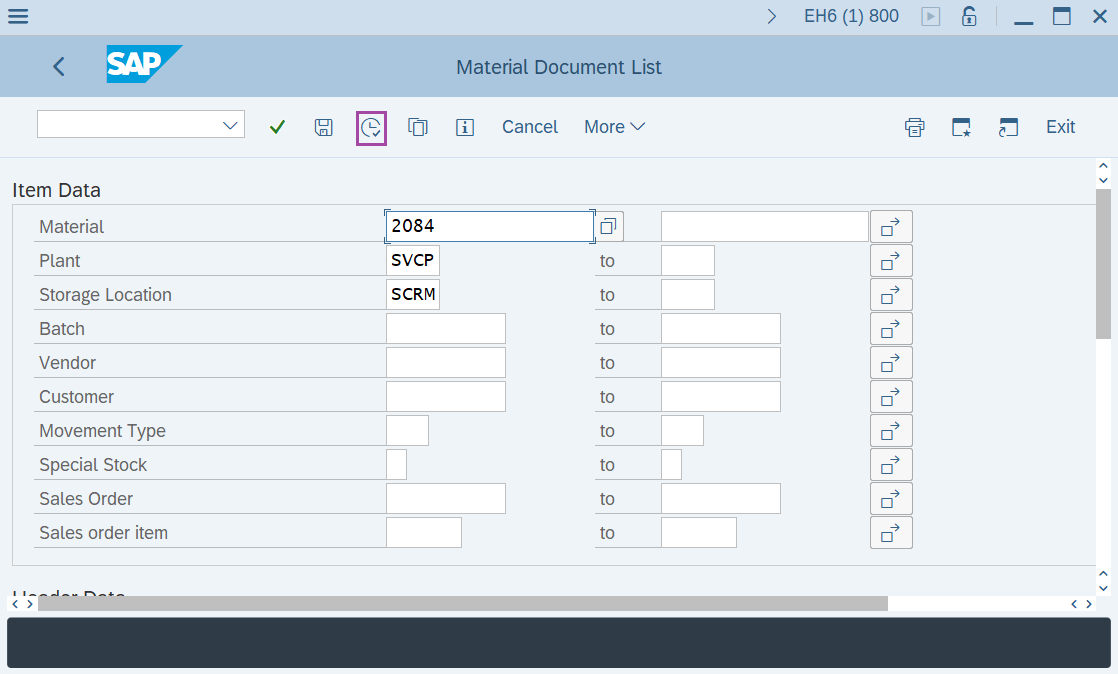
Step-3: - After entering the details, click on Execute button.
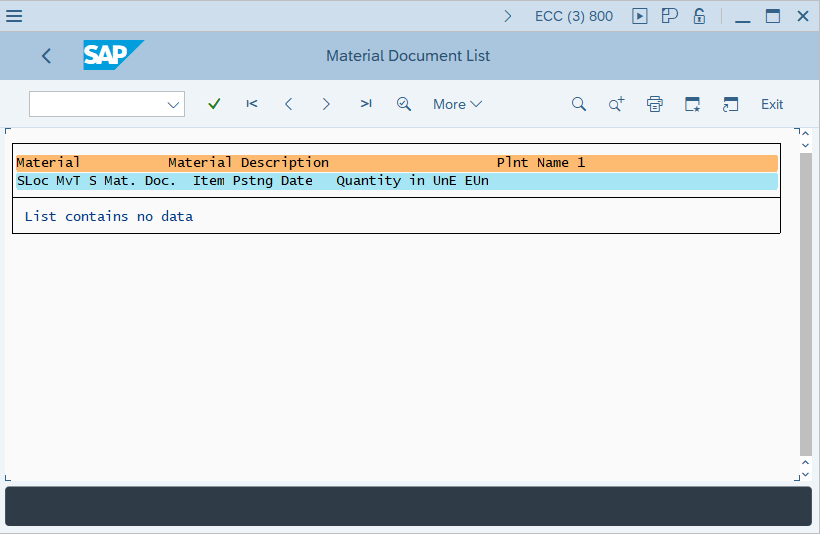
Step-4: - Material Document List window appears with material list.
Click on exit or press F3 from keyboard to go back to SAP easy access screen.
Step-5: - Enter the transaction code MB51 in SAP command field and press Enter to continue.
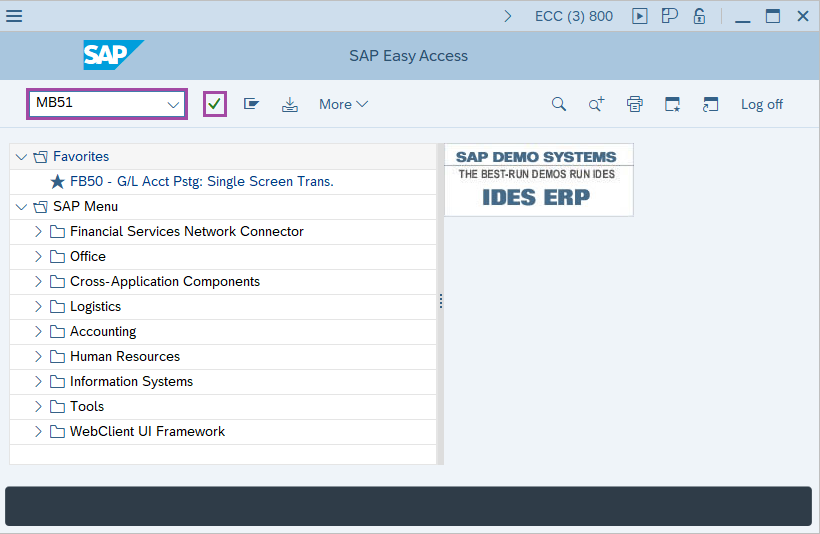
Step-6: - Material Document List window appears. Enter the details in the fields Material, Plant, Storage Location, Movement type "261" to see consumption data (Goods issue) for all materials.
Enter the posting periods to display the consumption between that period.
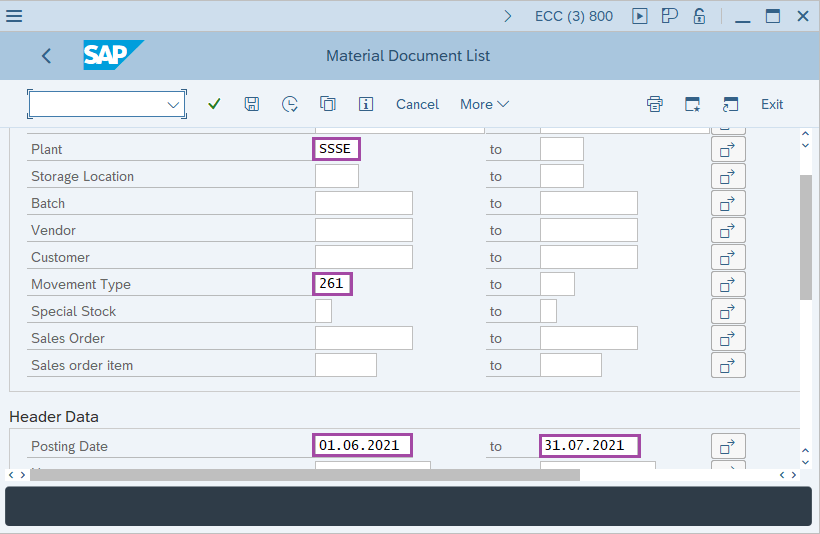
Step-7: - After entering the details, click on Execute button.
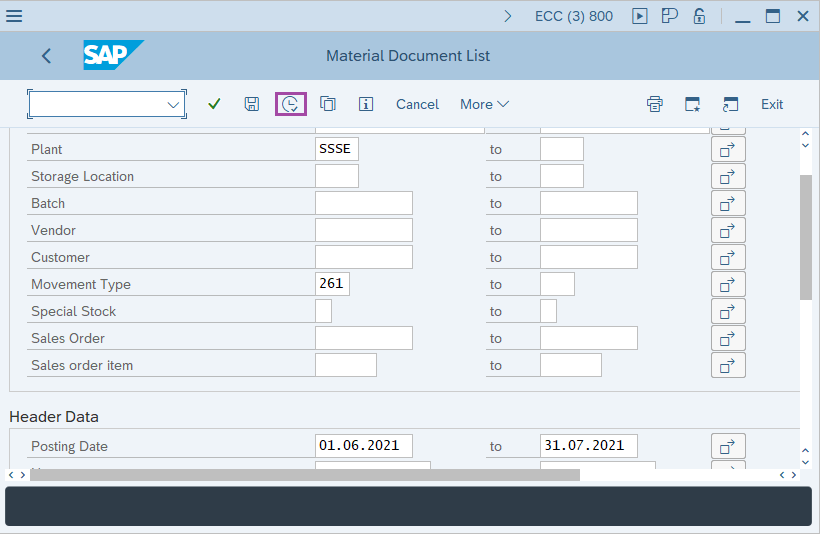
Step-8: - Material Document List window appears with material list.
Technical details –
- Transaction code: MB51
- Menu path: SAP menu → Logistics → Material management → Inventory Management → Environment → List Displays → Material Document.