
SAP PP How to Change Production Order
Changing a production order means modifying an existing order after it has been created. Sometimes plans change after the order is created — quantities may need updating, dates may shift, components may be replaced, or work centers may change.
Prerequisites -
- A valid production order must already exist.
- Order must be in a changeable status.
- Only authorized PP planners or production supervisors can modify important fields.
Here’s a step-by-step to Change Production Order –
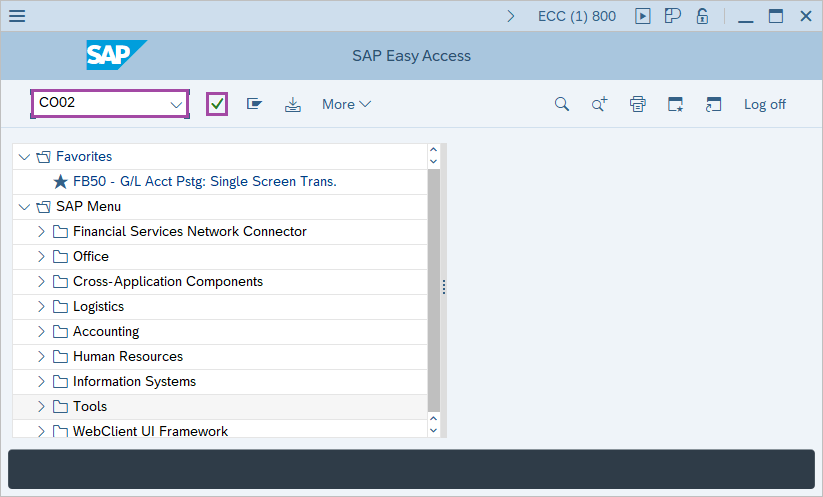
Step-1: - Enter the transaction code CO02 in SAP command field and press Enter to continue.
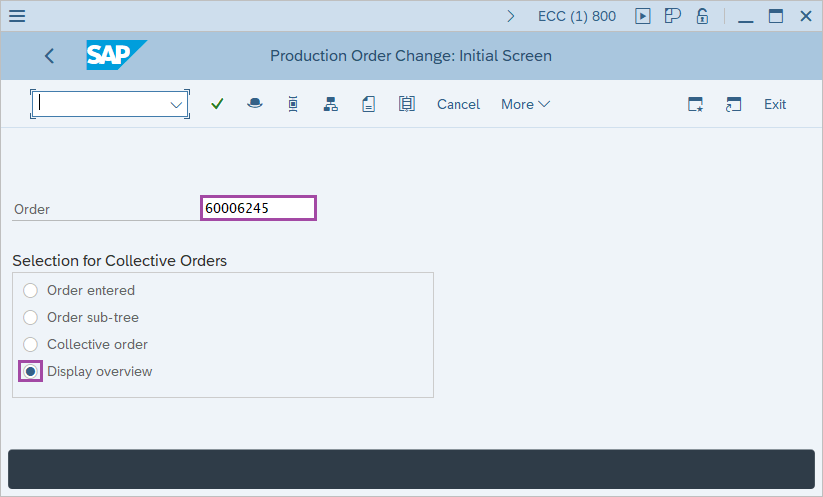
Step-2: - Production Order Change: Initial Screen window appears. Enter the Production number and select the Display overview. It is selected by default.
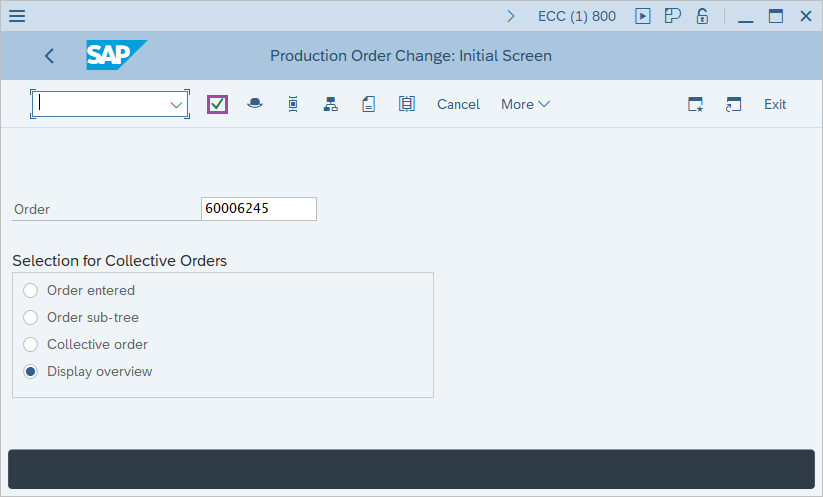
Step-3: - After entering the details, press Enter button.
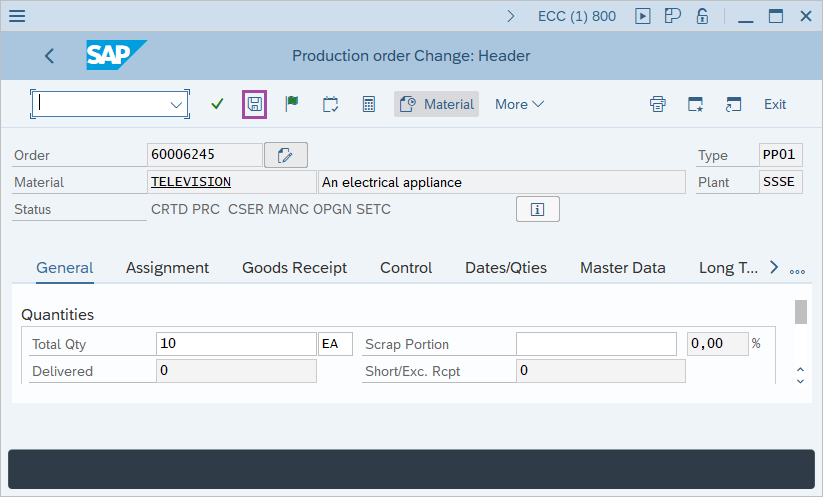
Step-4: - Production Order Change: Header window appears.
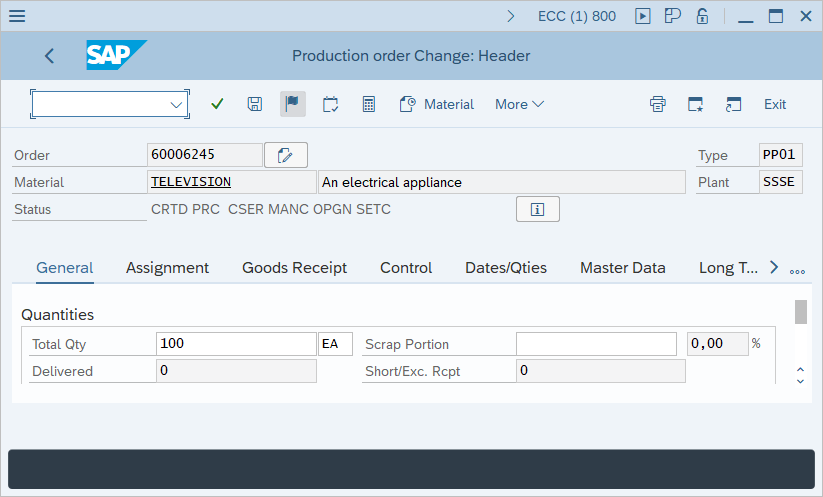
Step-5: - Once all the changes are made, click on Save button to save the details.
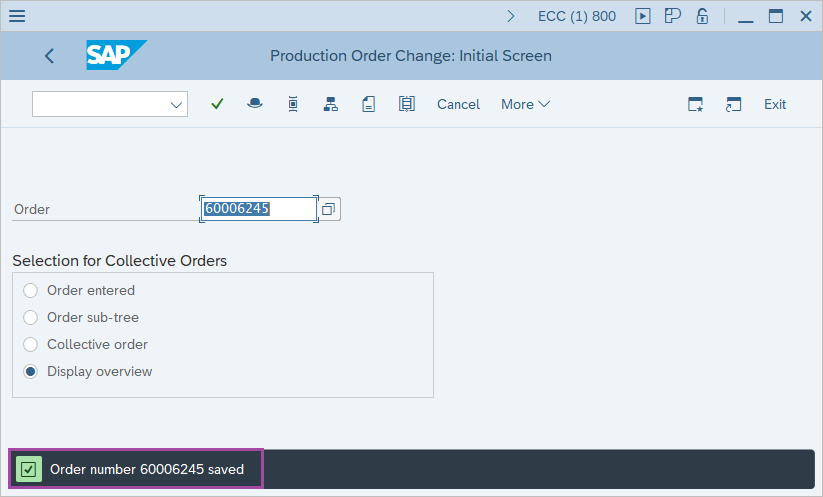
Step-6: - Status bar displays a message as Order number xxxxxx saved.
Technical details –
- Transaction code: CO02
- Menu path: SAP menu → Logistics → Production → Shop floor control → Order → Change.