
SAP PP How to Display Summarized Multilevel BOM
A Summarized Multilevel BOM is a special way of viewing the Bill of Material where SAP collects and displays all components from all BOM levels combined into one summarized list.
Instead of showing the tree-structure (level by level), SAP totals up quantities for repeated components and presents a clean, combined list of materials required to manufacture the final product.
Prerequisites -
- A valid BOM must exist.
- BOM must have multiple levels (If Testing Multilevel).
- Material and Plant must be known.
Here’s a step-by-step to Display Summarized Multilevel BOM –
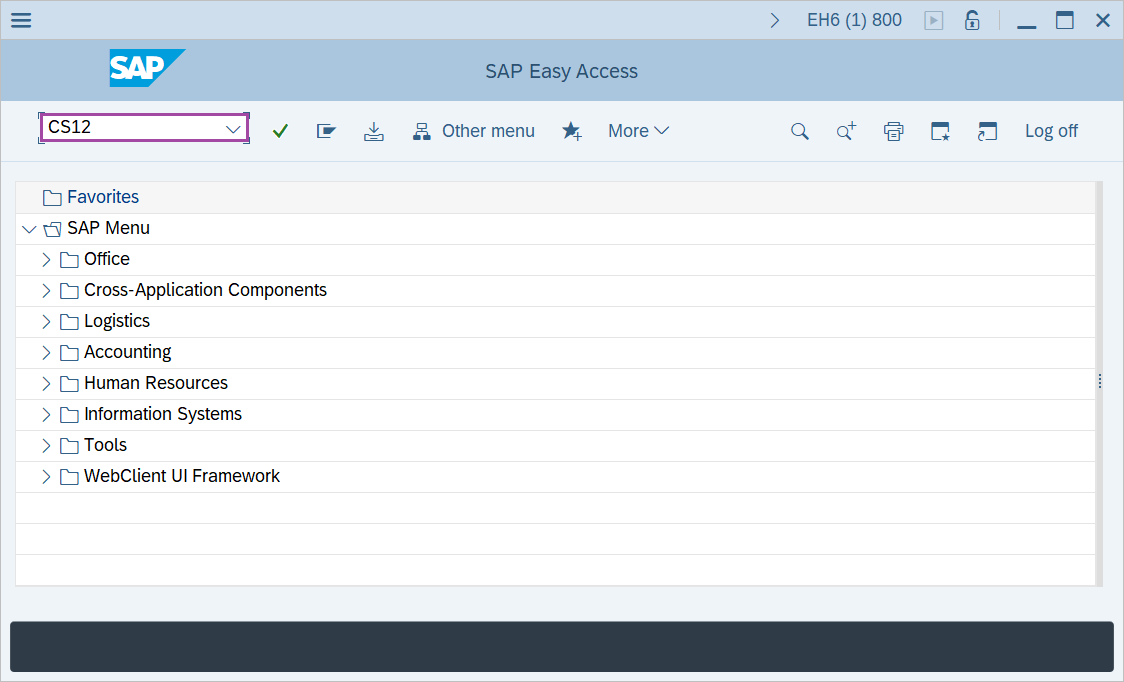
Step-1: - Enter the transaction code CS12 in SAP command field and press Enter to continue.
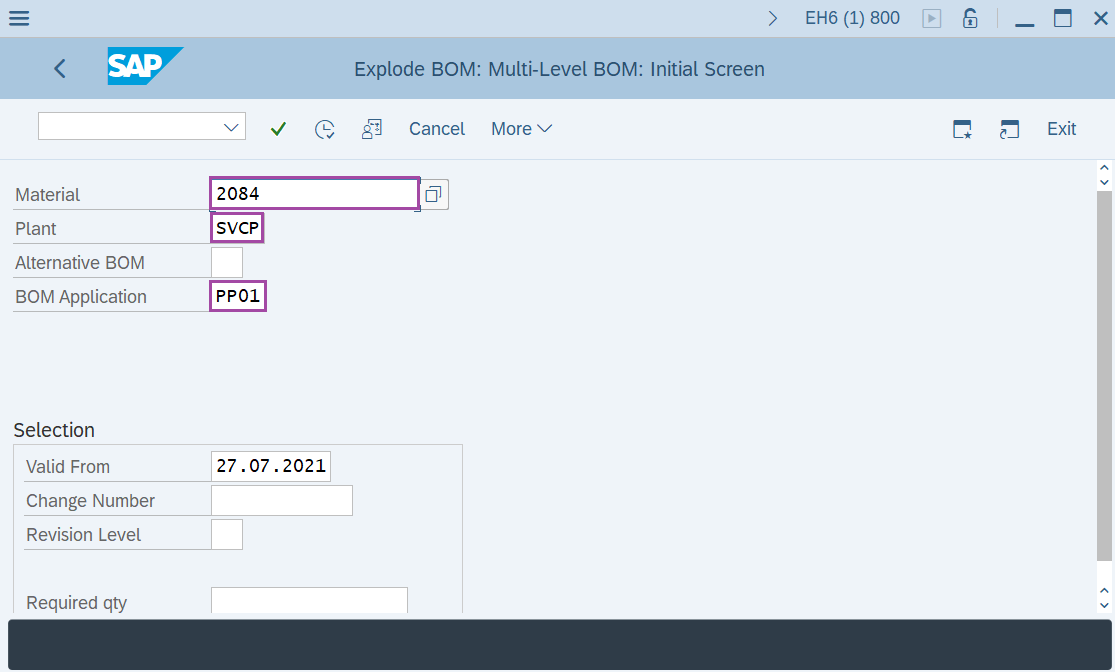
Step-2: - Explode BOM: Multi-Level BOM: Initial Screen window appears. Enter the following details-
- Enter the Material.
- Enter the Plant
- Enter the BOM Application as "PP01" indicating production BOM.
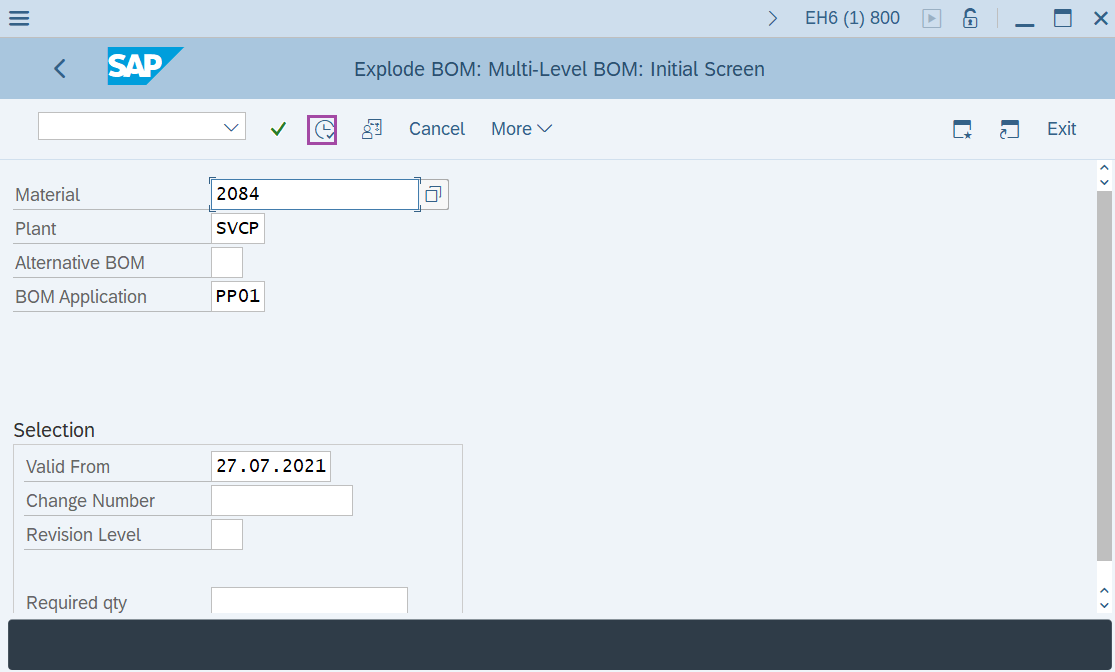
Step-3: - After entering the details, click on the Execute button.
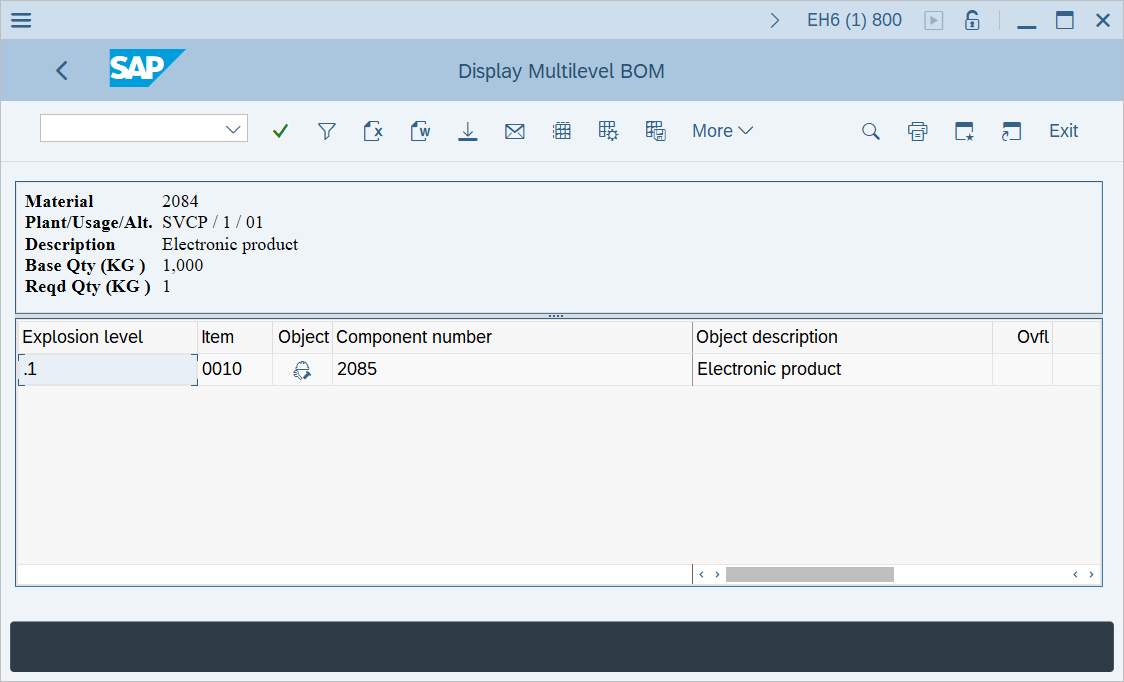
Step-4: - Display Multilevel BOM window appears displaying the list of components along with quantity at BOM explosion levels.
Technical details –
- Transaction code: CS12
- Menu path: SAP menu → Logistics → Production → Master Data → Bills of Material → Reporting → BOM Explosion → Material BOM → Multilevel BOM.