
SAP PP Display Work Center
“Display Work Center” means viewing all the details of a particular work center without making any changes. A Work Center represents a physical or logical production resource — such as a machine, assembly line, or group of workers — where operations in routing are performed.
Displaying a work center allows you to see important information such as capacity data, scheduling formulas, activity types, cost center assignments, and basic descriptions.
Prerequisites -
- The work center should have been created earlier using CR01.
- You must know the Work Center Name/Code.
- We must know correct Plant.
Here’s a step-by-step to Display Work Center –
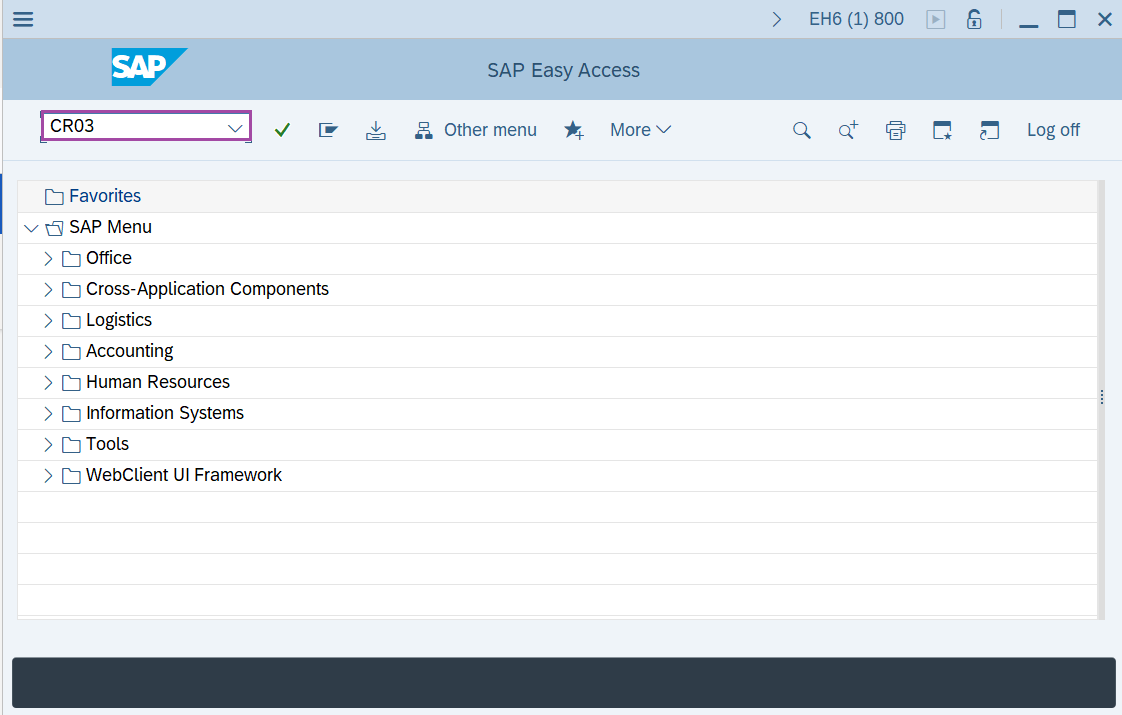
Step-1: - Enter the transaction code CR03 in SAP command field and press Enter to continue.
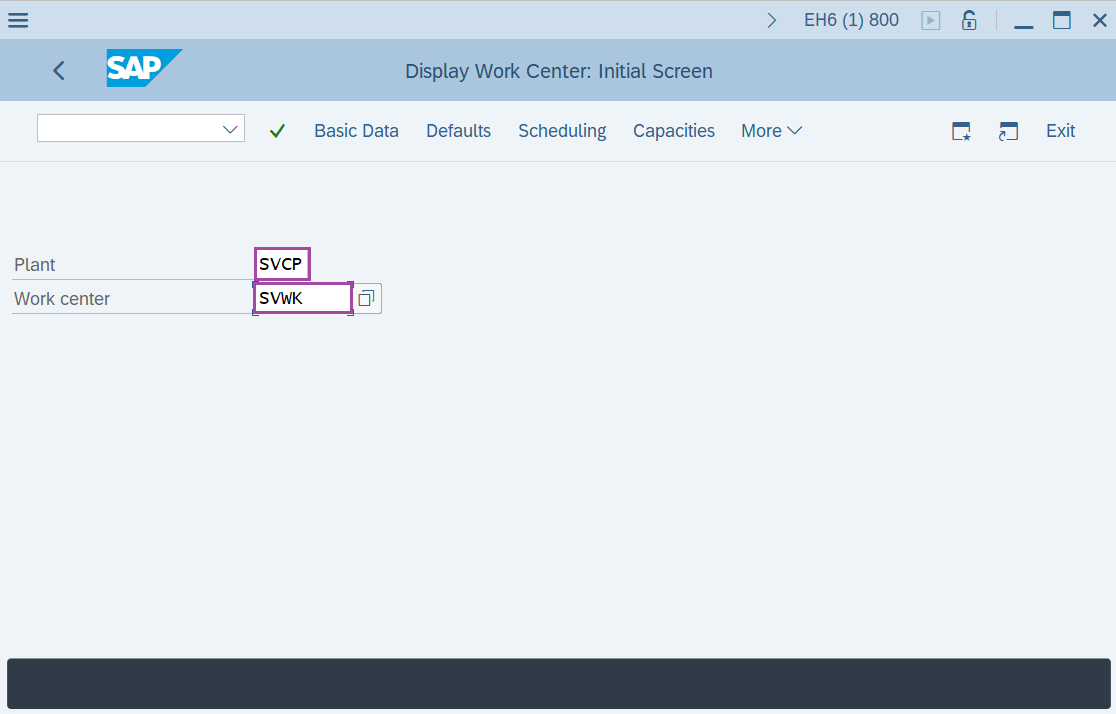
Step-2: - Now Display Work Center: initial screen window appears. Enter the details of “Plant code”, “Work center name”.
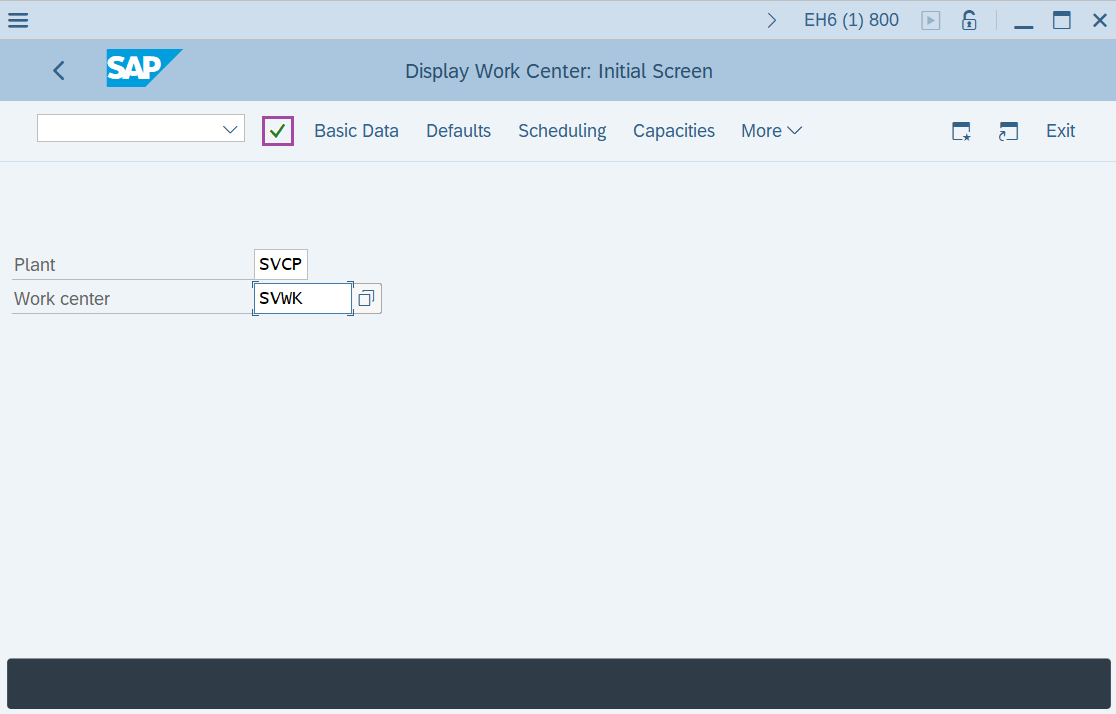
Step-3: - After the details are entered, click on Enter.
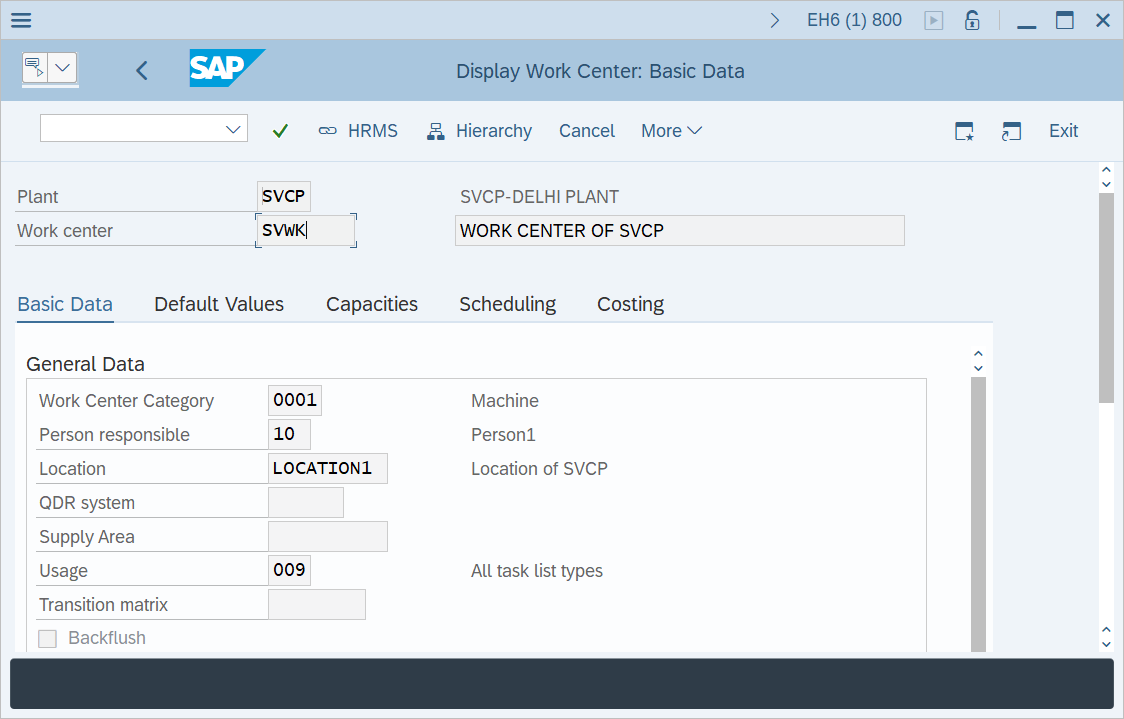
Step-4: - A window appears as Display Work center: Basic Data, resulting details of work center.
Technical details –
- Transaction code: CR03.
- Menu path: SAP Menu → Logistics → Production → Master Data → Work Centers → Work Center → Display.