
SAP PP MRP List
The MRP List in SAP PP is a snapshot of the MRP (Material Requirements Planning) results that was generated during the last MRP run. It shows the planned orders, purchase requisitions, dependent requirements, and stock situations exactly as they were when MRP executed.
You can think of the MRP List as a frozen picture of MRP. Even if users later change stock, demand, or master data, the MRP List does not change until the next MRP run.
MRP List = Historical MRP result snapshot.
Prerequisites -
Before using MRP List, ensure:
- MRP run (single-item or total planning) has been executed
- Material Master has correct MRP views
- BOM and Routing exist
- Procurement type is defined
- Lot-sizing, safety stock, lead times, and planning strategy are maintained correctly
Here’s a step-by-step to view a MRP List –
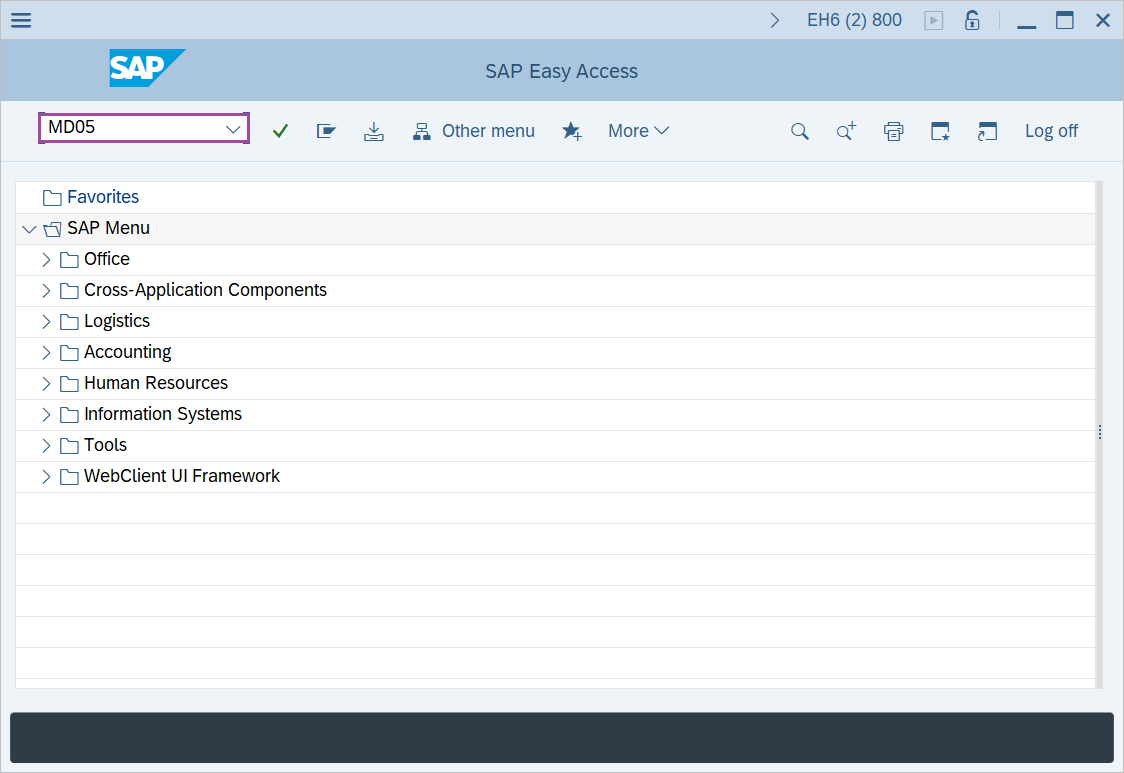
Step-1: - Enter the transaction code MD05 in SAP command field and press Enter to continue.
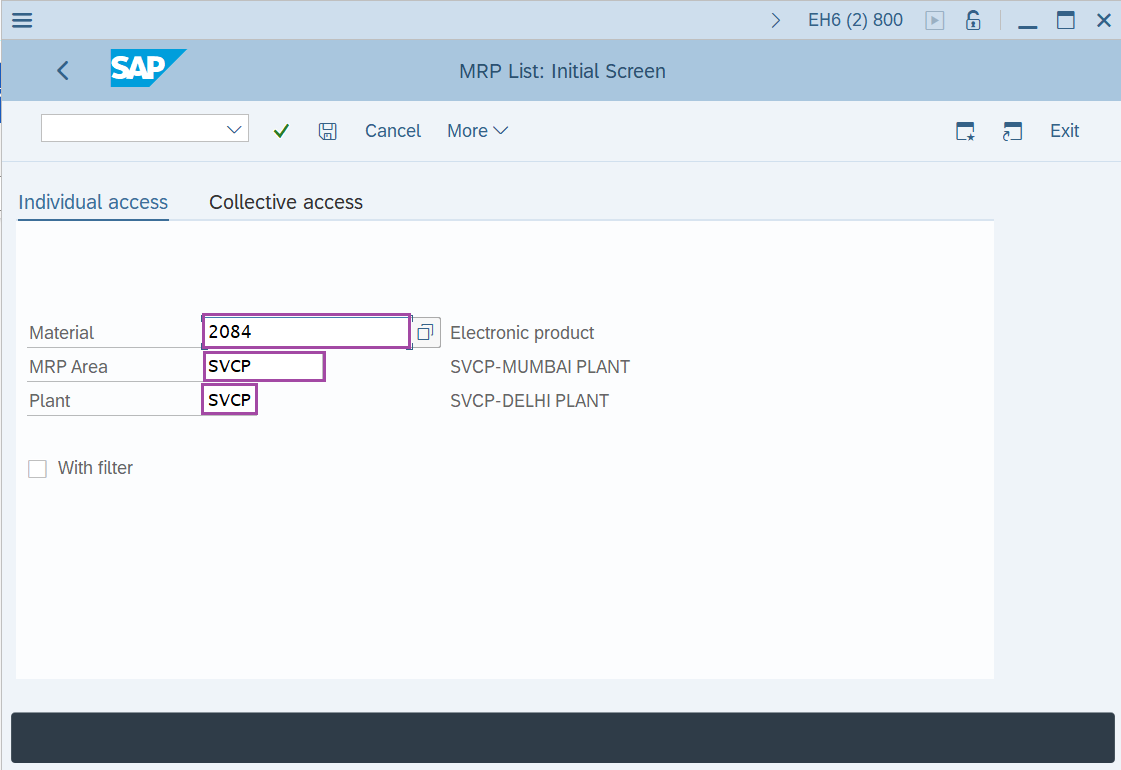
Step-2: - MRP List: Initial Screen window appears, enter the details in the fields Material, Plant, MRP Area.
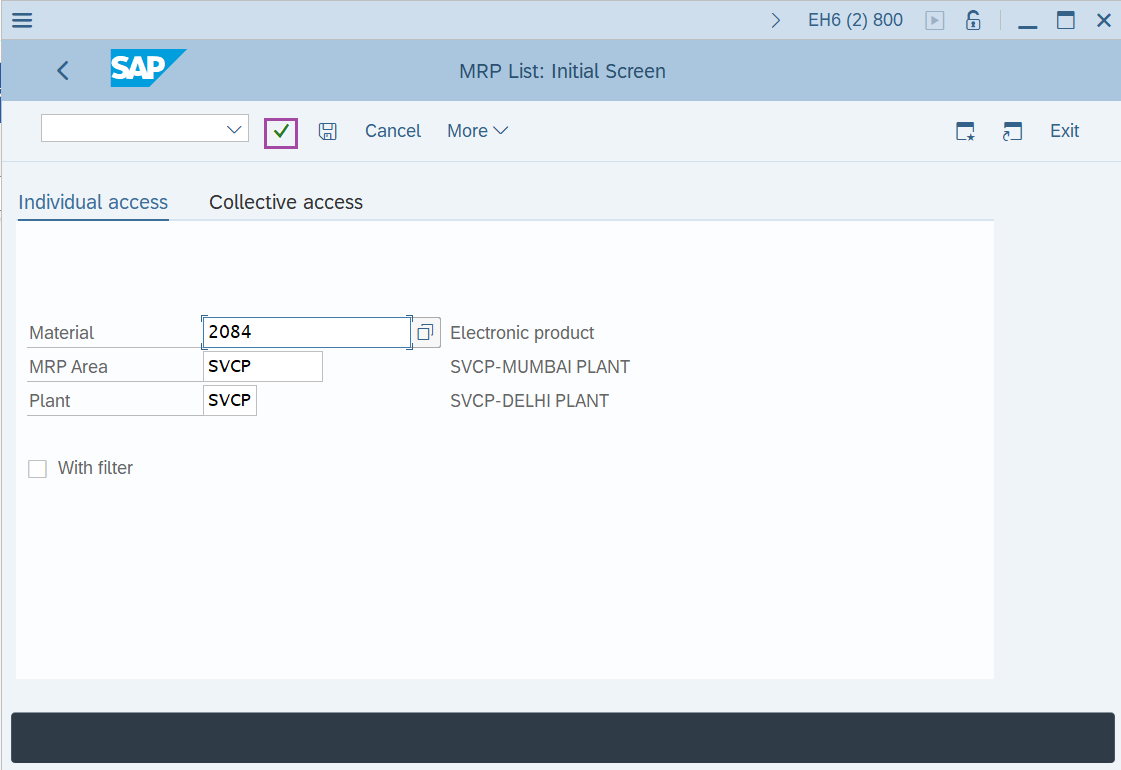
Step-3: - After entering the details, click on Enter button or right mark.
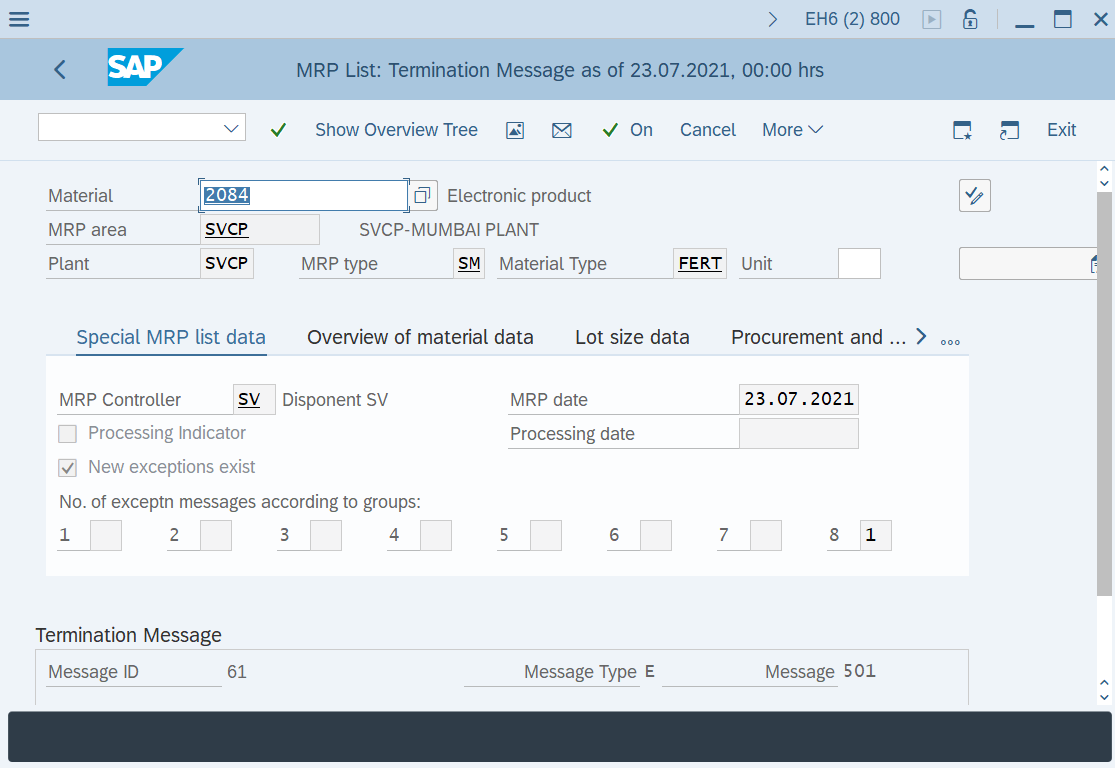
Step-4: - MRP List as of xx.xx.xxxx, xx:xx Hrs window appears details of MRP lists.
Technical details –
- Transaction code: MD05.
- Menu path: SAP menu → Logistics → Production → MRP → Evaluation → MRP list.