
SAP PP How to run MRP for all Products
Running MRP for all products means executing a plant-wide Material Requirements Planning run, where SAP checks:
- Current stock
- Future demand
- Open purchase orders
- Planned independent requirements
- Production orders
- Lead times
- BOM components
… and creates planning proposals such as:
- Planned orders
- Purchase requisitions
- Rescheduling messages
This run covers every material in the plant, including raw materials (ROH), semi-finished goods (HALB), and finished goods (FERT).
Prerequisites -
- Material Master must have MRP data.
- Valid stock and demand data.
- Planning file entries updated.
- Correct Plant & MRP controller settings.
Here’s a step-by-step to run MRP for all Products –
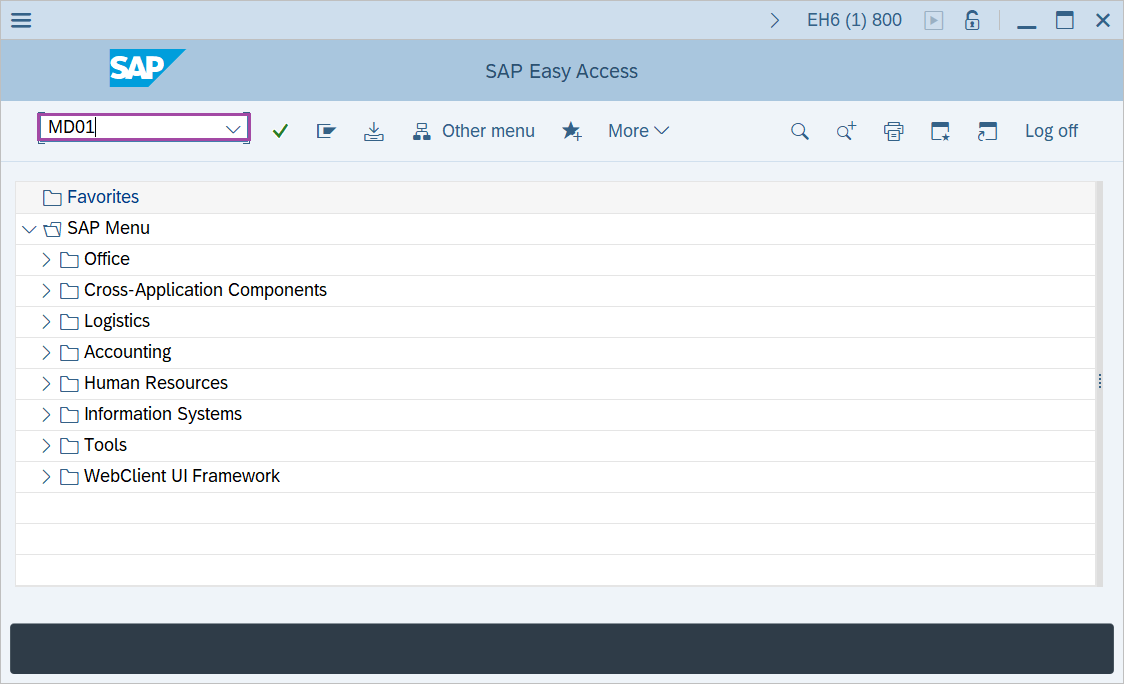
Step-1: - Enter the transaction code MD01 in SAP command field and press Enter to continue.
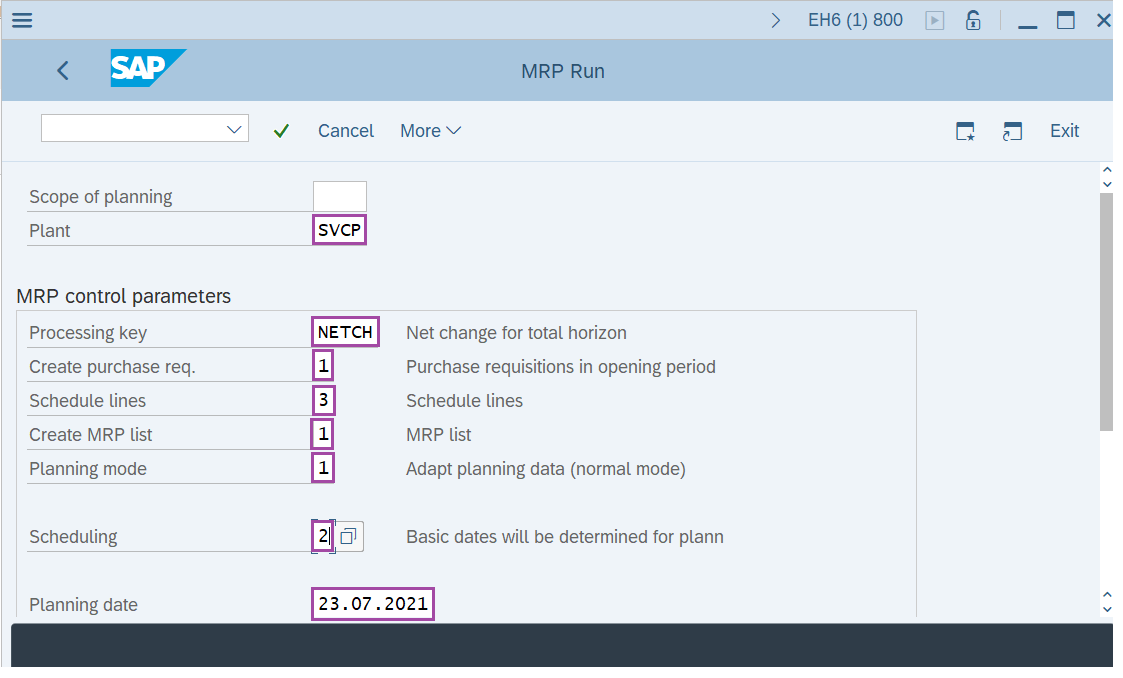
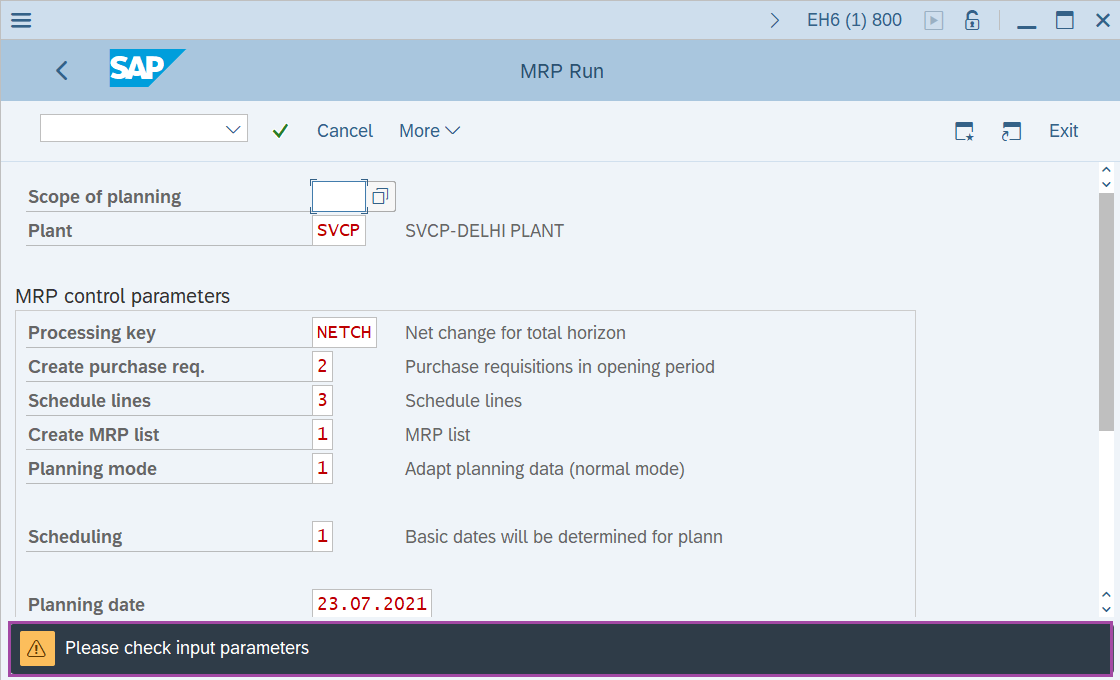
Step-2: - MRP Run window appears. Enter the details in the fields Plant, Processing key, Create purchase req. , Schedule lines, Create MRP list, Planning mode, Scheduling and Planning date.
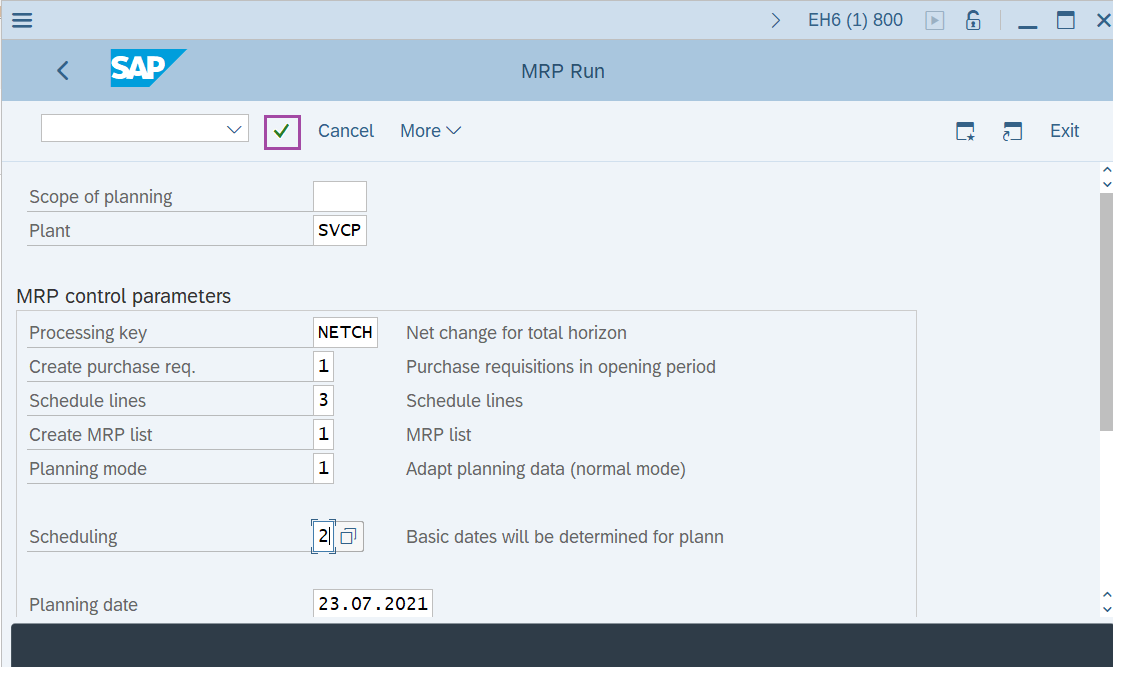
Step-3: - After entering all details, press Enter to continue.
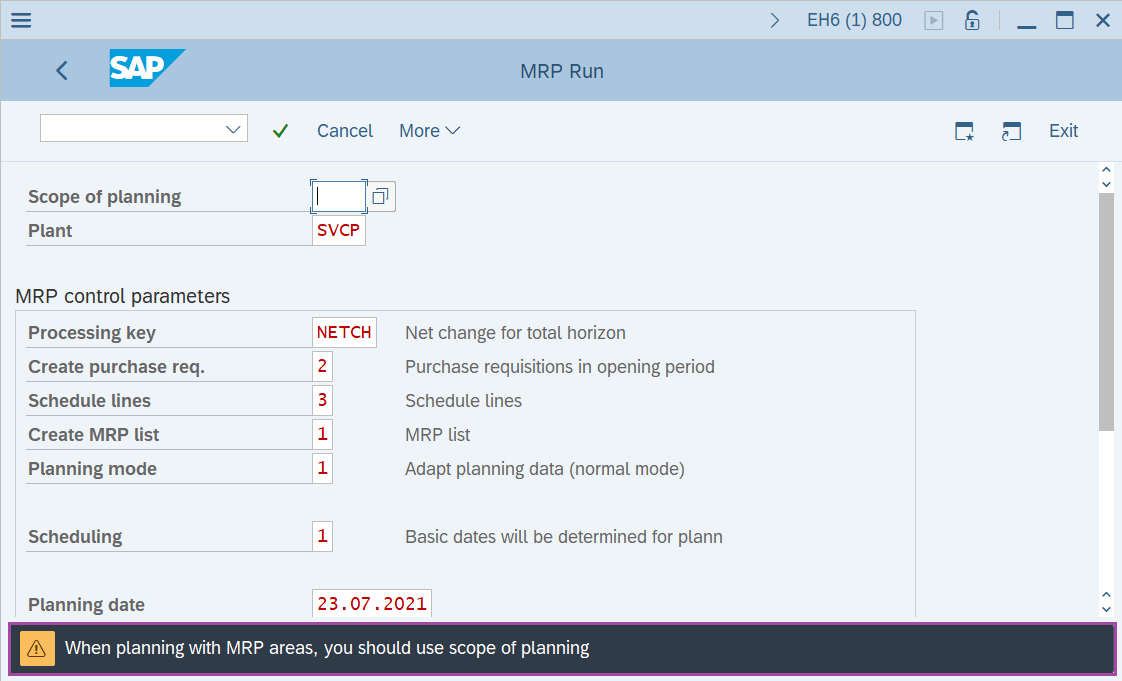
Step-4: - Status bar displays the below message, ignore and press Enter to continue.
Step-5: - Status bar displays the below message to check the input parameters as the MRP run is going to reschedule and overwrite all existing data. After checking once press Enter to continue.
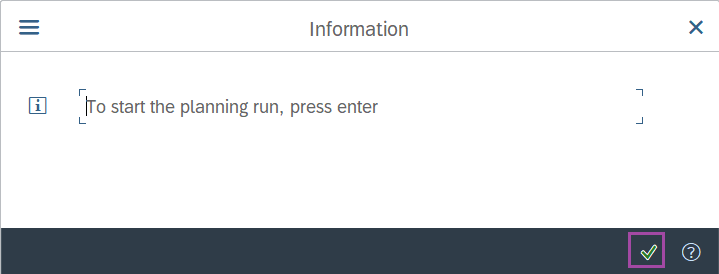
Step-6: - A pop-up window will be opened for confirmation to run MRP. Press Enter to continue.
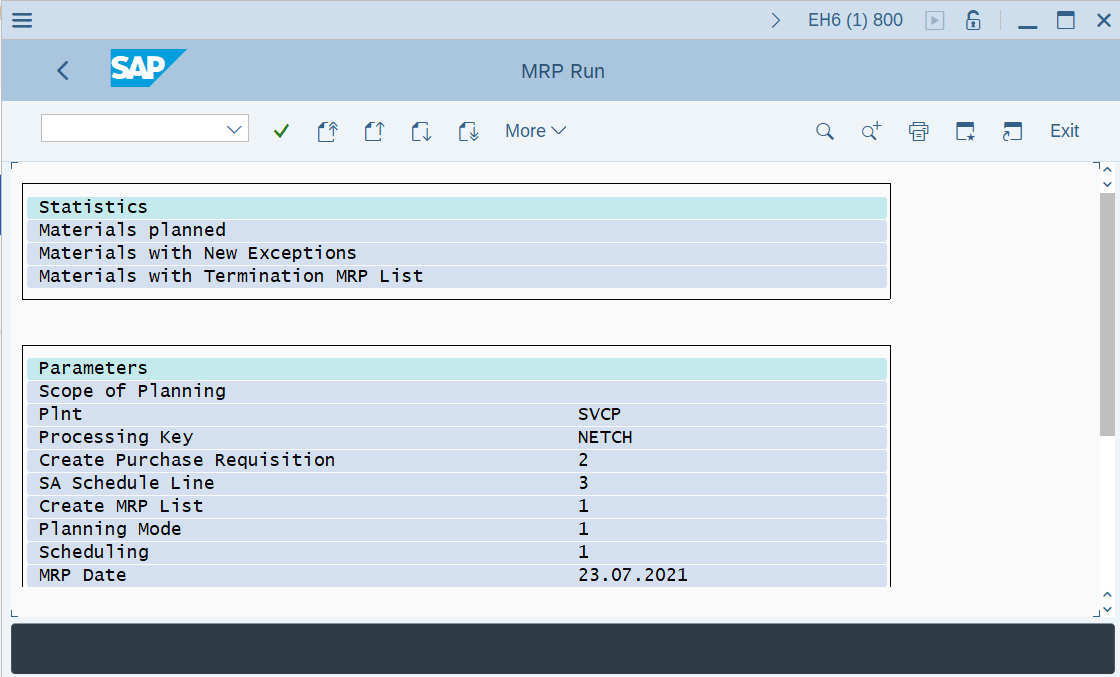
Step-7: - A statement of MRP run details will be appeared.
Technical details –
- Transaction code: MD01
- Menu path: Logistics → Production → MRP → Planning → Total Planning → Online .