
SAP PP Change Routing
When you change a routing, you are updating the existing manufacturing instructions for a material. This could mean correcting operation times, adding new operations, changing work centers, adjusting activity types, or updating control keys.
Changing routing is very important because SAP uses routing information for scheduling, capacity planning, cost calculation, and execution of production orders.
Prerequisites -
- The material and routing must already exist.
- Work centers and activity types should be valid.
Here’s a step-by-step to Change Routing –
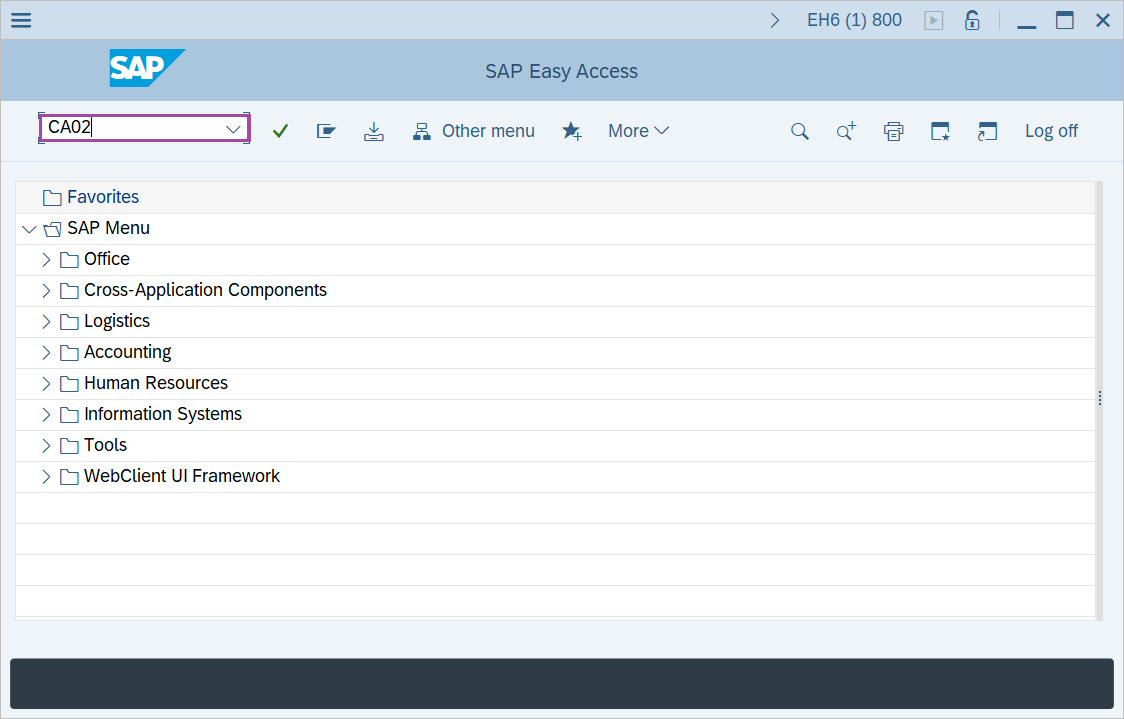
Step-1: - Enter the transaction code CA02 in SAP command field and press Enter to continue.
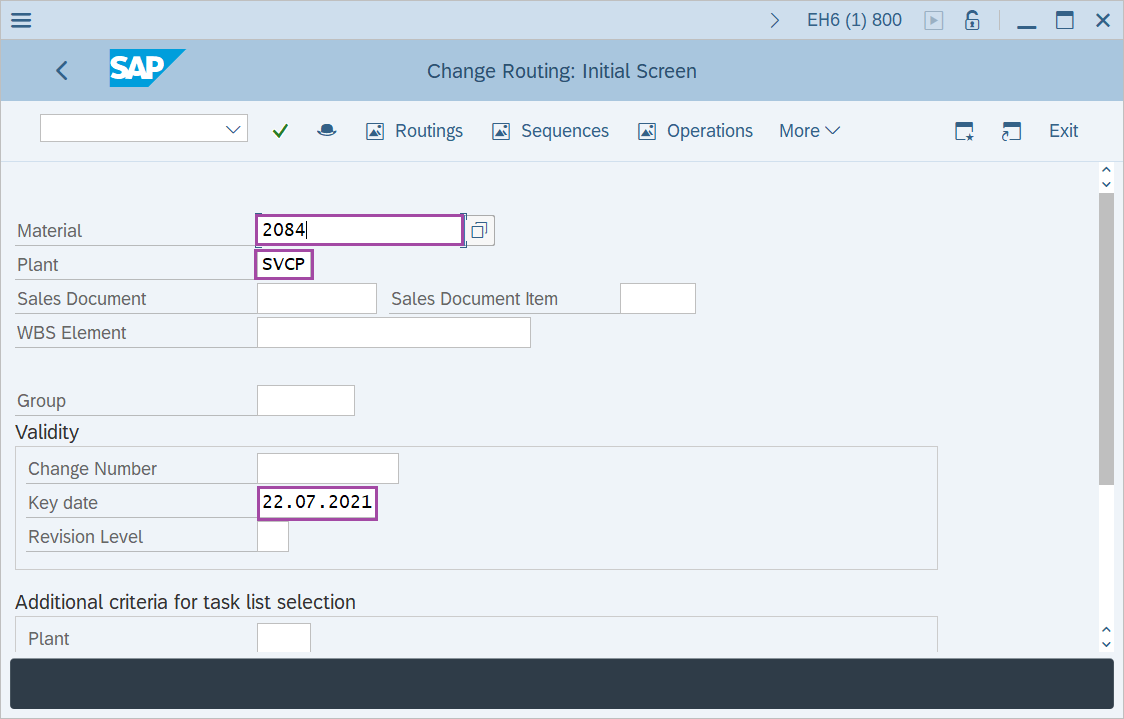
Step-2: - Now Change Routing: Initial Screen window appears. Enter the details in the fields Material, Plant and Validity Key date.
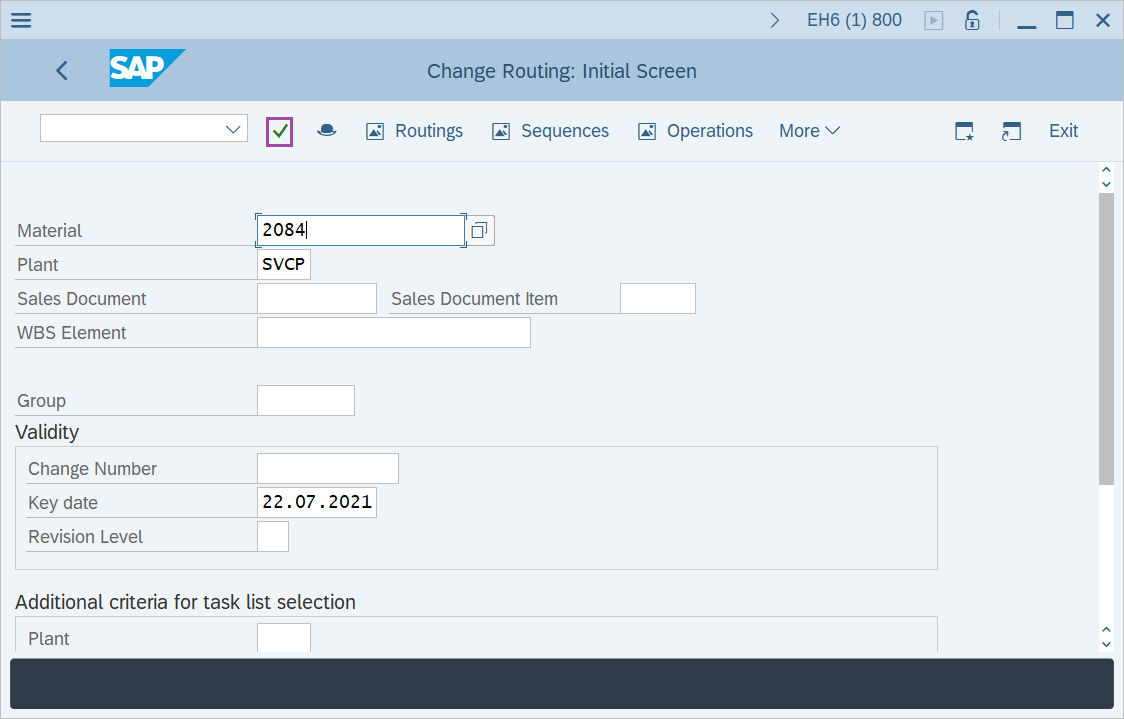
Step-3: - After entering the details, click on Enter button to continue.
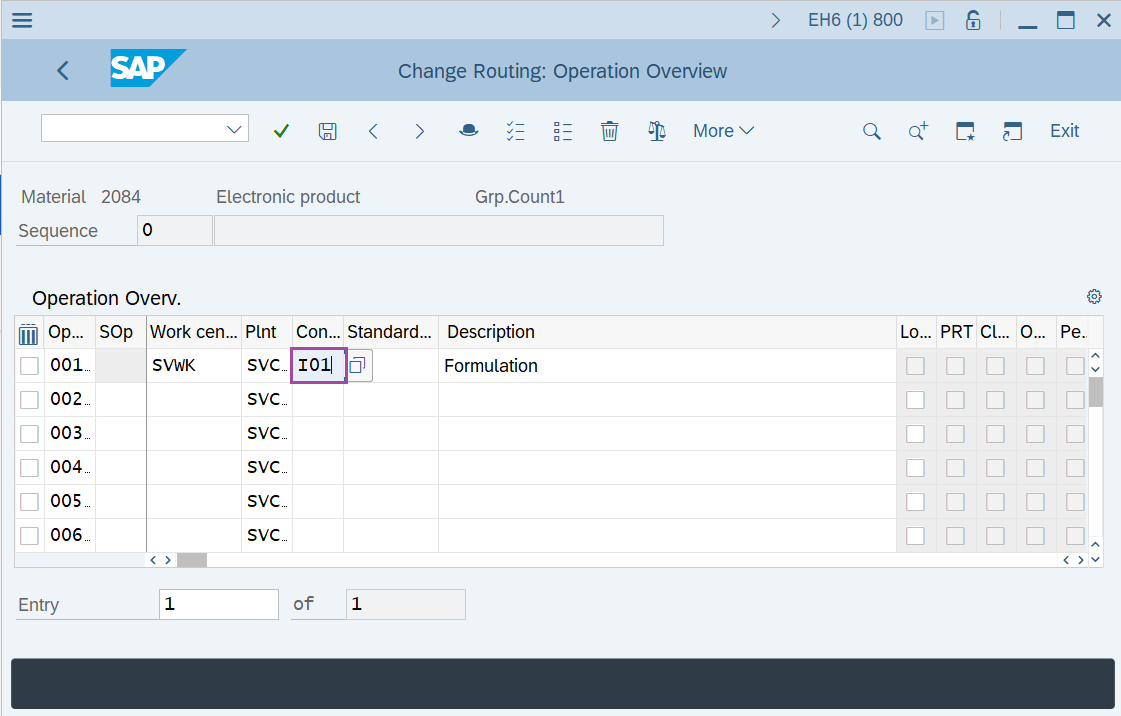
Step-4: - A window will display as Change Routing: Operation Overview with list of operations.
Double click on operation to get the details.
Step-5: - Change Routing: Operation Details window appears with details of operation selected.
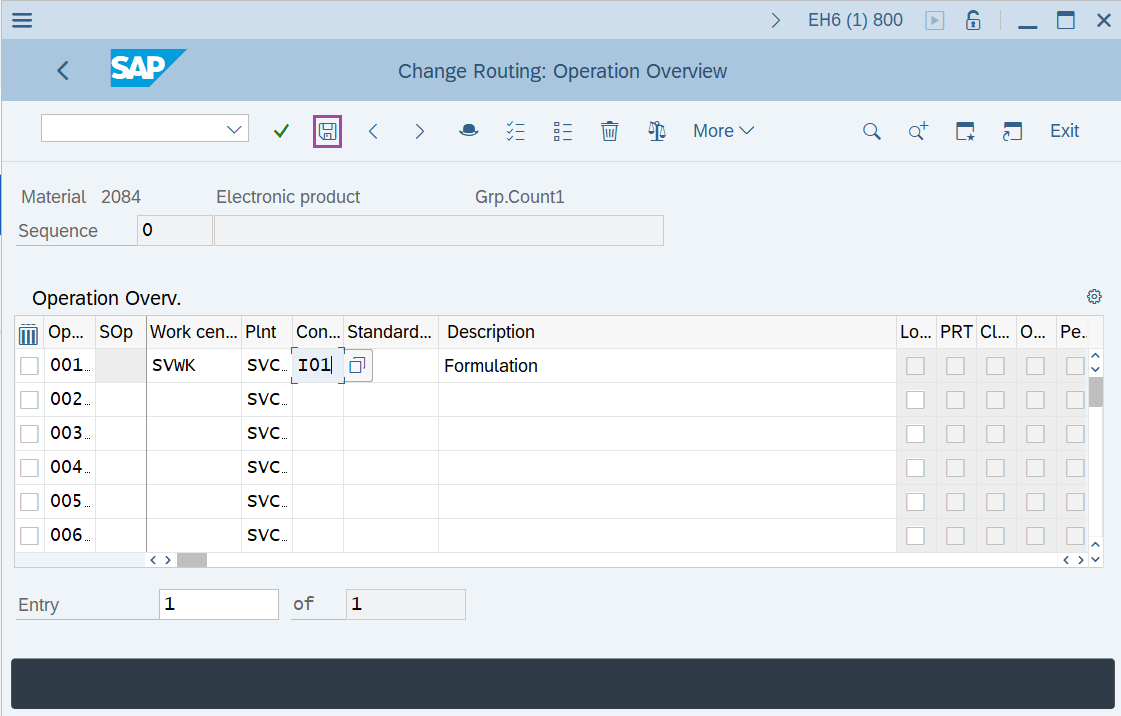
Step-6: - Once all the modifications are done, click on Save to save the details.
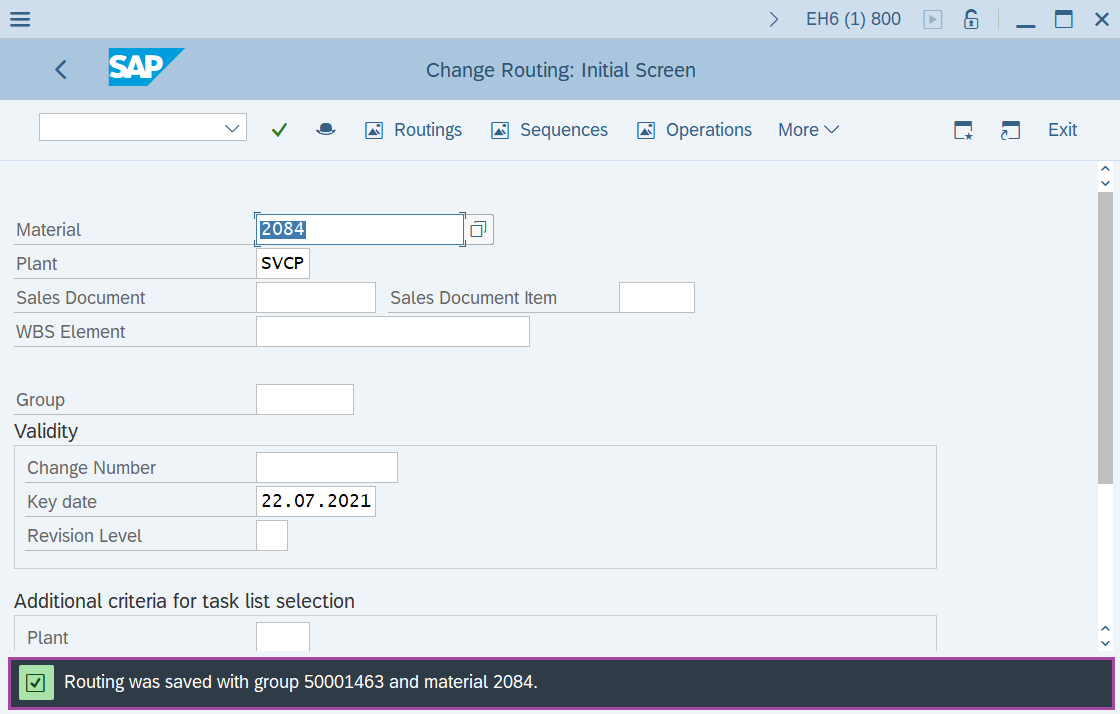
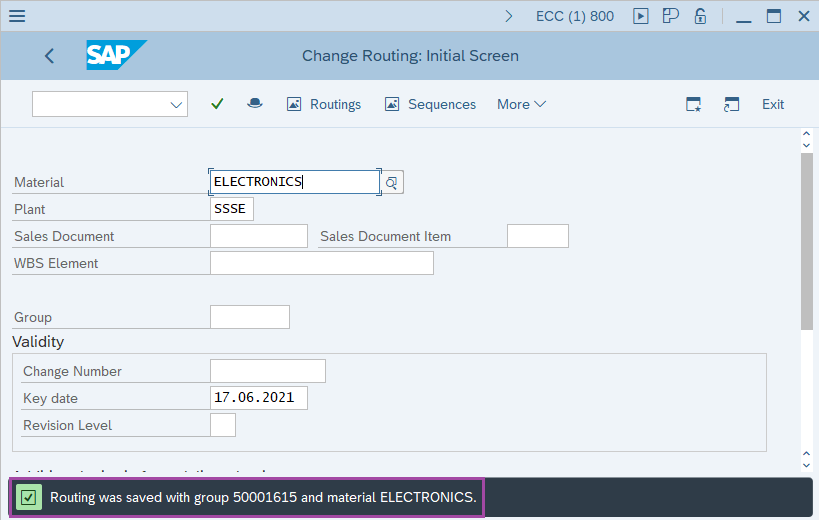
Step-7: - Status bar displays the below message once the values saved successfully.
Technical details –
- Transaction code: CA02
- Menu path: SAP menu → Logistics → Production → Master Data → Routings → Routings → Standard Routings → Change.