
SAP PP Stock of Multiple Materials
How to view a Stock of Multiple Materials is described in the following steps –
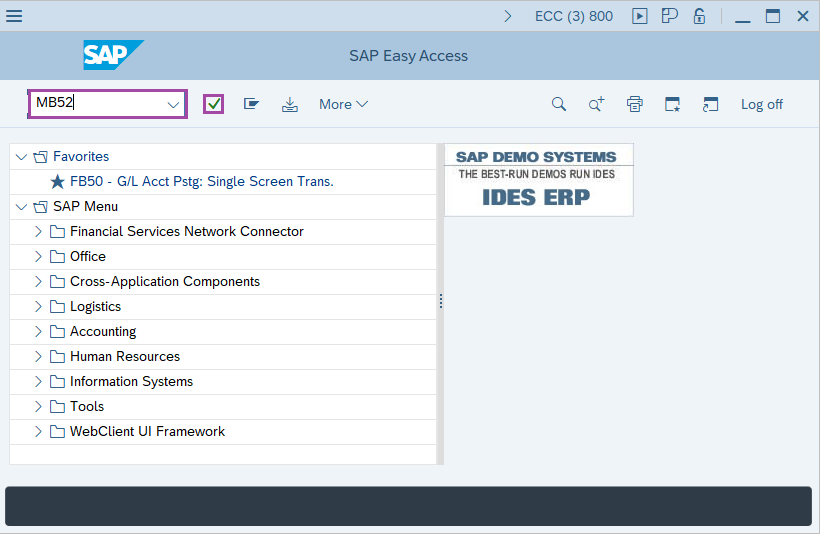
Step-1: - Enter the transaction code MB52 in SAP command field and press Enter to continue.
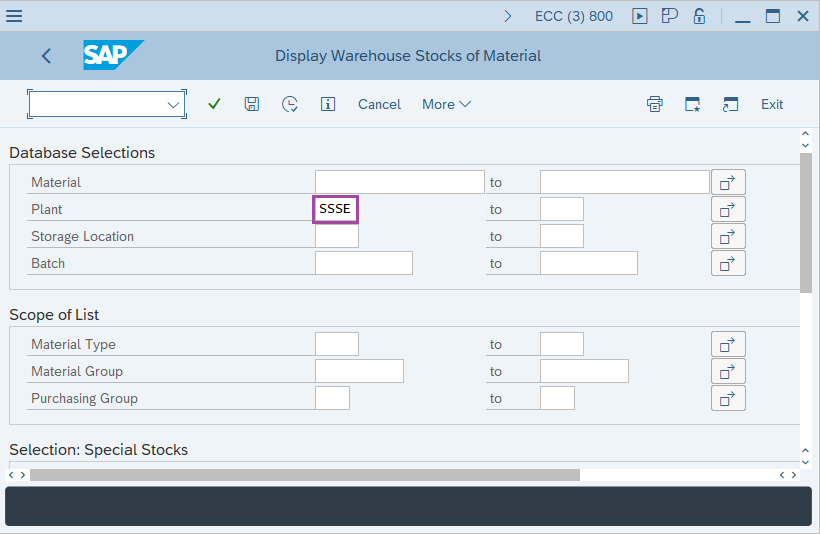
Step-2: - Display Warehouse Stocks of Material window appears. Enter details in the fields Material, Plant and Storage Location.
By clicking on the arrow symbol on the line of material filed allows to select multiple materials.
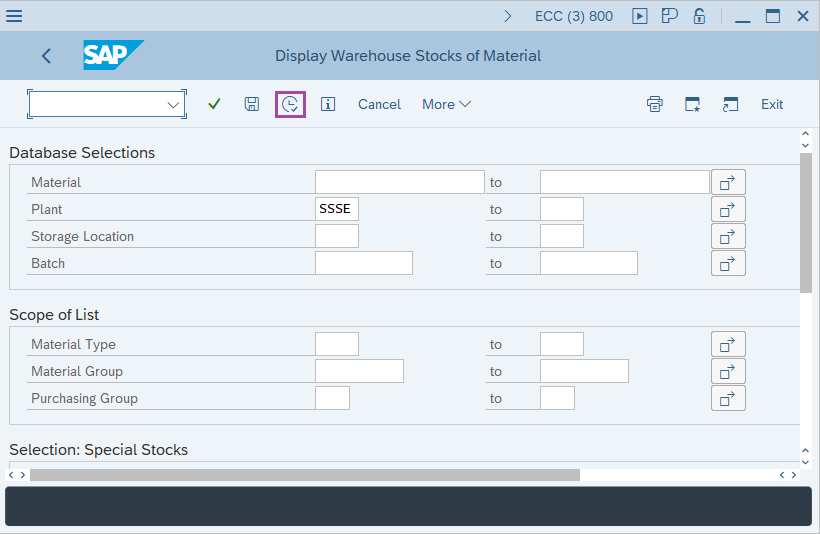
Step-3: - After entering the details, click on the Execute button.
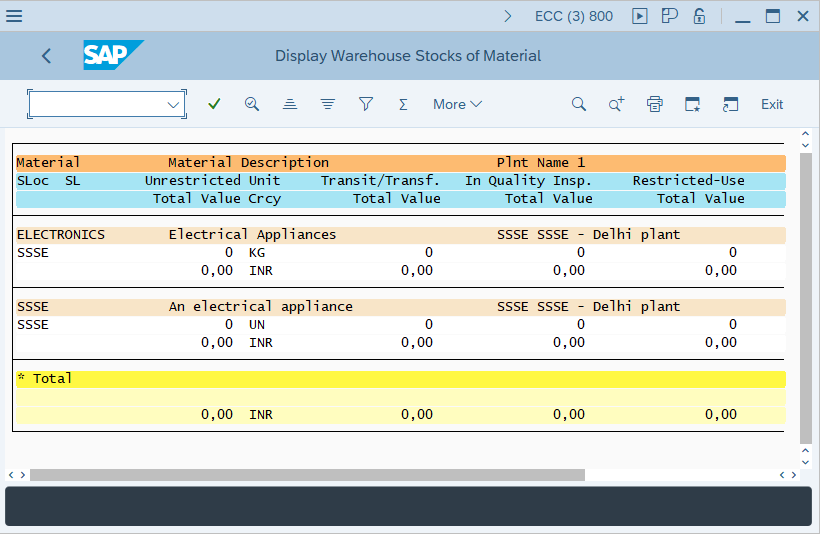
Step-4: - Display Warehouse Stocks of Material window appears with details of stock.
Technical details –
- Transaction code: MB52.
- Menu path: SAP menu → Logistics → Material management → Inventory Management → Environment → Stock → Warehouse Stock.