
SAP PP Create Inactive Version of Planned Independent requirement
“Create inactive version of PIR” means: create a forecasted requirement plan but keep it inactive — useful for simulations, long-term planning scenarios (what-ifs), or draft forecasts you don’t yet want to commit to live MRP.
Prerequisites -
- The master data for the material must exist (material created in SAP, plant defined), because PIR links demand to a specific material-plant combination.
- You need to know the PIR version number (or define a new one). Versions are key: each version can be separately maintained, activated or kept inactive.
Here’s a step-by-step to Create Inactive Version of Planned Independent requirement –
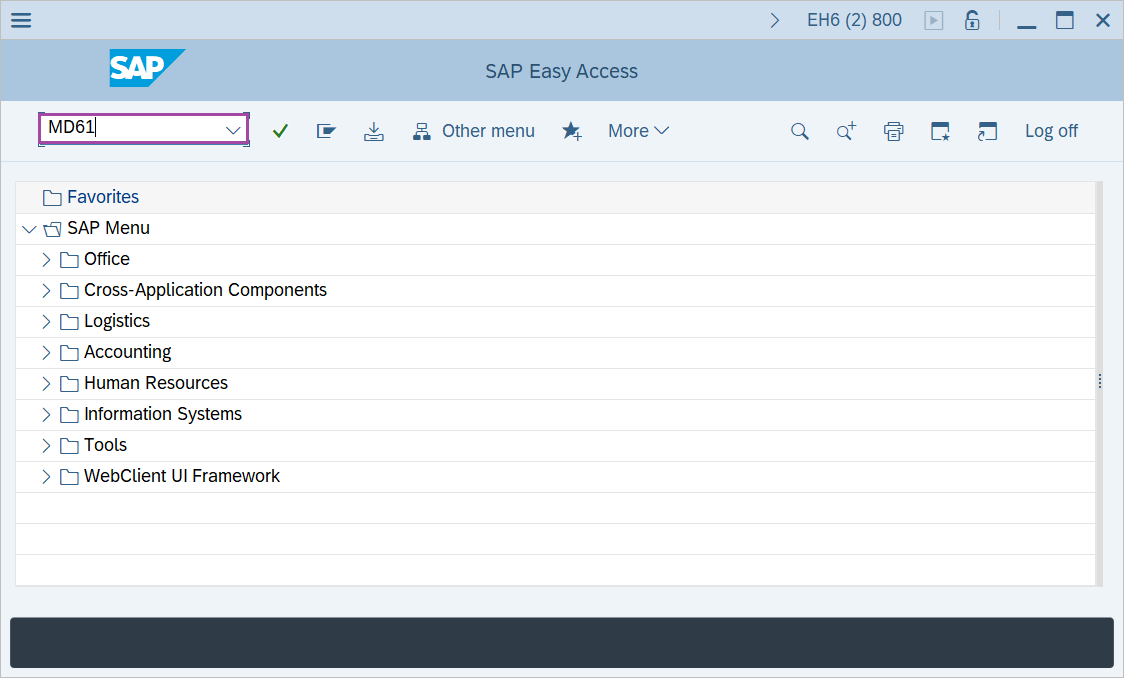
Step-1: - Enter the transaction code MD61 in SAP command field and press Enter to continue.
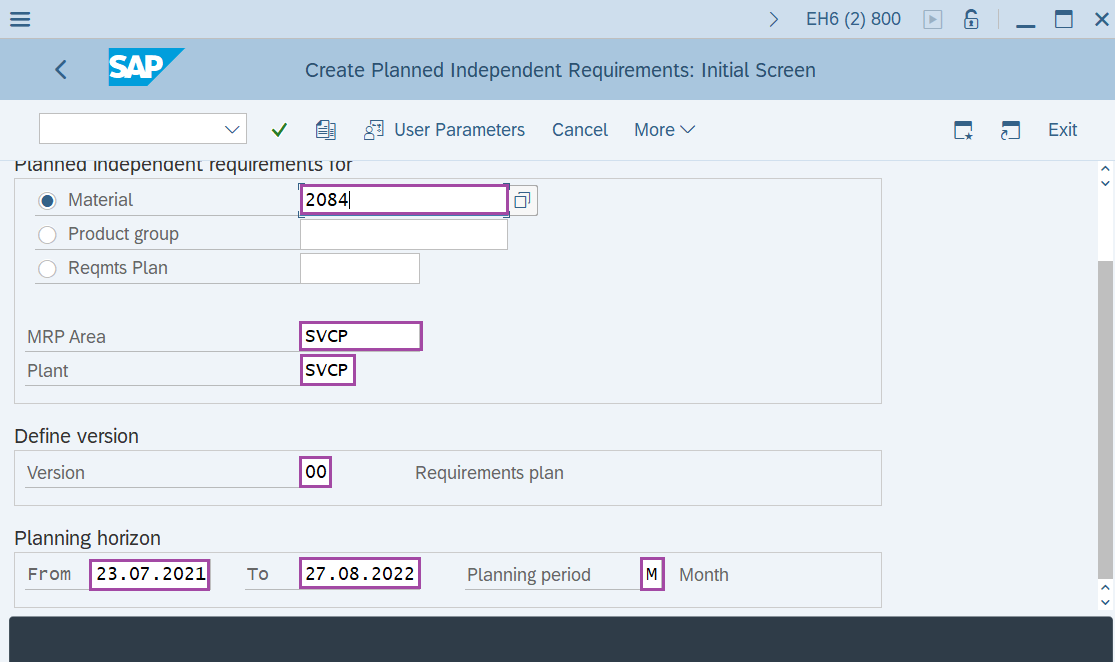
Step-2: - Create Planned Independent Requirements: Initial Screen window appears, enter the details in the fields Material, Plant, MRP Area, version and Planning horizon.
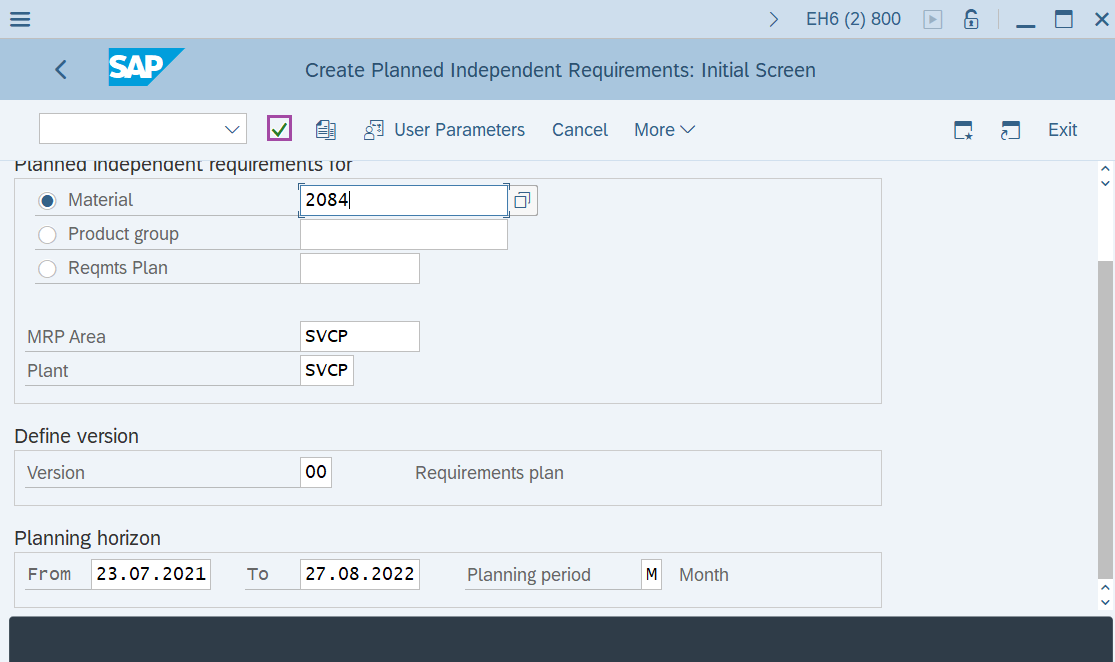
Step-3: - After entering the details, click on Enter button to continue.
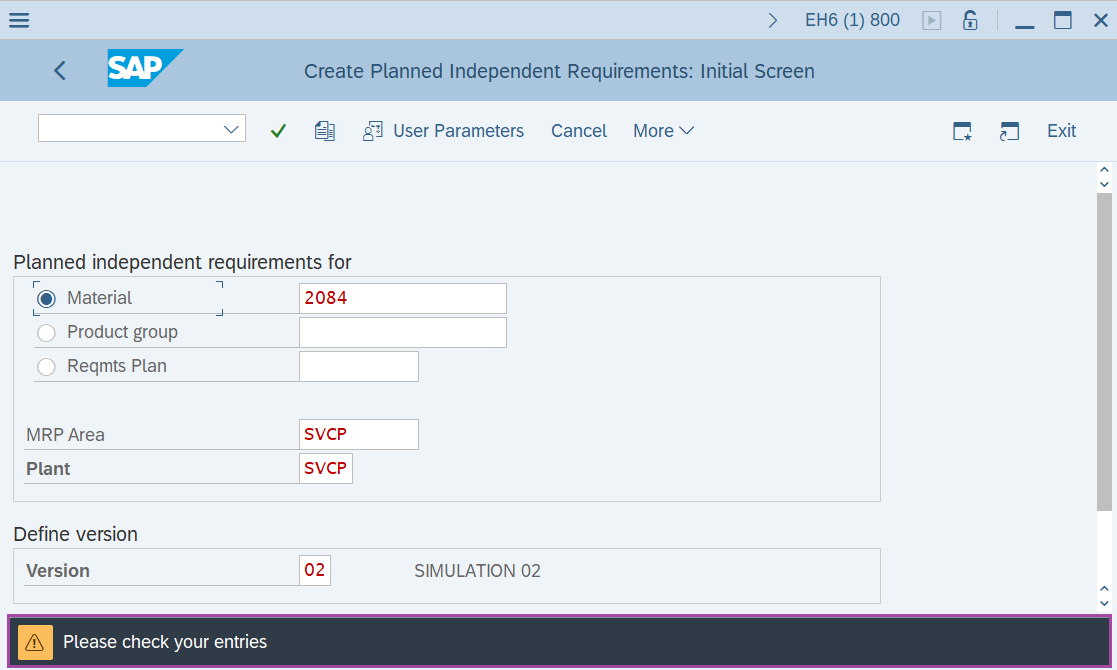
Step-4: - Status bar displays the below message to check the enter parameters. After checking once press Enter to continue.
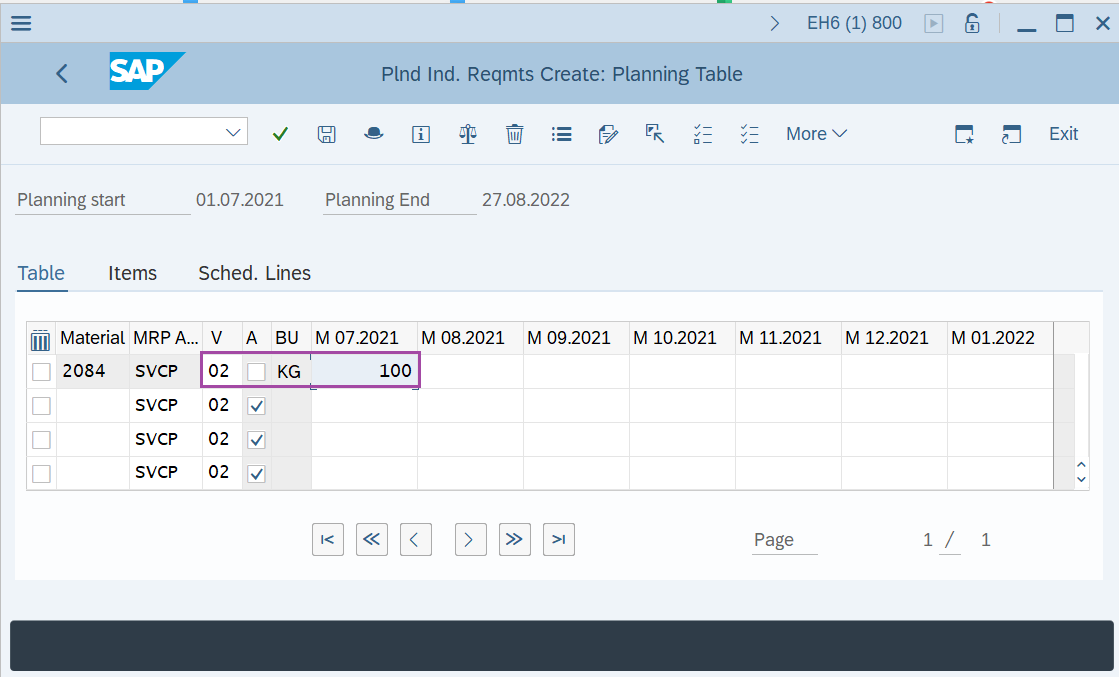
Step-5: - Planned Ind. Reqmts Create: Planning Table window appears. Here the version "02" and Active check box is unmarked indicating that it is an inactive/simulative requirement.
Enter the requirement quantity.
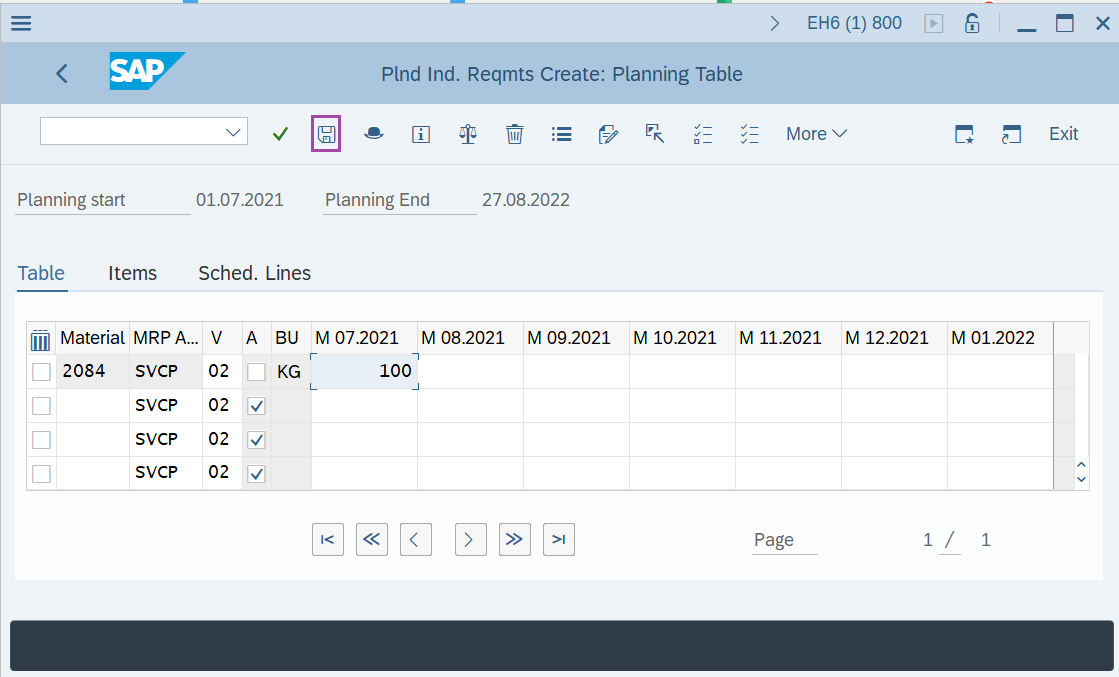
Step-6: - Once all the required details are entered, click on Save button to save the details.
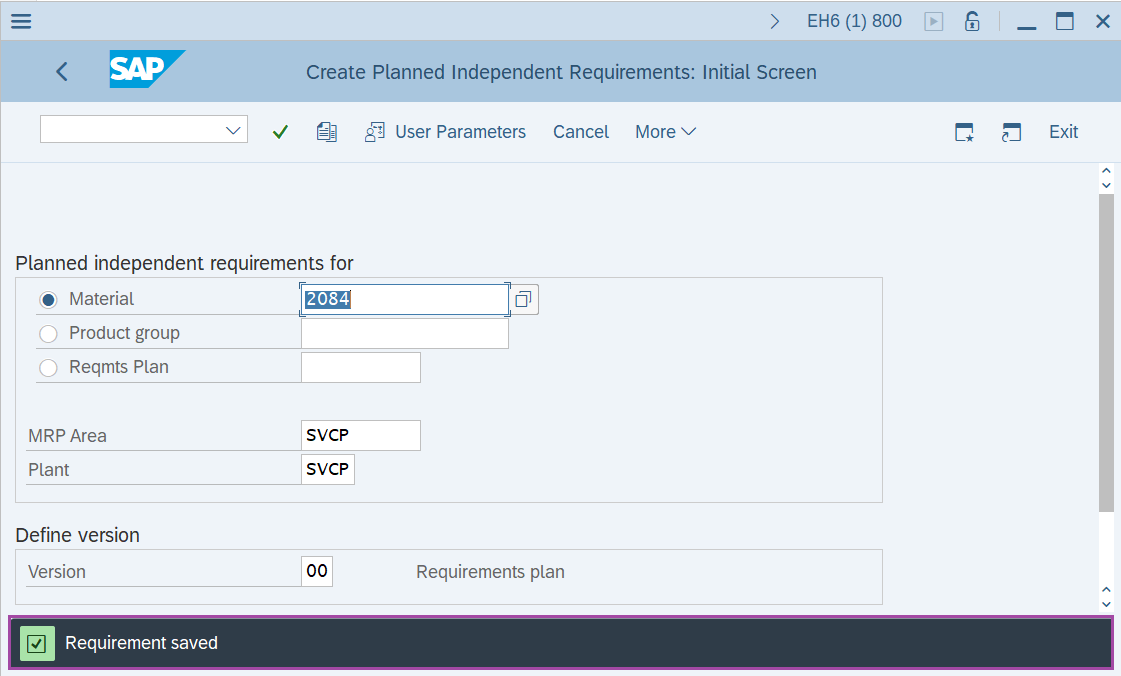
Step-7: - Status bar displays the below message once PIR created successfully.
Technical details –
- Transaction code: MD61
- Menu path: SAP menu → Logistics → Production → Production planning → Demand Management → planned Independent Requirements → Create.