
SAP PP Material Document List
A Material Document is the official proof of the stock movement happening in the system. It acts like a “digital slip” for every goods movement in PP, MM, and WM processes.
The Material Document List is a report in SAP that lets you view multiple material documents together, filtered by: Material number, Plant, Storage location, Document date, Posting date, Movement type (e.g., 101, 261, 311, etc.), User who posted, Document number range.
Material Document List = Report showing all goods movements for materials in a plant.
Prerequisites -
Before using Material Document List effectively:
- Material Master must exist
- Goods movements must be posted (MIGO, MB1A, CO11N, backflush, confirmation)
- Posting periods must be open
Here’s a step-by-step to view a Material Document List –
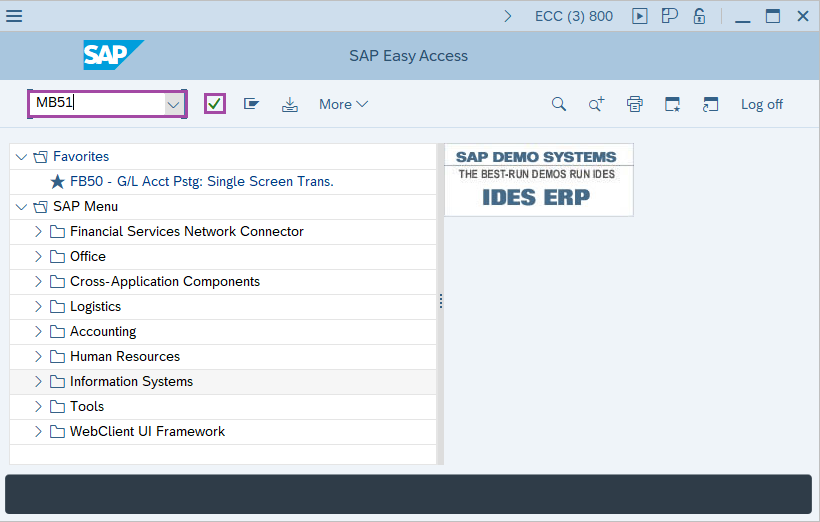
Step-1: - Enter the transaction code MB51 in SAP command field and press Enter to continue.
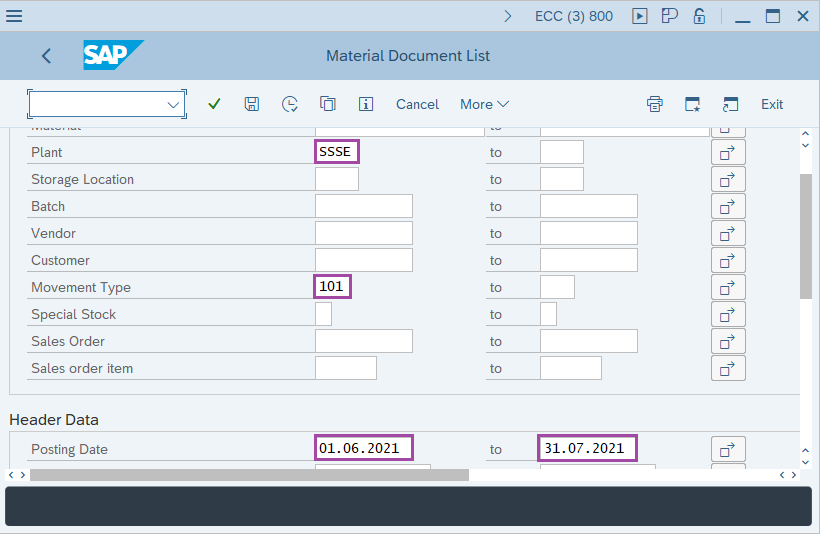
Step-2: - Material Document List window appears. Enter the details in the fields Material, Plant, Storage Location, Movement type.
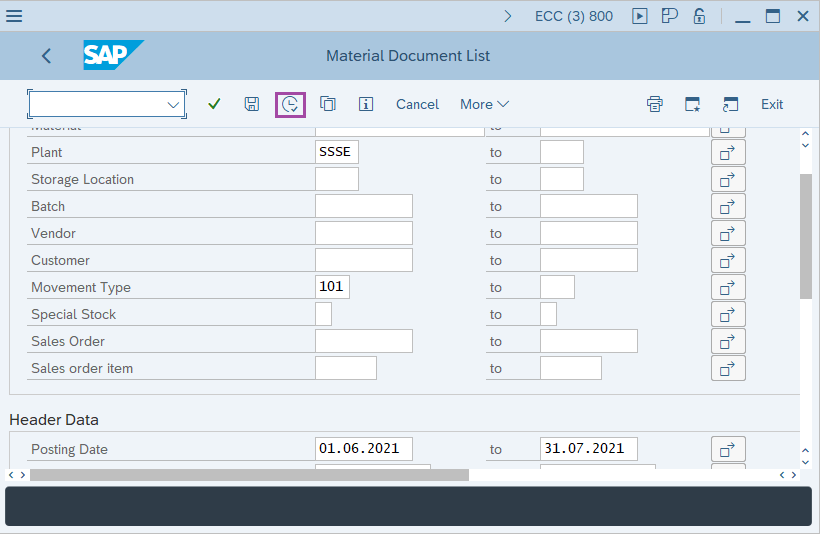
Step-3: - After entering the details, click on Execute button.
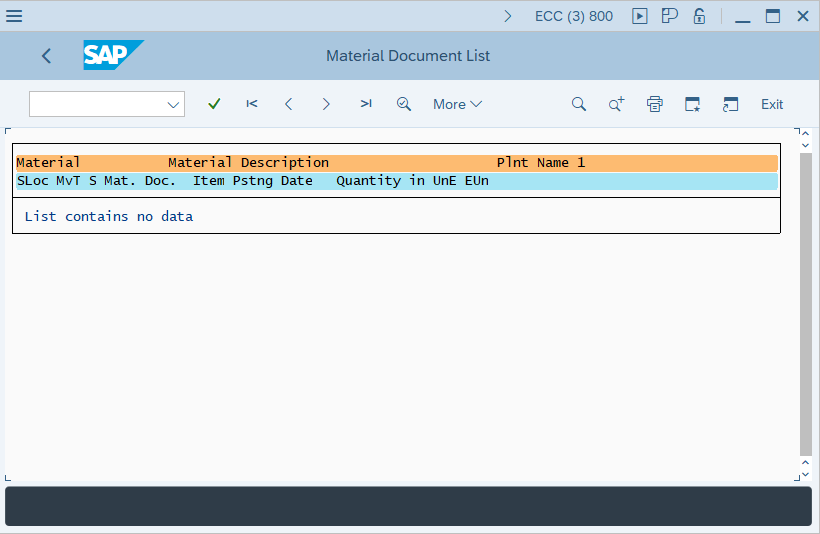
Step-4: - Material Document List window appears with material list.
Technical details –
- Transaction code: MB51
- Menu path: SAP menu → Logistics → Material management → Inventory Management → Environment → List Displays → Material Document.