
SAP PP How to do MRP Evaluation
MRP Evaluation means analyzing the results of the Material Requirements Planning (MRP) run. you use MRP evaluation tools to review, verify, and adjust the plan before production or procurement begins.
MRP Evaluation = Reviewing what MRP planned + Identifying issues + Taking corrective actions.
Prerequisites -
- MRP must have been executed.
- Material Master must have valid MRP data.
- Required correct Plant details.
Here’s a step-by-step to do MRP Evaluation –
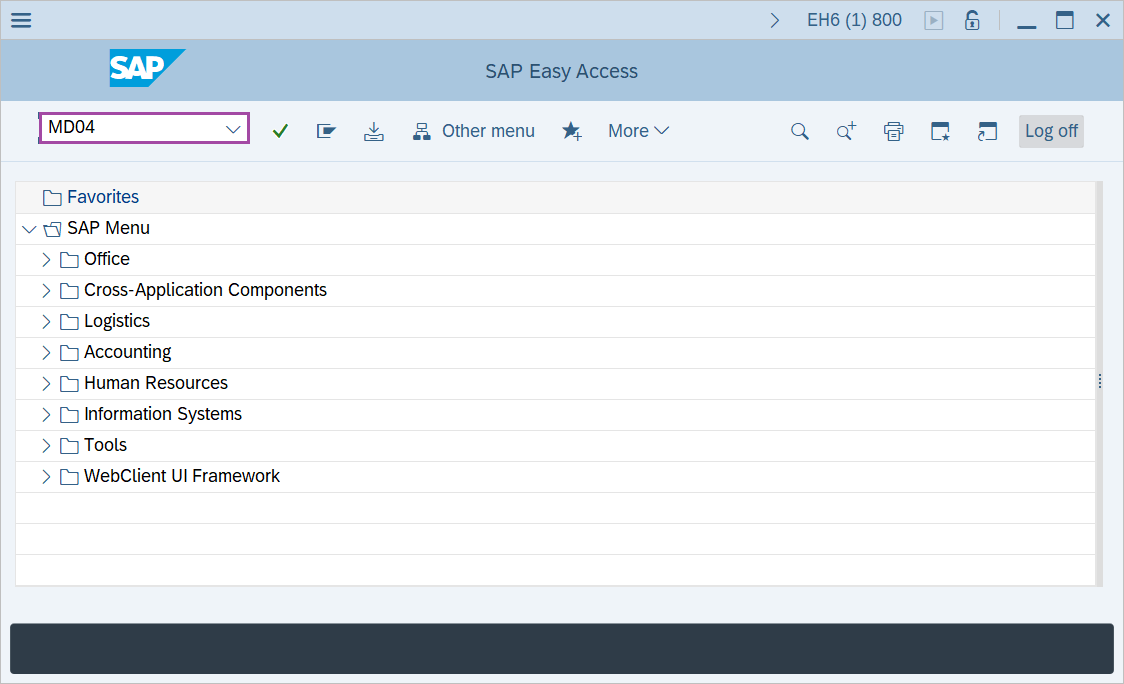
Step-1: - Enter the transaction code MD04 in SAP command field and press Enter to continue.
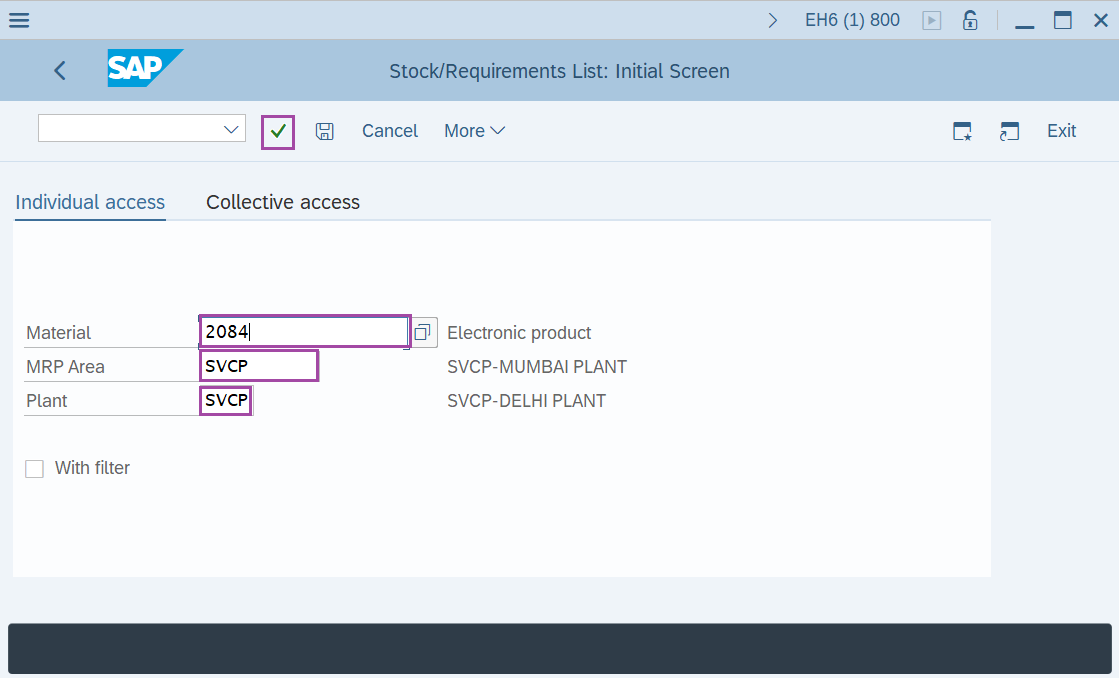
Step-2: - Stock/Requirement List: Initial Screen window appears. Enter details in the fields Material, MRP Area, Plant and Press Enter to continue.
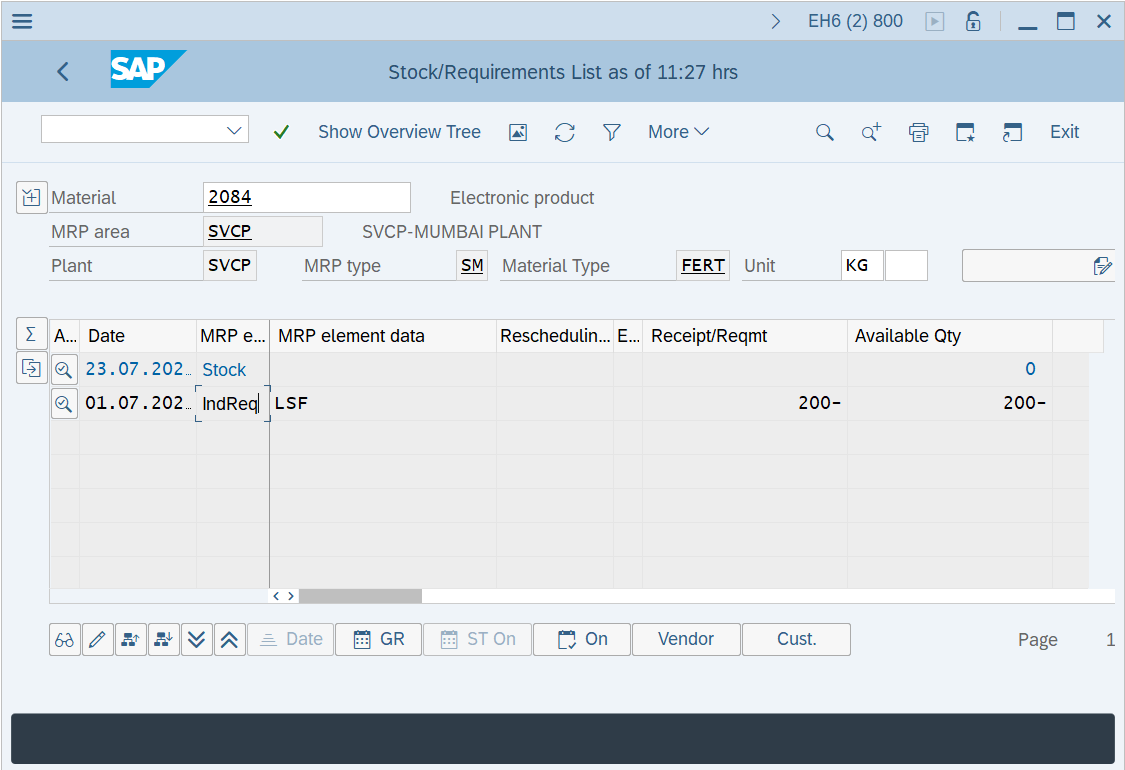
Step-3: - Stock/Requirements List is appeared.
Technical details –
- Transaction code: MD04
- Menu path: Logistics → Production → MRP → Evaluations → Stock/Requirement list.